App Screenshots

Spam call blocker and caller ID tool
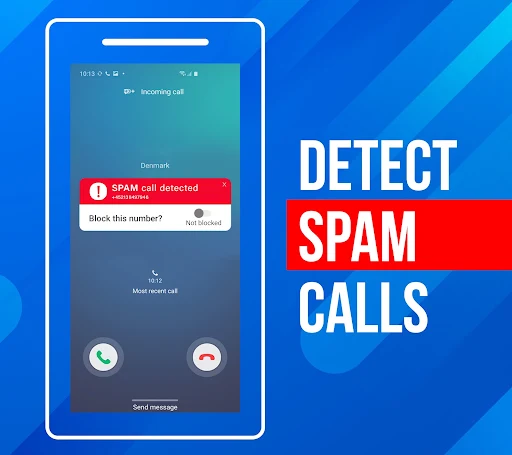
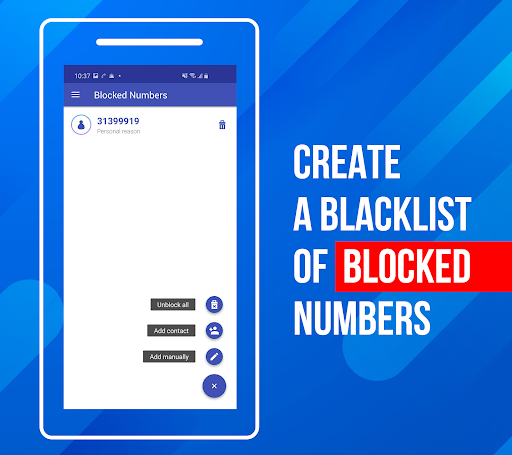
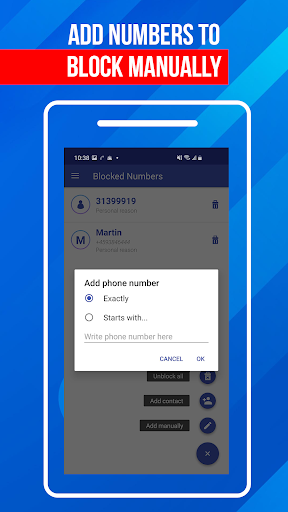
Call Block: Filter and Blocker helps prevent unwanted phone interruptions by identifying incoming callers and automatically stopping spam, telemarketing, and scam calls. It features a manual blacklist tool that lets users input specific numbers to prevent them from getting through, alongside a general unknown number filter. The app also integrates a post-call screen that prompts users with direct options to review details or immediately block a number right after a call ends, eliminating the need to search through recent call history later.
The app identifies incoming calls before they are answered, allowing users to screen unknown callers and avoid potential scams or sales pitches. Setting up custom restrictions is handled directly within the app’s interface using the bottom navigation bar. From there, users can add specific phone numbers to a personal blacklist to block those callers automatically in the future. The built-in call log keeps track of recent activity, displaying call details and making it simple to manage previously blocked contacts.
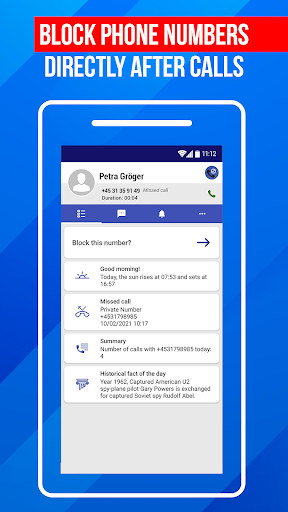
An after-call screen automatically appears as soon as a call is terminated. This interface provides immediate options to review the details of the call or instantly add the number to the blacklist. By surfacing these actions right when a call finishes, the app allows users to handle spam numbers while they are fresh in mind, bypassing the extra steps of opening the main app or digging through the native call history.
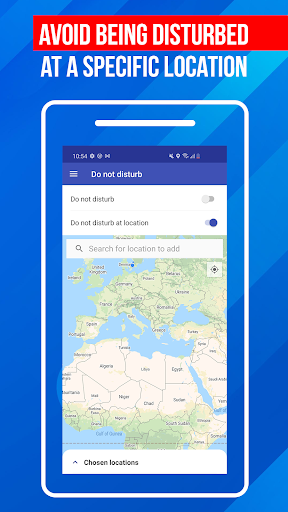
For situations requiring complete quiet or uninterrupted focus, the app includes a dedicated Do Not Disturb mode. When enabled, this function temporarily halts all incoming call notifications and connections. Users can access this mode alongside additional settings via the menu located in the top left corner of the interface.
Your comment was submitted and is awaiting moderation.
Your comment was published.