App Screenshots
Popular categories

Short video sharing and creation platform
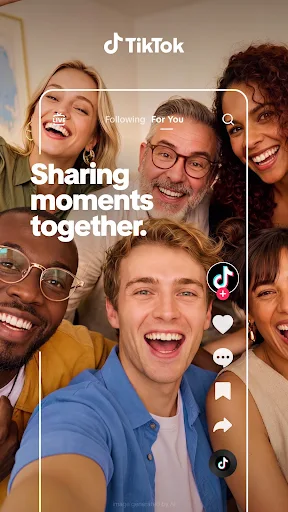
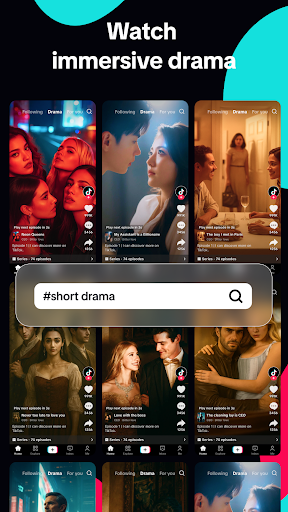
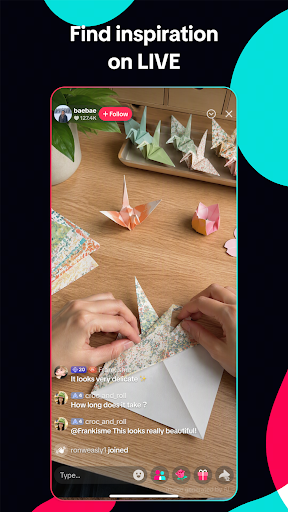
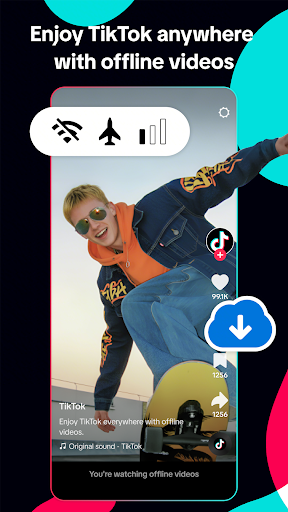
TikTok is a video-sharing app designed for discovering and publishing short-form content across interests like comedy, cooking, gaming, DIY, and pets. Its central For You feed automatically adjusts to individual viewing habits, using interactions such as full watch times, likes, shares, or skips to surface relevant clips. Users can also manually explore specific topics, find trending sounds, watch creator streams, or create their own videos using integrated camera features, audio overlays, and multi-segment editing tools.
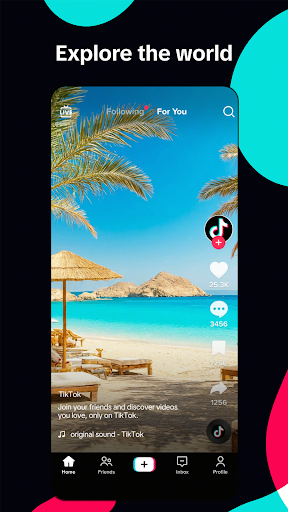
The main discovery pipeline centers on the algorithmic For You feed, which dynamically alters recommendations based on how a user interacts with past videos. Beyond this main stream, alternative browsing modes provide structured ways to find content. The Following feed focuses strictly on chosen accounts, while Explore sections and live creator streams offer dedicated spaces for broader browsing. Side controls on any playing video allow quick access to creator profiles, comment sections, saving features, and sharing options. Tapping the sound details on a post immediately brings up a dedicated page showing other videos that utilize that exact music track or audio clip.
The app incorporates a full recording setup accessible directly from the main interface, supporting both live camera captures and direct media imports from device storage. Users can adjust parameters like clip duration, playback speed, visual effects, and filters before hitting record. For complex videos such as step-by-step recipes or skits, the capture system supports segment recording. This lets creators film separate takes consecutively without keeping the camera running in a single continuous shot.
Built-in editing functions allow users to process raw footage into finished posts directly within the interface. The internal editor includes capabilities for trimming clips, stitching multiple takes together, duplicating segments, and adding visual overlays. Creators can also apply auto-generated subtitles, text boxes, and stickers to suit specific post formats, such as short gaming highlights or quick tutorial clips. Videos that require later adjustments can be saved to drafts to finish editing at a later time.
Your comment was submitted and is awaiting moderation.
Your comment was published.