App Screenshots
Popular categories

Timeline video editor for clips and effects
"- Fixed some known issues - improved the trimming experience.
We thank you for supporting CapCut and look forward to creating beautiful moments together."
Creating polished video content for social media platforms like TikTok, YouTube, and Instagram often requires both simple trimming tools and sophisticated visual effects. CapCut – Video Editor provides a comprehensive editing suite that lets you manipulate video tracks, add dynamic animations, and apply automated audio adjustments. From adjusting clip speeds using custom curves to automatically generating subtitles from spoken audio, the app gives creators precise control over visual storytelling without needing complex desktop software.
At its core, the app features a multi-track timeline that allows you to layer, arrange, and preview multiple video clips and audio files simultaneously. Basic clip editing tools enable you to split, trim, shorten, or merge video segments. To control pacing, speed settings allow adjustments ranging from slow-motion 0.1x to rapid 100x playback, alongside speed curve tools for smooth acceleration. You can also freeze specific frames to highlight moments or insert animated zoom effects on individual clips.
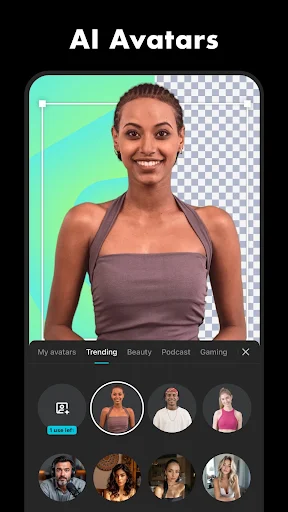
For more intricate visual edits, keyframe animation can be applied across all settings to manually animate elements over time. The chroma key tool lets you select and remove specific color ranges from a background, while a dedicated background removal feature handles isolated cutouts automatically. To fix shaky handheld footage, an integrated stabilization feature smooths out camera movement, and the optical flow feature aids in generating smooth slow-motion playback.
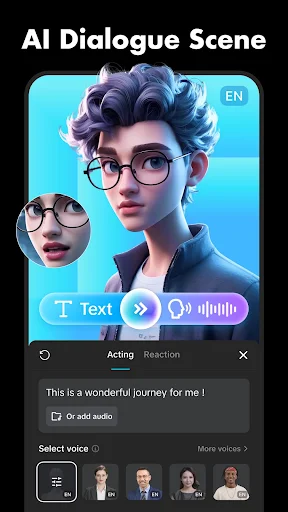
Audio tools within the editor facilitate both sound design and accessibility. Speech recognition technology powers an auto-caption feature that transcribes video audio into subtitles directly onto the track, where text position and styling can be adjusted in a single step. The app also offers text-to-speech conversion across multiple languages and voices, customizable fonts—including support for local font imports—and the ability to extract audio tracks directly from imported videos.
Once an edit is complete, you can adjust the video aspect ratio and format to match the target social network, including WhatsApp and Facebook. Resolution and frame rate settings are customizable during export, supporting high-definition renders up to 4K resolution at 60 frames per second as well as smart HDR processing.
Your comment was submitted and is awaiting moderation.
Your comment was published.