App Screenshots

Popular categories
Selfie camera and photo editing tool
V5.3.1
🎊Add Thanksgiving stickers, share fun
💖Improve camera, easy to control
V5.3.0
💝Halloween effects, more fun
💯Improve speed, unlock all features
V5.2.9
🎁Improve performance, better experience
🚀New effects, real and beauty
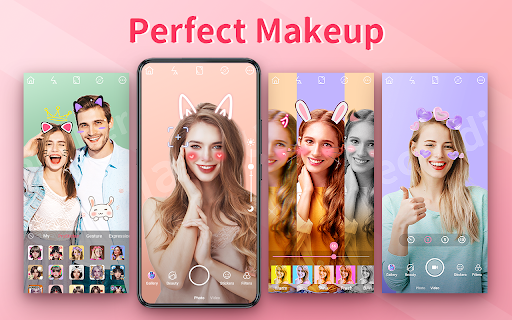
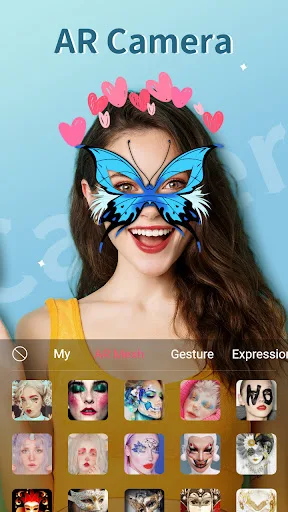
Taking photos and recording videos with real-time enhancements is straightforward using Beauty Camera – Selfie Camera. Designed as a photo and video capture tool with built-in editing features, the app allows you to apply cosmetics, adjust facial features, and add decorative elements both while capturing content and during post-processing. Its ability to detect and apply edits to multiple faces simultaneously makes it practical for group captures alongside solo portraits.
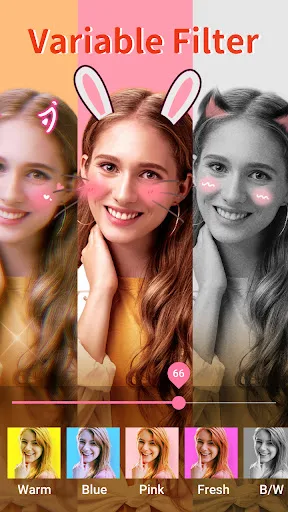
Before snapping a photo or recording a video, you can preview high-resolution capture modes, including a dedicated night mode for low-light environments. The live camera preview supports real-time filters, thematic AR stickers, and live makeup applications that let you test various cosmetic styles from top beauty brands.
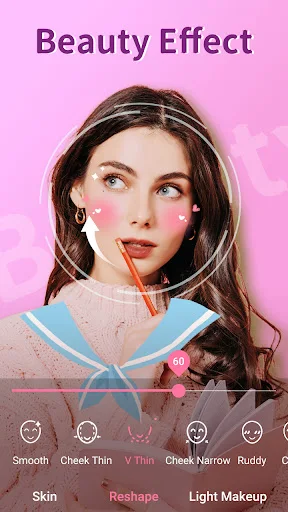
The built-in touch-up tools provide targeted controls to modify specific portrait elements. Skin tone can be smoothed with dedicated controls, while facial editing options include an acne and pimple remover, eye enlarger, dark circle concealer, and red-eye remover. Additional shaping controls allow for face slimming, lip plumping, nose bridge adjustments, and teeth whitening. Beyond facial edits, the app includes options to reshape body contours.
Once photos or videos are captured, the app functions as a media editor. You can erase unwanted objects from images using a dedicated remover tool, paint with a doodle pen, apply art collages and frames, or add custom text and decorative stickers. The built-in video editor extends these editing capabilities to moving media, allowing you to finalize video content directly within the application.
Your comment was submitted and is awaiting moderation.
Your comment was published.