App Screenshots
Popular categories

AI video generation tool
AIreel enables text-to-video, image-to-video, AI prompt expansion, and cross-platform aspect ratio adaptation. Start creating instantly!
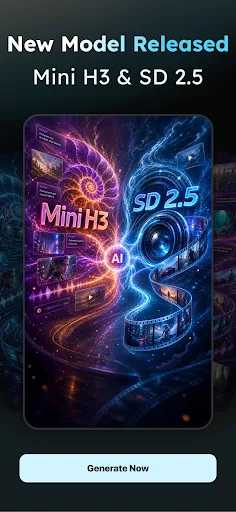
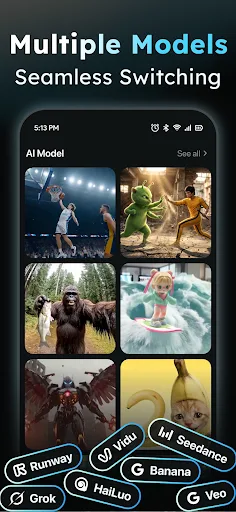
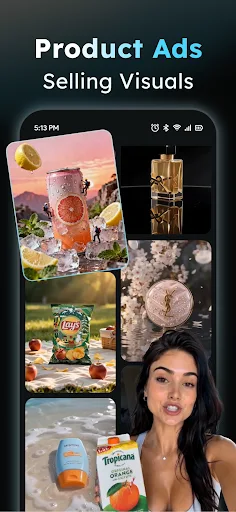
Transforming static media into dynamic video clips is the core purpose of AIReel : AI Video Generator. Designed for content creators generating short-form media for platforms like TikTok and Instagram Reels, this app utilizes multiple text-to-video and image-to-video models to produce automated video sequences. Users can supply written prompt descriptions, animate still photographs, or apply AI-driven video edits to alter elements within an existing clip without requiring traditional manual editing software.
The core functionality relies on a dual-mode engine capable of converting written text or static images into video files. When working with text, users input a descriptive prompt to render automated visual narratives. For users who struggle with complex prompt engineering, the integrated Prompt Expander takes basic phrases and automatically expands them into more detailed descriptive text designed to yield better generative results. When transforming images, the app handles assets such as portraits, digital artwork, or pet photos, applying motion models to generate fluid animation from static sources.
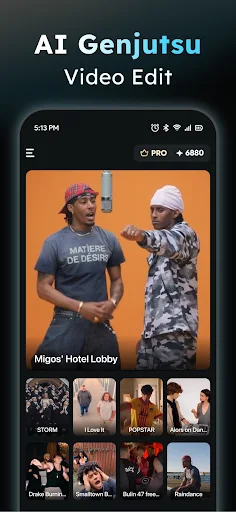
For precise scene direction, the app features an AI Camera Control tool. By uploading an image and interacting with a virtual camera interface, users can adjust camera angles and framing to dictate how the generative model renders movement around the subject. Additionally, the AI Genjutsu feature allows users to edit pre-existing video files by selecting and replacing specific people, characters, or visual objects directly within the video frames.
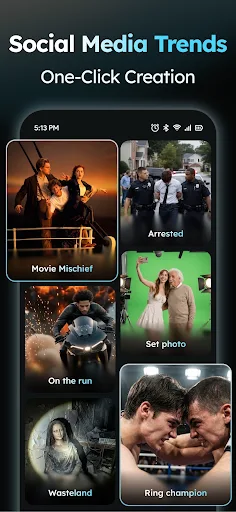
To streamline video production for social platforms, the application includes over 100 templates designed to match current social media trends. After generating or editing a clip, creators can format the final output by selecting from three supported aspect ratios: 9:16 for vertical mobile video, 16:9 for widescreen displays, or 1:1 for square posts.
Your comment was submitted and is awaiting moderation.
Your comment was published.