App Screenshots
Popular categories

Virtual hairstyle and hair color simulator
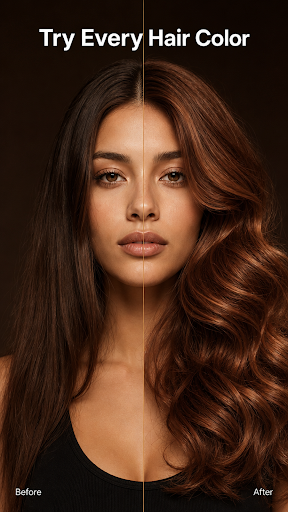
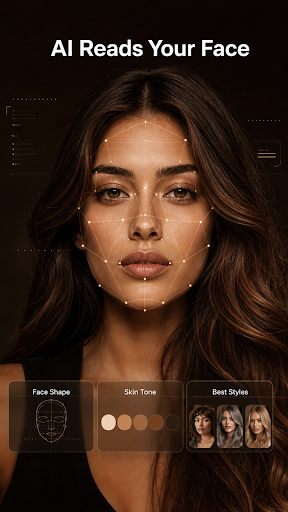
Visualizing a dramatic change to hair length or color often carries the risk of salon regret, but AI Hairstyle Try On & Color allows users to test cuts, shades, and facial hair styling directly on their own photos before committing. The app maps key facial features—including hairline, face width, and skin tone—to render realistic overlays instead of placing static haircuts onto generic templates. Users can run built-in face shape analysis to discover flattering cuts, browse hundreds of hair colors, and preview combined edits like a new haircut layered with a beard filter or a subtle color shift.
The app utilizes an analysis tool that scans a user’s selfie to determine their face shape, skin tone, and existing hair parameters. Rather than applying a standard visual filter, it adapts every cut and hair shade to match the specific contours and undertones of the photo. Based on these measurements, the app suggests complementary haircuts designed to suit the user’s features, helping narrow down extensive choices into a personalized shortlist.
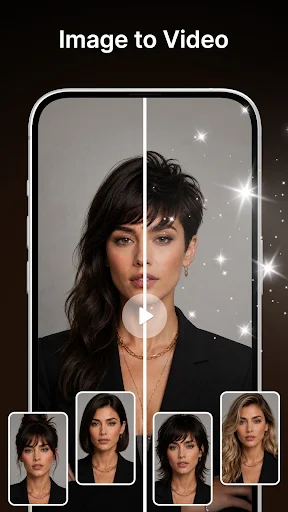
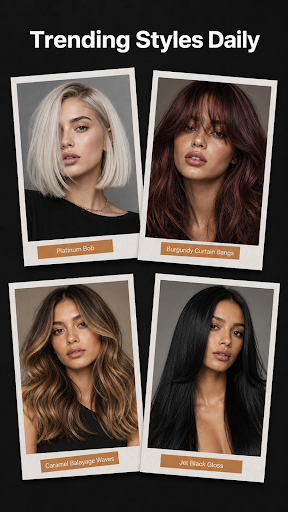
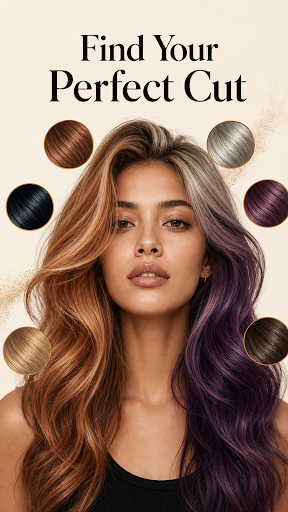
Users can experiment with a broad selection of hair transformations, ranging from bold color edits like platinum blonde or deep auburn to multi-tone options such as balayage and highlights. The app also supports men’s grooming options, allowing previews of short crops, fades, and integrated beard filters. Multiple adjustments can be applied simultaneously, making it possible to preview changes in texture, length, and color all at once to evaluate a complete makeover.
Once a desired style or hair dye effect is generated, users can capture side-by-side comparisons or save high-resolution screenshots of the output. These images serve as clear visual references to take to a professional stylist or barber, eliminating miscommunication about targeted lengths, shapes, or color tones during appointments.
Your comment was submitted and is awaiting moderation.
Your comment was published.