App Screenshots
Popular categories

Digital painting and sketching tool
7.2.12:
- Fixed using Text/Panels from the docked toolbar
- Minor improvements & bug fixes
7.2.11:
- Improved PSD support
- Redesigned Classroom with short video demos
- Improved Timelapse quality for longer project sessions
7.2:
- New Text tool
Visit www.infinitestudio.art for details and feedback.
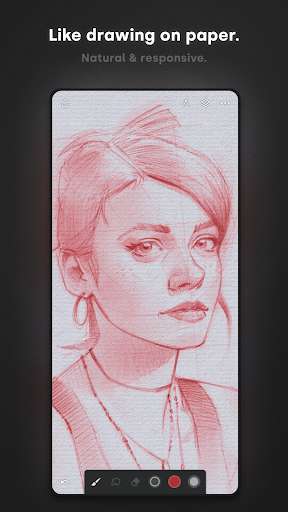
Infinite Painter is a mobile illustration and painting app that allows artists to create digital artwork, sketches, and complex designs directly on phones, tablets, and Chromebooks. Built around a customizable interface that leaves maximum space for the canvas, the app offers high-fidelity digital painting features like 64-bit Deep Color support, realistic brush-to-canvas interactions, and over 100 brush settings. Artists can draw with precision using smart shape detection, advanced perspective guides, and robust transformation tools, making it a comprehensive mobile studio for personal projects or professional art workflows.
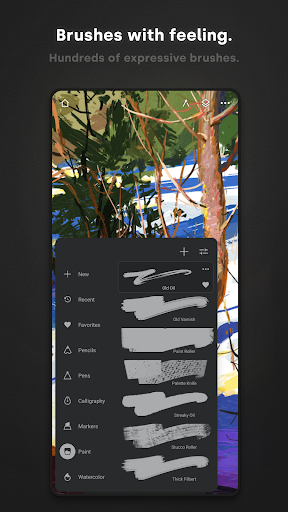
The brush system provides hundreds of built-in presets along with options to create, organize, and export custom brush sets. Brushes support full pressure and tilt sensitivity on stylus devices, allowing for organic strokes. While painting, you can apply real-time color adjustments, live effects, or set a brush to sample lower layers during blending. Strokes can also be converted directly into editable vector-like shapes. For quick modifications, brush settings can be docked to the workspace, and common actions can be pinned directly to the main user interface.
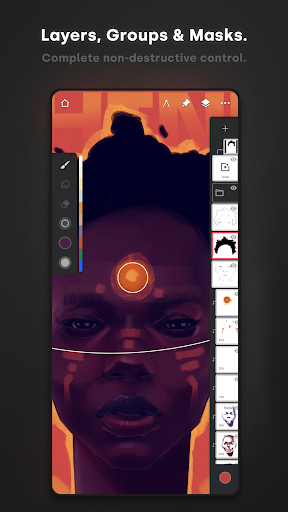
Artists can build complex compositions using full layer support that includes 30 blend modes, clipping masks, and specialized masks for adjustments or layer groups. The app accommodates deep color grading through Gradient Maps, Color Curves, filter layers, and over 40 live filter effects such as Liquify, Focus, and Tilt-shift masking. To refine color schemes, a color wheel can be pulled directly onto the canvas with a two-finger gesture, while fill tools permit dragging to adjust live tolerances across target layers.
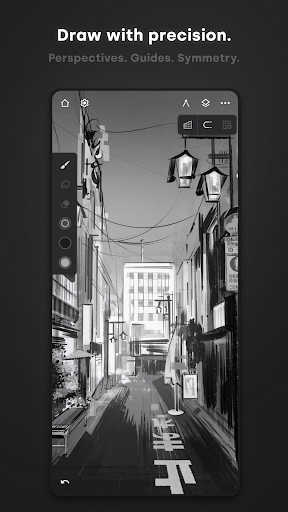
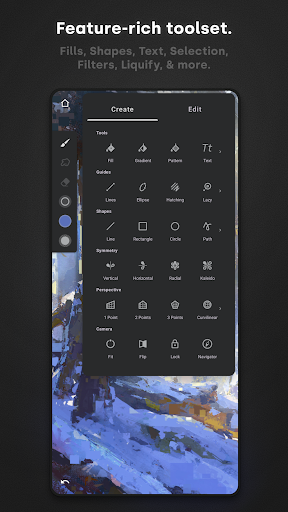
For structured drawing, Infinite Painter includes targeted geometric and perspective tools. The app features Radial and Kaleidoscope symmetry, a dedicated Hatching guide, and smart shape detection that automatically perfects shapes when drawing pauses. For architectural and concept work, five distinct Perspective Guides allow artists to draw 3D cityscapes, drag circles and rectangles directly within a perspective grid, or design grid-based game art using isometric perspective.
Beyond standard illustration, the app contains tools tailored for pattern creation and photo manipulation. Users can build seamless pattern projects, use artistic or photo cloning, and set up multiple reference images alongside the canvas. To assist with proportion and value checks, a built-in Canvas Preview allows quick flipping and grayscale views. Projects are protected through an integrated Project History that lets creators step back through past edits, and completed artwork can be exported alongside a Timelapse recording of the entire creation process.
Your comment was submitted and is awaiting moderation.
Your comment was published.