App Screenshots
Popular categories
AI short drama video maker
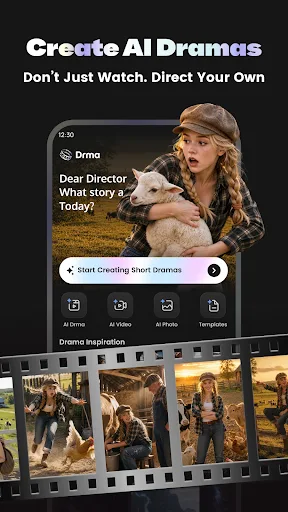
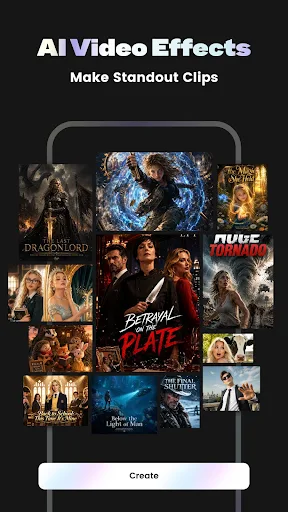
Drma: AI Short Drama Maker is an app designed to transform text-based ideas into complete short drama videos through an automated production workflow. It handles the entire video creation chain by generating narrative scripts, organizing scene-by-scene storyboard scripts, rendering visual storyboard videos, and combining those assets through AI editing. Creators who want complete creative authority over their project can utilize a guided, step-by-step workflow to confirm each phase, while those needing rapid output can rely on a single-tap generation mode to instantly convert a concept into a finished video.
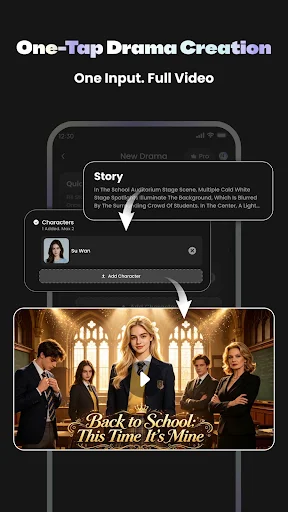
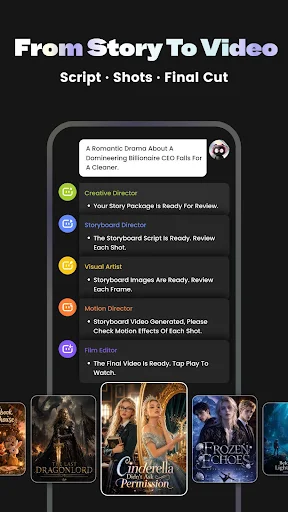
The production process in Drma is split into two distinct creation modes, catering to different levels of user oversight. The step-by-step workflow provides structured control over the project’s development. Users begin with a story preview, move on to generating and approving the storyboard script, produce the corresponding storyboard video clips, and finally compile the elements into a cohesive short drama. Alternatively, the quick generation feature bypasses individual review stages. Users enter a simple prompt or narrative concept, allowing the app to automatically generate the script, visual scenes, and final edited video in one continuous automated process.
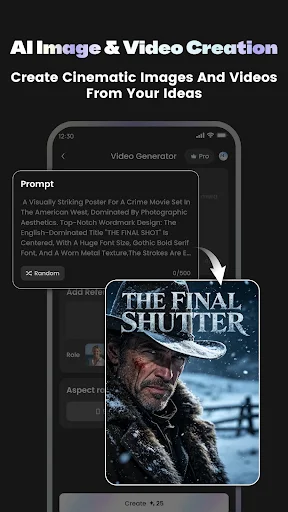
At the core of the app is its ability to build narrative structure and visual components from basic text inputs. The built-in AI scriptmaker drafts short drama stories, establishing the plot points required for a video sequence. Once the script is established, the app breaks the text down into granular storyboard scripts that define individual scenes. These script segmentations are then used to generate storyboard videos, creating the raw visual assets needed for the narrative before the built-in AI editing capabilities combine the scenes into a polished final release.
Your comment was submitted and is awaiting moderation.
Your comment was published.