App Screenshots
Popular categories

2D animation maker and drawing tool
Bug Fixes
- Fixed the steps button missing from the Contest screen.
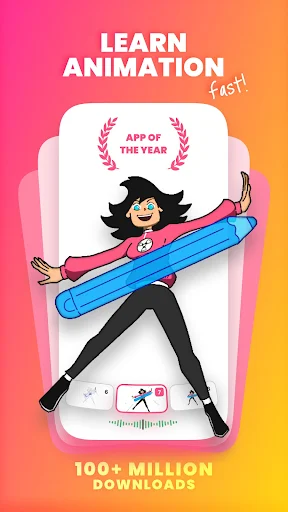
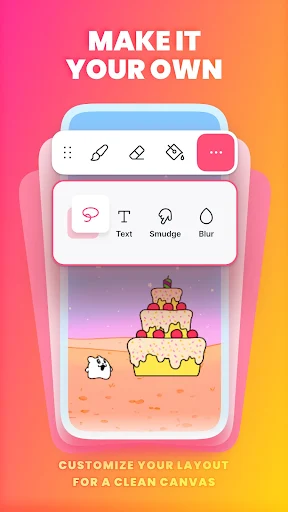
FlipaClip: Draw 2D Animation is an app that allows creators to build short animated videos, cartoons, and digital flipbooks using frame-by-frame drawing techniques. Users can sketch scenes on custom canvas sizes using brushes, fill tools, erasers, lasso selections, text, and rulers, with native support for pressure-sensitive styluses such as the Samsung S Pen and SonarPen. By combining drawing tools with a dedicated animation timeline, onion skinning, and multi-track audio features, it turns individual sketches into complete animated clips or GIFs.
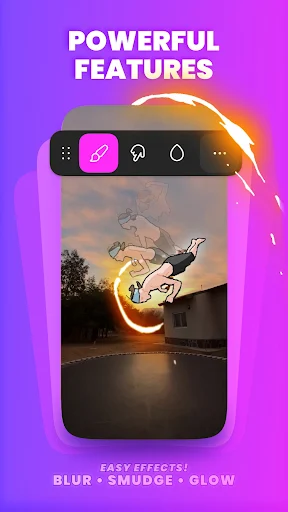
The core editing workflow centers on a frame-by-frame timeline that gives users fine control over every movement in their animation. An onion skin tool overlays adjacent frames so creators can align lines accurately for smooth transitions between drawings. Projects support up to 10 visual layers, with 3 available in the free tier, allowing users to separate background elements, line art, and colors. The editor also includes free blending modes and a glow effect to modify layer appearances.
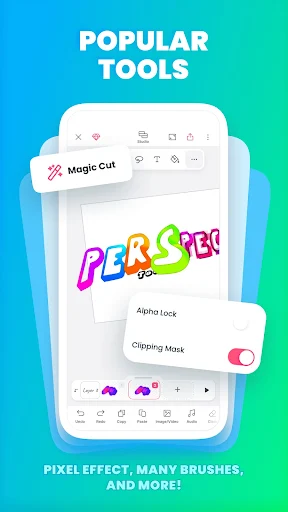
Creators can integrate existing media into their workflows by importing photos or videos directly into the app, making it possible to trace over video frames to produce rotoscope animations. A dedicated feature called Magic Cut uses AI to automatically isolate and slice objects or images out of frames so they can be repositioned or animated independently without manual background erasing.
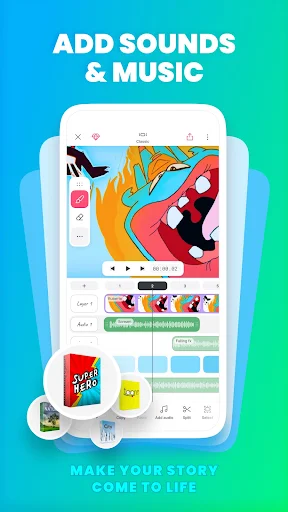
To accompany the visual animation, the app provides a audio editor capable of handling up to 6 free sound tracks. Users can import custom music tracks and sound effects, then align audio clips directly against the frame timeline for synchronized beat-matching or dialogue. An integrated AI Voice Maker tool can also generate natural-sounding spoken narration directly within the project.
Once an animation is complete, users can export their work into standard playback formats. The app supports rendering finished projects as MP4 video files, animated GIFs, or sequential PNG images with transparent backgrounds for further editing in external software.
Your comment was submitted and is awaiting moderation.
Your comment was published.