App Screenshots
Popular categories

AI-powered video generation tool
User experience improves and bug fixes.
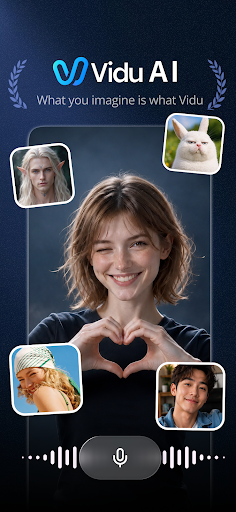
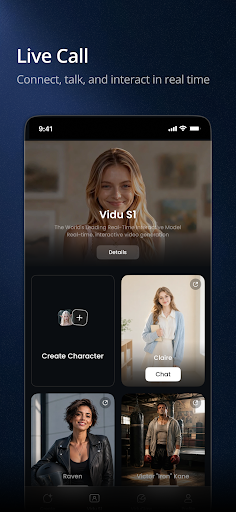
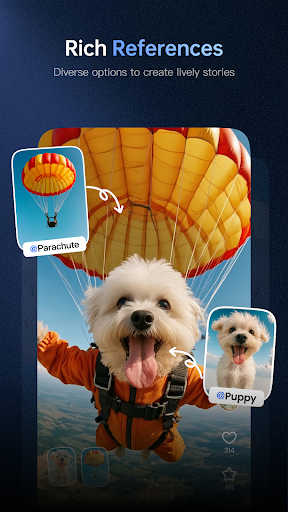
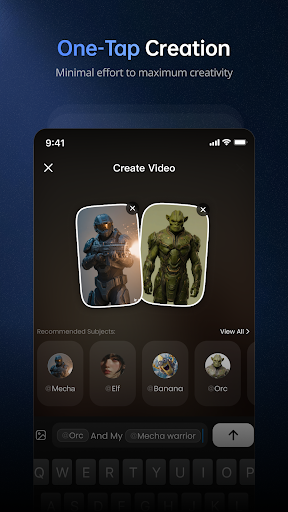
Vidu – AI Video Generator turns written text prompts and reference images into high-definition, cinematic video clips without requiring manual editing skills. Users can type an idea to generate a complete video, supply a custom visual reference to direct the generation toward specific characters or styles, or build upon existing community concepts. The app also features full audio integration, automatically pairing generated clips with background music, sound effects, and voiceovers.
The core workflow relies on text-to-video generation. You type a description of the scene you want to create, and the underlying AI engine constructs an HD video based on those instructions. To maintain creative control over the output, you can upload your own image as a custom reference. This trains the generator to match a specific art style, character design, or visual concept, ensuring the output aligns with your intended aesthetic.
Rather than outputting silent video files that require external editing, the app handles audio creation alongside visual rendering. It automatically pairs generated video clips with matching background music, sound effects, and voiceovers. This automated setup allows creators on platforms like TikTok, Instagram, and YouTube to produce complete video assets in a single step.
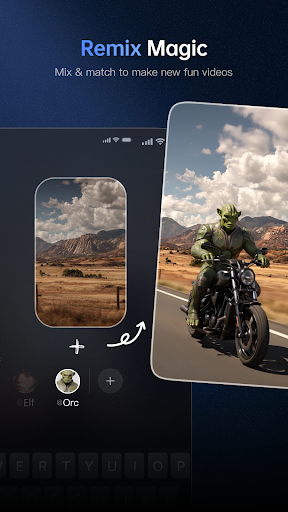
If you need inspiration or want to build on existing styles, the app includes a community feed featuring user-created projects. Tapping the Remix option on any shared video allows you to adapt that idea into a new creation. The remix process retains the original’s underlying visual and audio template, giving you a baseline to modify into a custom variation.
Your comment was submitted and is awaiting moderation.
Your comment was published.