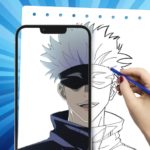
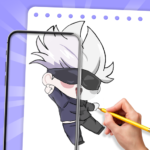
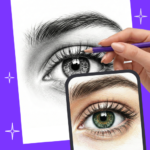
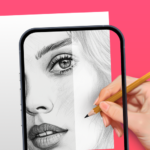
App Screenshots
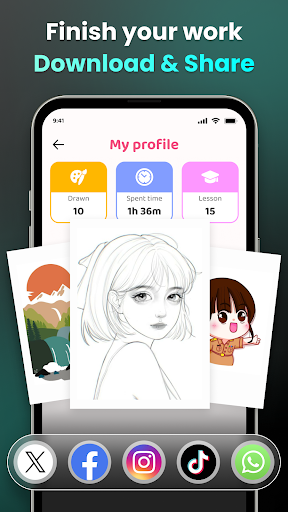
Popular categories
Augmented reality drawing and sketching guide
Version 2.0.6 - 12/11/2026
- Improve performance
- Fix bugs
Artrace: AR Easy Draw & Sketch aids beginners and hobby artists in copying images by overlaying a digital guide directly onto a physical drawing surface using a smartphone camera. Instead of trying to recreate proportions purely by eye, artists can view their paper through the screen to trace outlines of photos, characters, and objects. The app supports reference imports from a variety of sources and includes structured lessons and courses designed to assist with daily sketching practice.
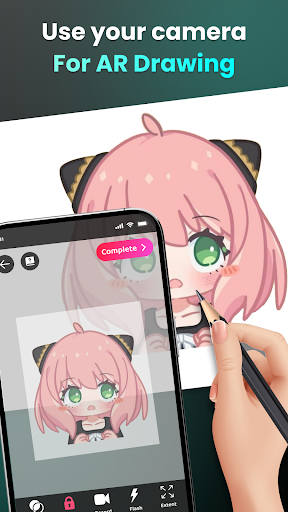
The core functionality relies on the device camera to project a chosen image over physical paper. As you move a pencil over the drawing surface, the screen displays the digital outline overlaid directly on top of your work. Because maintaining a steady view is critical for line accuracy, placing the phone on a tripod, stand, or stable mount works best; holding the device by hand introduces small shifts that can disrupt tracing accuracy. Once the camera aligns with the drawing surface, the visual guide can be adjusted, resized, or locked into place before you begin drawing.
Artists are not limited to fixed built-in templates when picking a subject. The app allows users to import reference images directly from the phone gallery, capture a new picture using the device camera, search via a browser source, or select an entry from the built-in Art Gallery. This flexibility makes it easier to practice with personal pet photos, specific character art, online pose references, or real-world items sitting on a desk. Importing simpler images with clear, clean outlines generally yields better results during tracing.
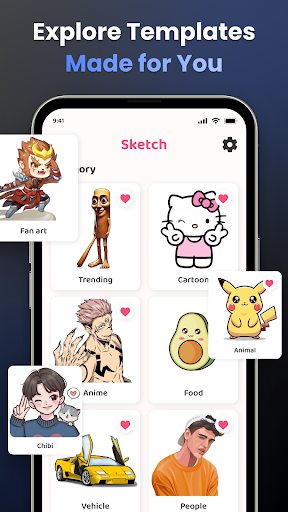
For users looking for quick inspiration without searching external sources, the app provides a library of pre-categorized drawing subjects. Available categories include anime, chibi, animals, food, flowers, vehicles, people, eyes, nature, and fanart-style artwork. Beginners can use these presets to practice distinct art styles or select specific drawing elements, such as facial features, to build fundamental skills.
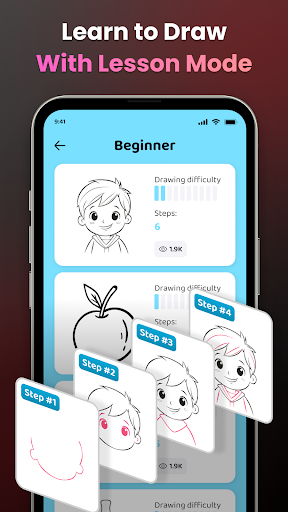
To help manage different lighting conditions and paper types, the drawing interface includes control tools to fine-tune the guide image. Users can adjust the opacity of the overlay, zoom in on detail areas, or turn on the device flashlight to brighten the paper. Additional options allow you to lock the image position to prevent accidental shifts, reset adjustments, or use capture and recording tools to document the drawing process. For structured learning, the app incorporates basic lessons, difficulty levels, and a 7-day course to guide daily practice routines.
Your comment was submitted and is awaiting moderation.
Your comment was published.