App Screenshots
Popular categories

Collaborative digital canvas for multiplayer drawing.
Version 1.1.51 20/11/2026
- Update feature family studio
- Improve performance
- fix bug
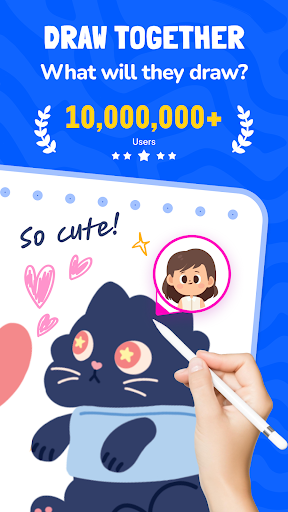
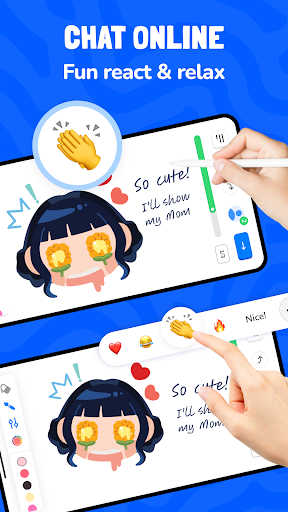
Artmate: Drawing Together is a collaborative mobile app designed for real-time multiplayer drawing and guided artistic learning. It turns your device into a shared canvas where you can create artwork alongside others, master step-by-step lessons, and track your creative progress. Whether you want to work on shared projects with friends or connect with new creative partners globally, the app provides structured visual tools and themed canvas options to assist artists of all skill levels.
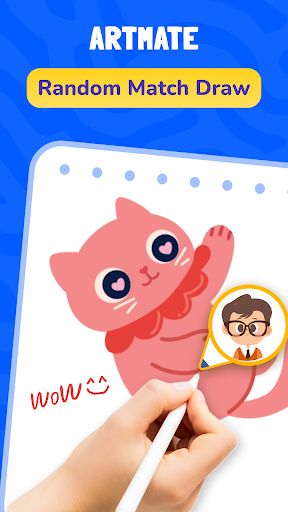
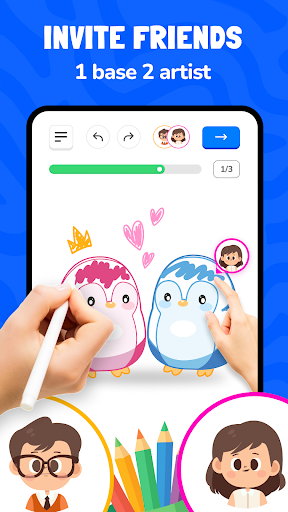
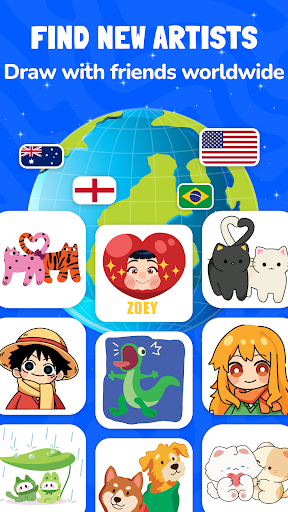
The app supports multiple ways to connect with co-creators on a shared canvas. You can generate a private room protected by a unique key to invite specific friends, allowing you to collaborate on drawings without outside interruption. Alternatively, the app features a fast matchmaking system that connects you with random users worldwide, letting you jump into collaborative drawing sessions with strangers in real time.
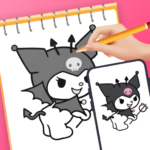
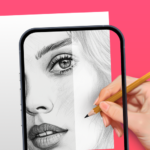
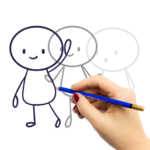
For users looking to build basic visual skills or overcome creative blocks, the app provides a library of guided tutorials. These visual lessons break down complex illustrations into manageable, step-by-step drawing instructions. The interactive structure lets you follow along at your own pace during both solo practice and shared multiplayer sessions, making fundamental art concepts easier to grasp.
To keep visual sessions varied, the platform includes a range of content categories and themes. Users can select from curated visual topics such as cute animals, natural landscapes, and anime-style characters. The app regularly updates its available template selection, ensuring fresh reference material and concepts for daily drawing activities.
Every completed artwork is automatically saved within the app. Through the My Profile interface, you can access your personal portfolio to review past sessions, track your daily drawing streaks, and monitor visual achievements over time. The system allows you to export finished collaborative or solo pieces immediately after completing a session, making it simple to save high-resolution copies directly to your device or share them externally.
Your comment was submitted and is awaiting moderation.
Your comment was published.