App Screenshots
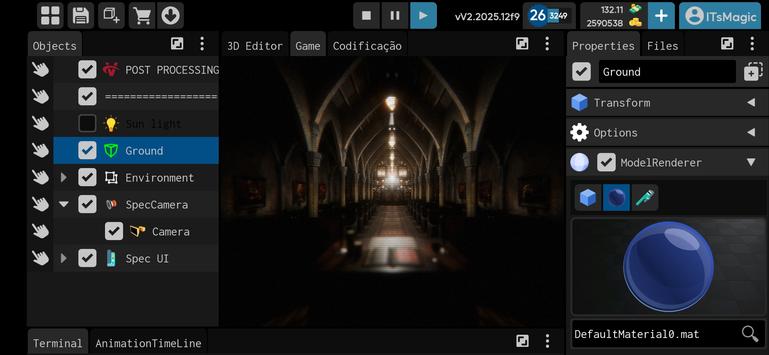
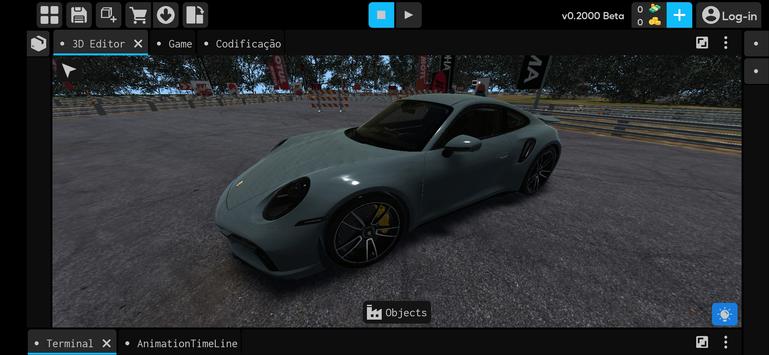
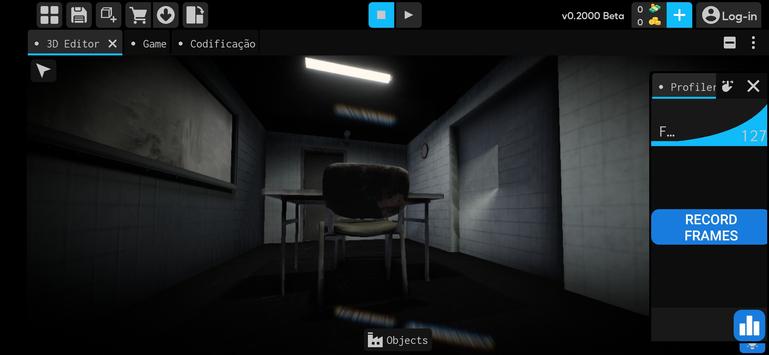
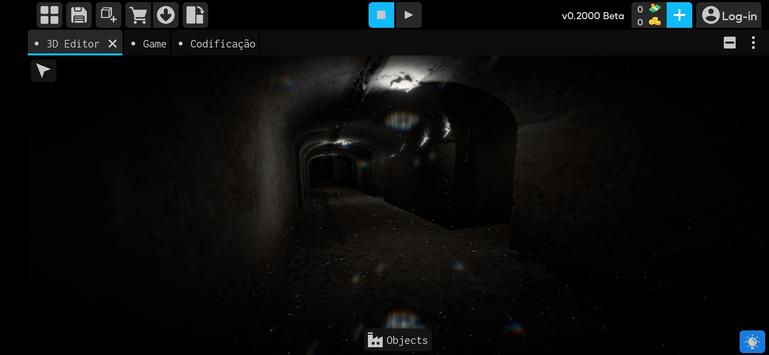
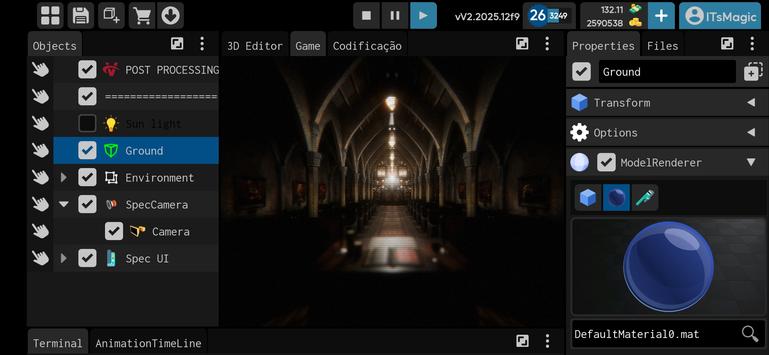
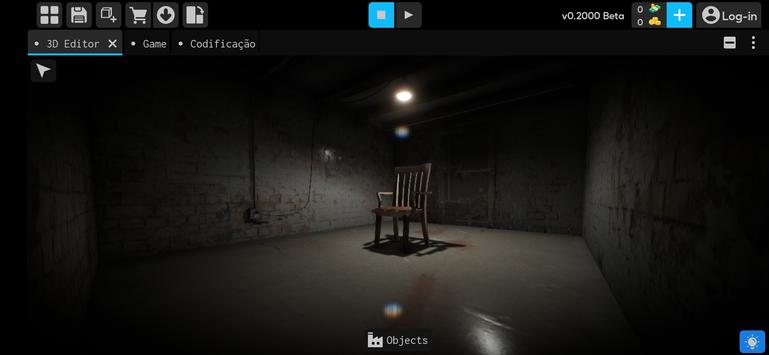
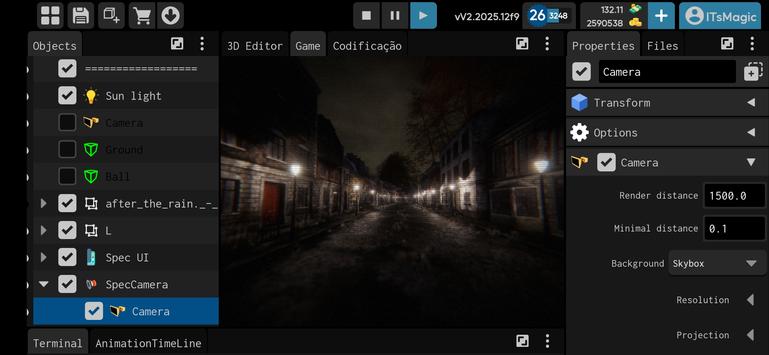
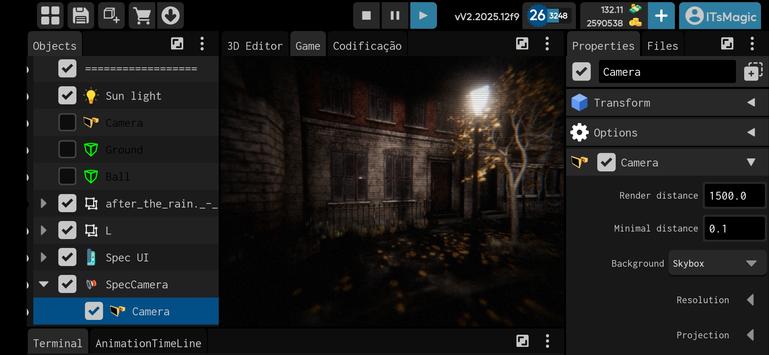

Mobile 3D game creation and simulation engine
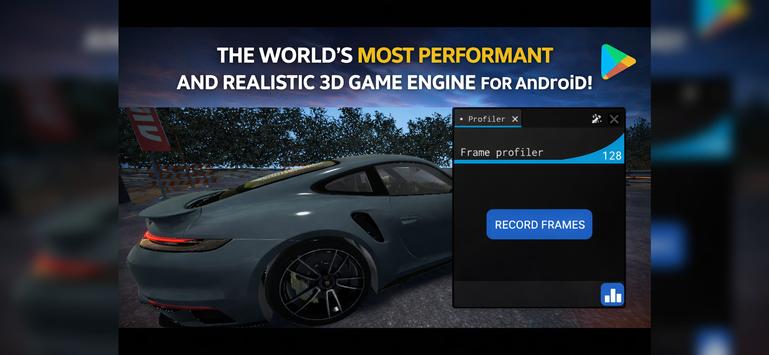
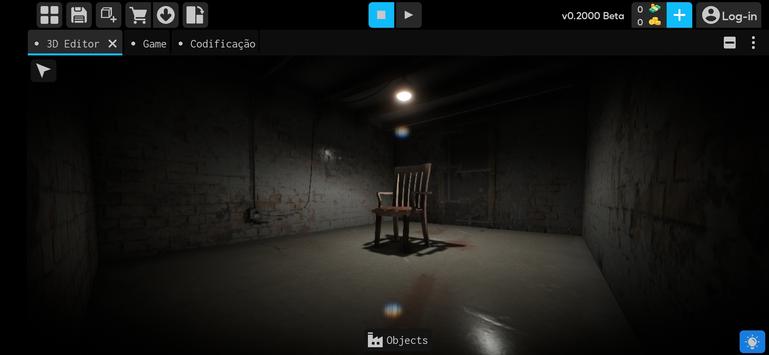
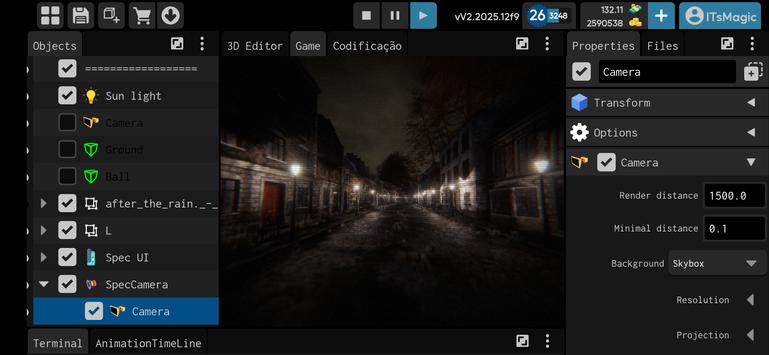
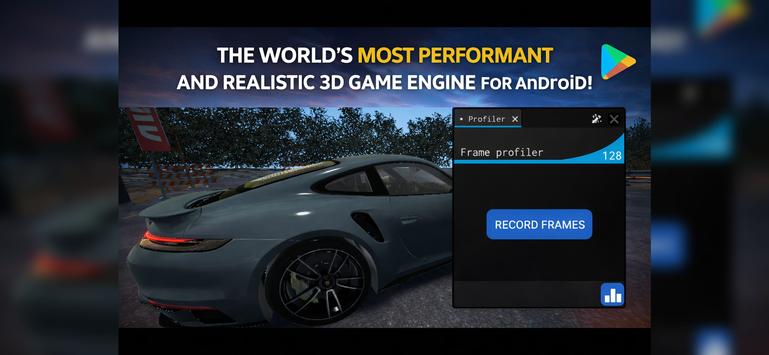
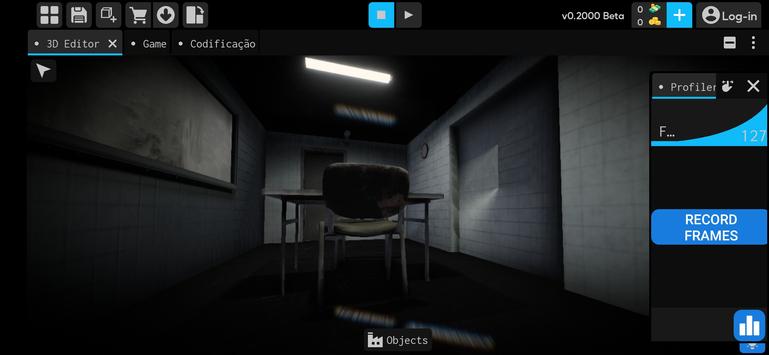
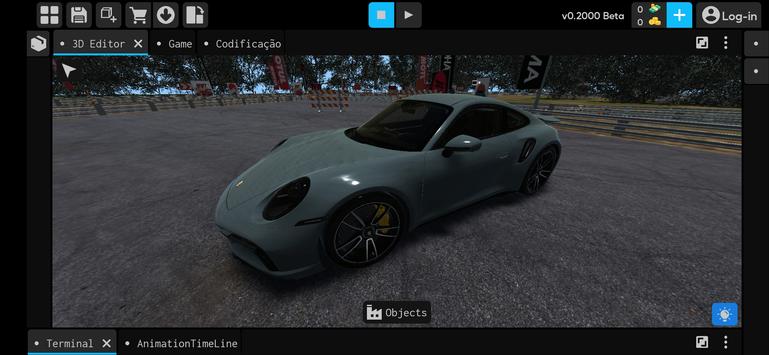
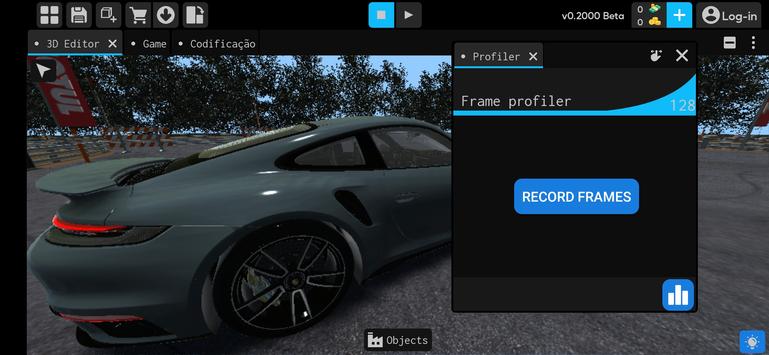
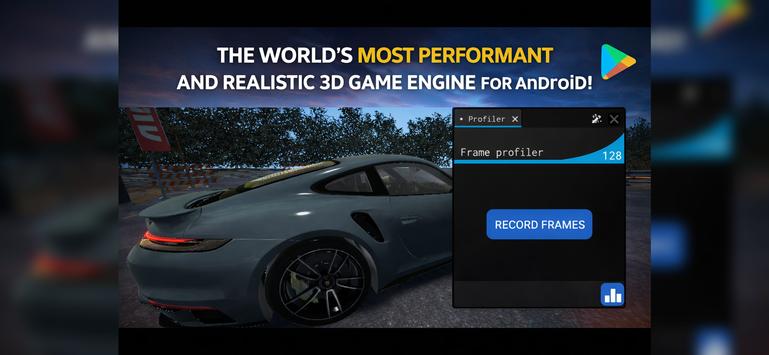
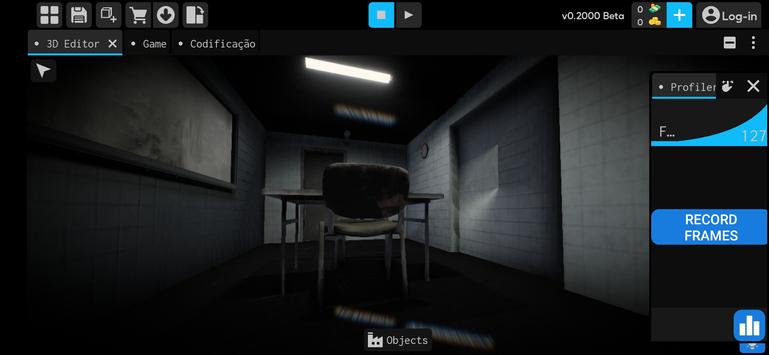
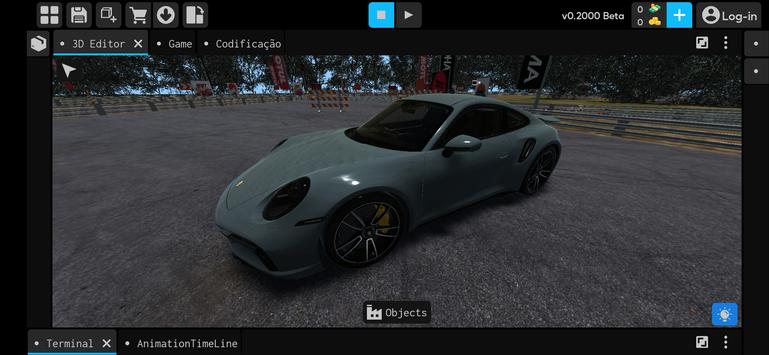
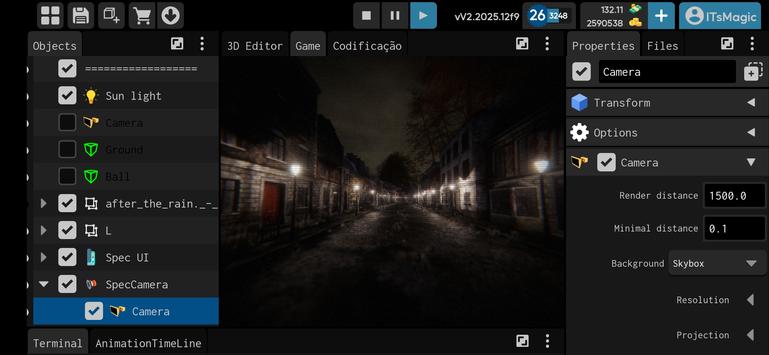
ITsMagic Engine 2.0 – Basic is a mobile 3D game development tool that allows creators to build, script, and render complete interactive projects. Players can construct environments, configure physics and lighting systems, handle animations, and write logic using Java or Lua code directly within the editor. It distinguishes itself by supporting high-end graphics rendering alongside the ability to compile and export finished creations as standalone installable package files for sharing.
Creation begins by importing external 3D models, textures, animations, and audio tracks into a project space. The game engine supports standard asset formats, including .obj, .fbx, .gltf, and .blend files for models, along with texture formats like .png and .jpg, and sound files such as .wav and .mp3. Creators assemble these assets into interactive worlds using a dedicated terrain editor to sculpt and texture landscapes, while an object pooling system keeps performance efficient when rendering large numbers of active objects.
Interactivity is implemented through custom code using either Java or Lua, giving users direct control over game rules, camera movements, and artificial intelligence behavior. Projects utilize integrated 3D spatial audio to position sounds dynamically relative to the player’s perspective, alongside a built-in physics and animation framework to handle collision detection, movement, and character actions.
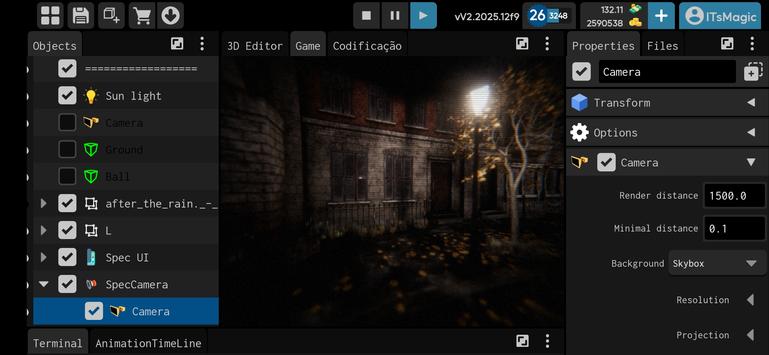
The underlying Vulkan rendering engine allows users to customize visual atmospheres using a suite of customizable post-processing effects and real-time custom shaders. Creators can apply real-time cascaded shadows, screen-space ambient occlusion (SSAO), atmospheric scattering, bloom, color grading, and volumetric fog to establish specific aesthetic styles. Visual enhancements such as depth of field, motion blur, and screen distortion effects can also be toggled and configured directly inside the project settings.
Your comment was submitted and is awaiting moderation.
Your comment was published.