App Screenshots

Search APKCombo and install APK, XAPK and split APK bundles
First release.
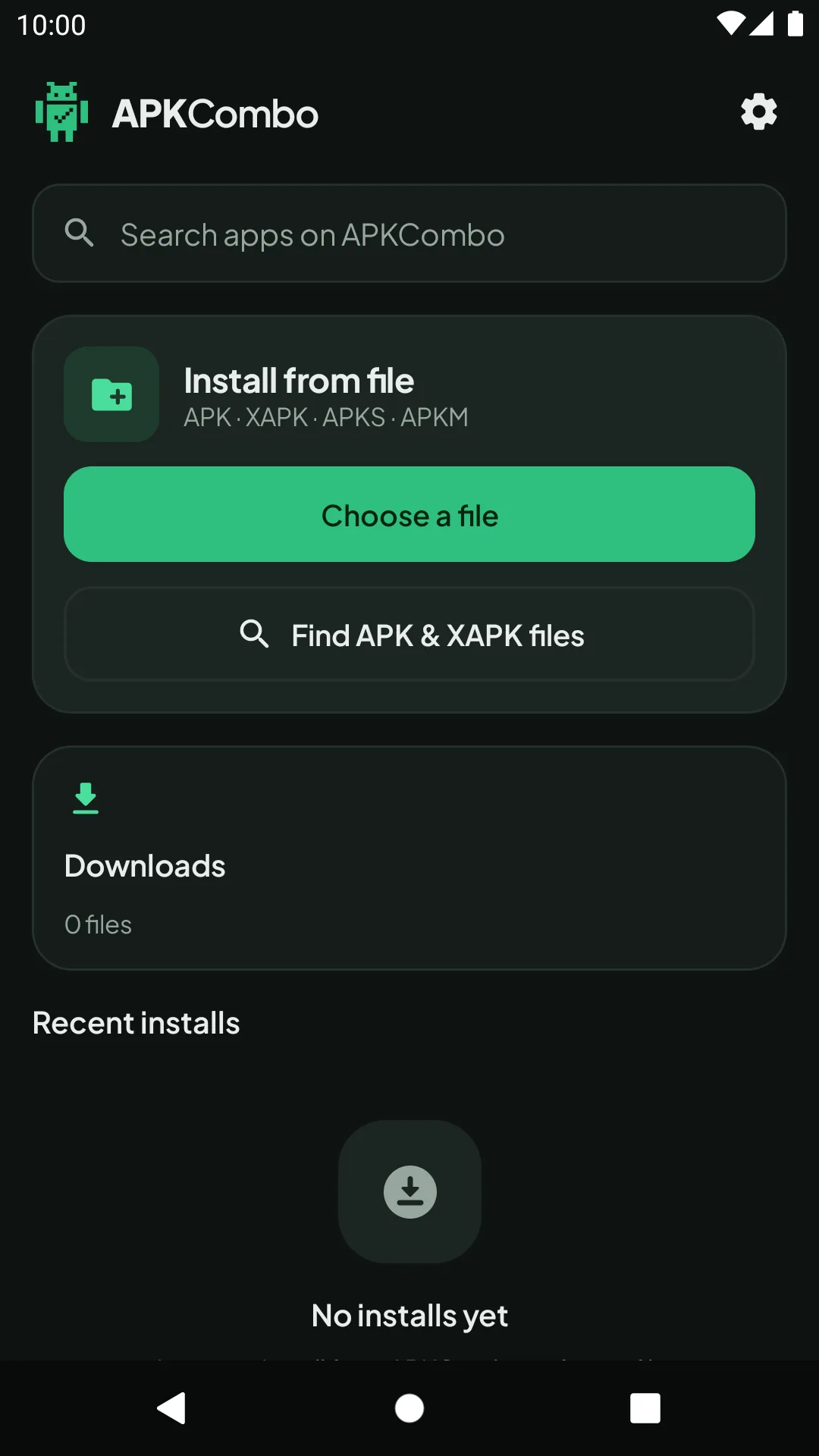
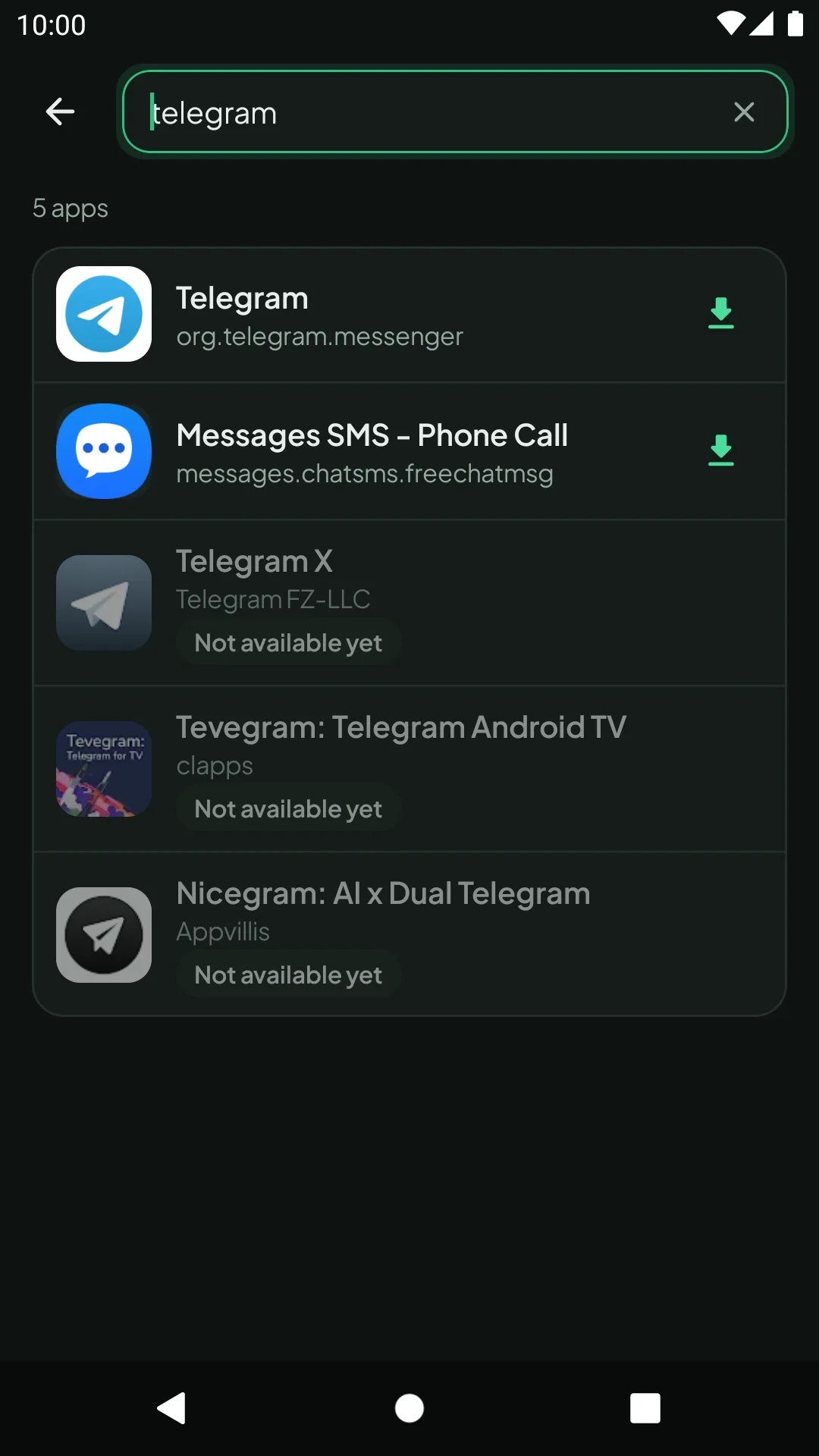
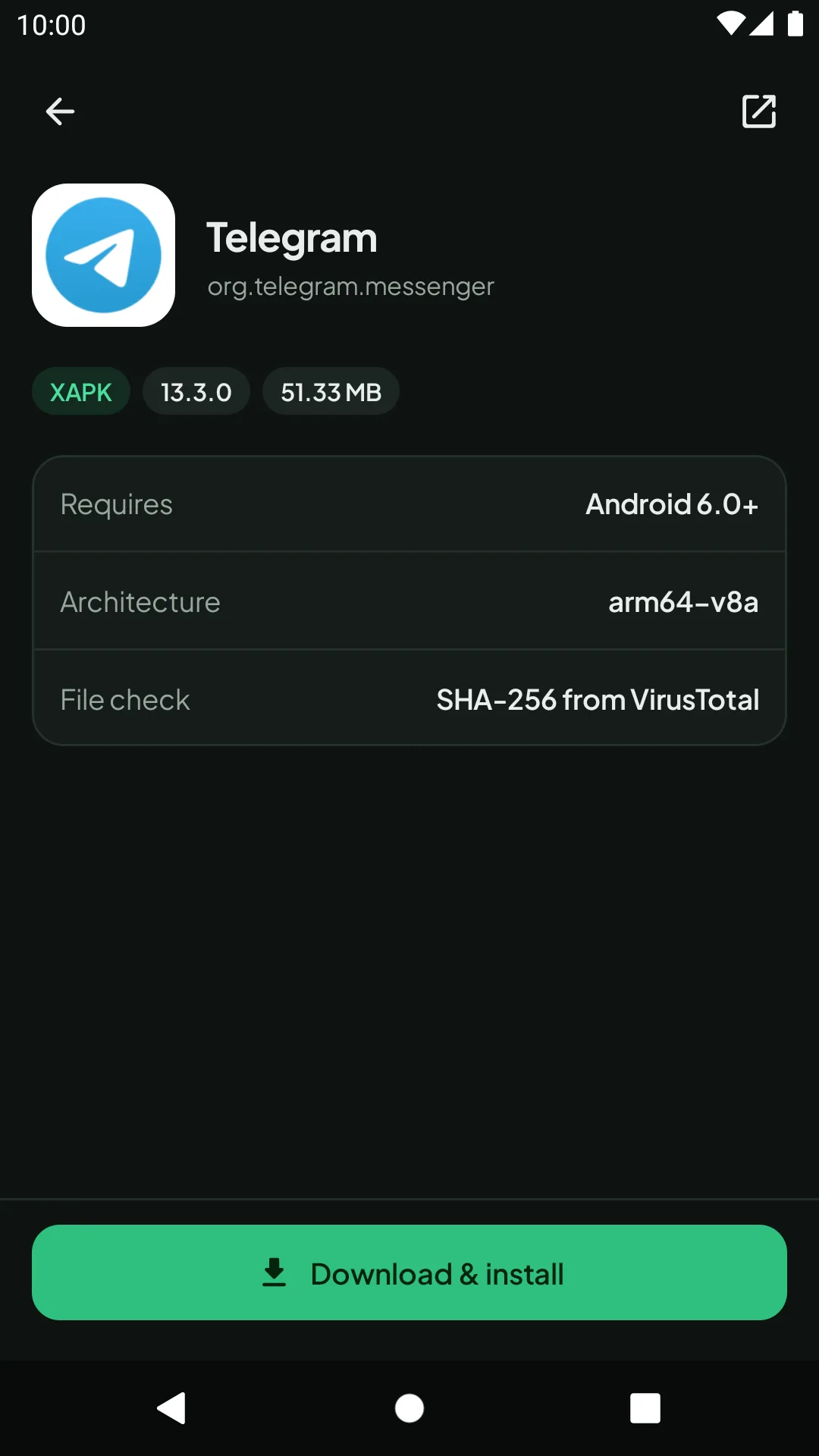
APKCombo Installer is the official Android companion to apkcombo.com. It lets you search the APKCombo catalog, download an app to your phone and install it in one step, whether the file is a single APK or a bundle made of several parts. Before anything is installed, the app checks the downloaded file against the SHA-256 fingerprint published on its APKCombo page, so a damaged or altered file is caught before it reaches your device.
The search screen covers the same catalog as the website. Each app page in the installer shows the version, file size, format, the Android version it needs and the processor architecture, so you know what you are getting before you tap download. Downloads run through Android’s own download manager, and you choose whether they may use mobile data or wait for Wi-Fi. The Downloads screen shows progress and lets you cancel a download or delete a file.
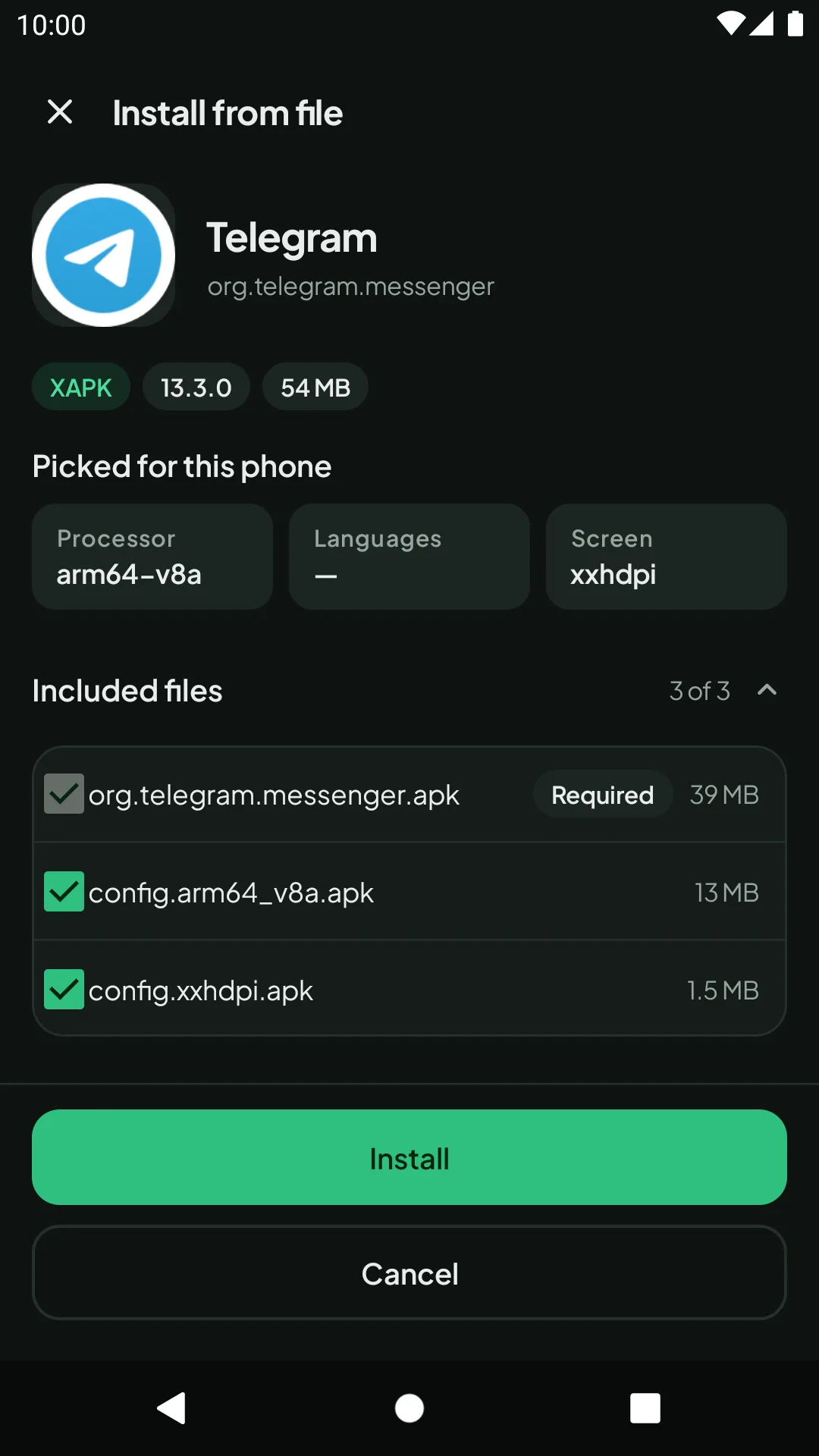
Android’s built-in installer accepts only a single APK, while many large apps and games now arrive as split packages, and games often add OBB data. APKCombo Installer opens these bundles, picks the parts that match your phone’s processor, screen density and language, and installs them together in one session. OBB data from XAPK games is copied to the right folder for you.
The Updates screen checks APKCombo for newer versions of the apps you installed through the installer and can update them all at once. The installer also updates itself: it looks for a new release at most every 12 hours and installs it only when the package and signing key match the copy already on your phone.
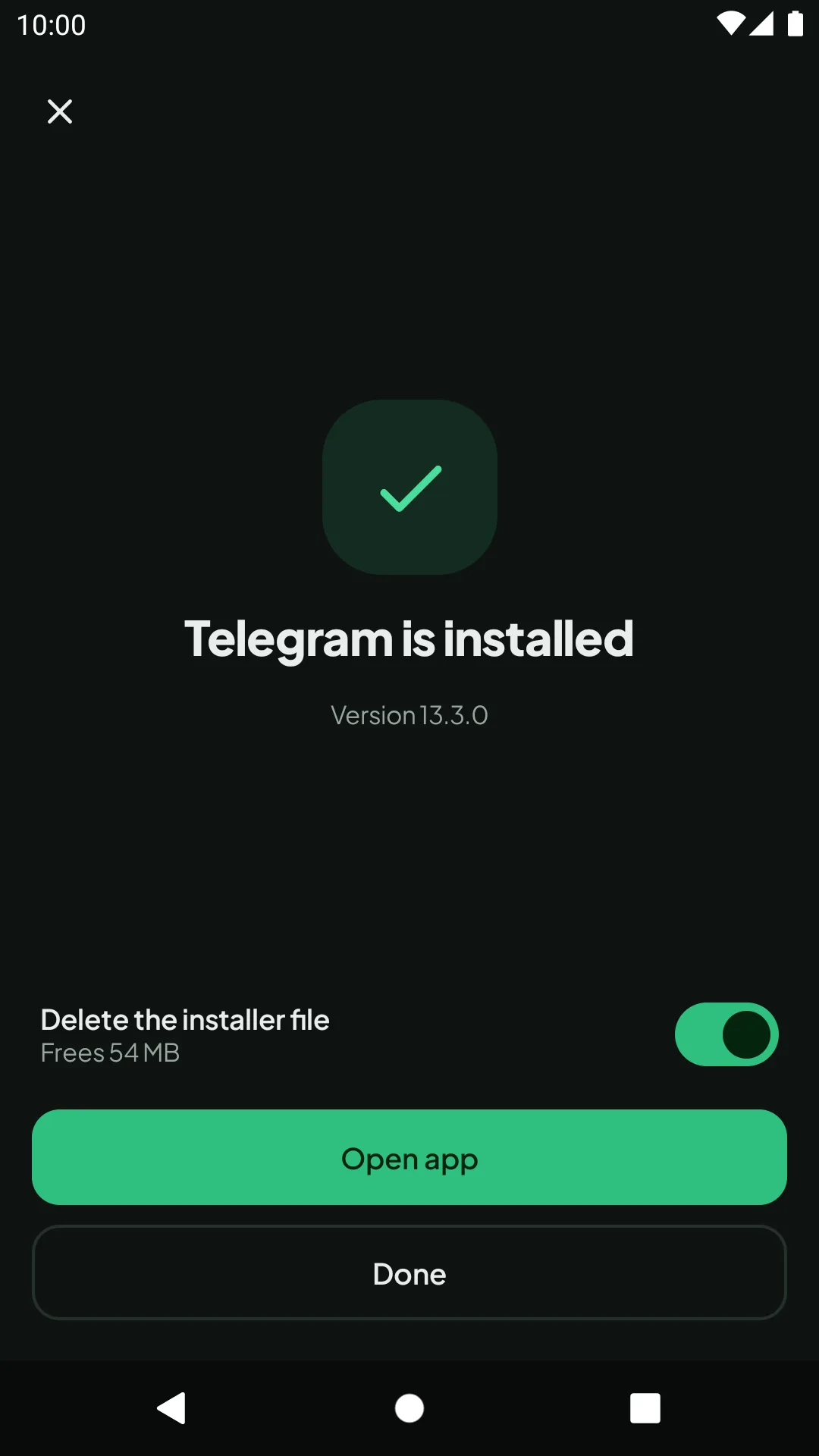
There is no account to create, no advertising, and the app is free. It sends anonymous usage statistics and crash reports through Firebase to help find problems, and both can be switched off in Settings under Privacy. Push notifications carry APKCombo news. The interface is available in English and Arabic, with light, dark or system themes, and an option deletes installer files automatically after a successful install.
APKCombo Installer runs on Android 7.0 and later. Installing apps from outside Google Play needs Android’s permission to install unknown apps, which the installer requests the first time you install something.
Your comment was submitted and is awaiting moderation.
Your comment was published.














 What a split APK is, and why your app is in pieces