App Screenshots

Web search and visual discovery tool
• With Nano Banana, you can bring your ideas to life by transforming your photos in Lens or creating images in AI Mode. Available in select languages and locations.
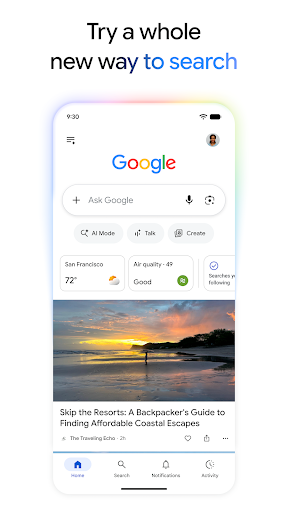
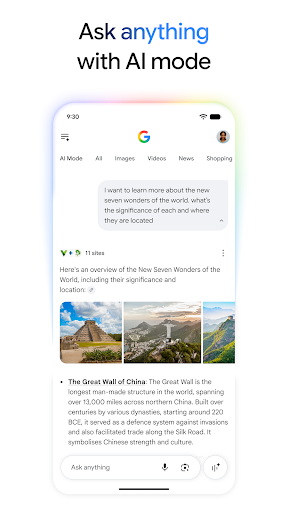
• Access AI Mode from the app home screen for AI-powered responses to your toughest questions
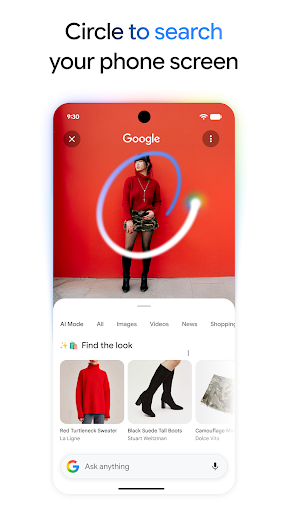
• Circle to search what you see on your phone without switching apps. Available on select premium Android smartphones in some languages and locations.
The Google app serves as a centralized hub for searching the web and interacting with visual, spoken, and text-based information. Users can execute searches by typing, speaking, or capturing images with their camera, drawing on artificial intelligence to simplify research. Key functions include summarizing complex topics, identifying real-world objects, and performing on-screen lookups. Search queries remain encrypted, with user-adjustable privacy controls.
The app includes AI Mode, which generates conversational, multimodal answers alongside links to external sources. When researching a topic, users can ask initial questions by text, voice, or camera, and then provide follow-up prompts to refine their results. In supported languages and locations, AI Mode can also generate visuals using Nano Banana. For quick overviews, AI Overviews present condensed topic snapshots with credible web links. If the AI interface appears by default, users can switch to the All tab to view standard search results.
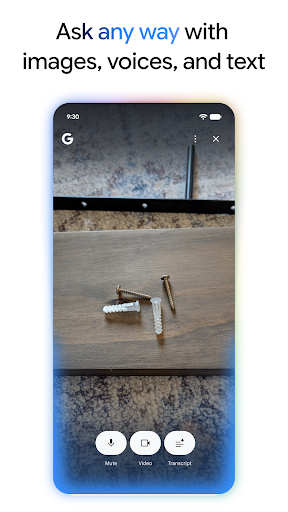
Through Google Lens, the app processes visual data directly from the camera or saved photos. It translates physical text across more than 100 languages, such as foreign-language menus, and scans QR codes or barcodes. It also identifies landmarks, plants, and animals, or conducts reverse image searches to locate similar products and items for sale.
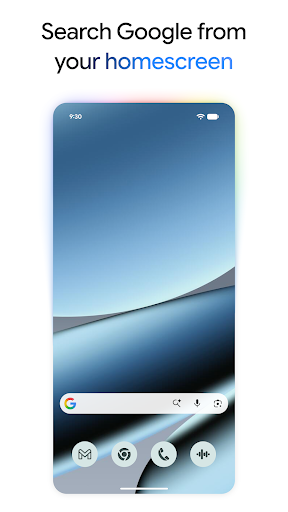
On supported high-end Android devices, Circle to Search allows users to inspect content directly on their screen without leaving their current application. By circling, highlighting, scribbling over, or tapping a landmark, text snippet, or product in a video or photo, users instantly pull up relevant context and shopping options. If a device lacks this built-in capability, Google Lens serves as an alternative visual search tool. Additional integrated utilities include Hum to Search for audio identification, a Discover feed for web content, and a customizable home screen widget for custom shortcuts.
Your comment was submitted and is awaiting moderation.
Your comment was published.















 Google Maps against Waze
 Downloading video for a journey: Netflix against YouTube
 What a split APK is, and why your app is in pieces
 Spotify against YouTube Music