App Screenshots
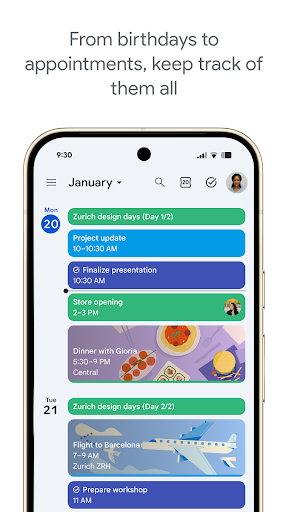
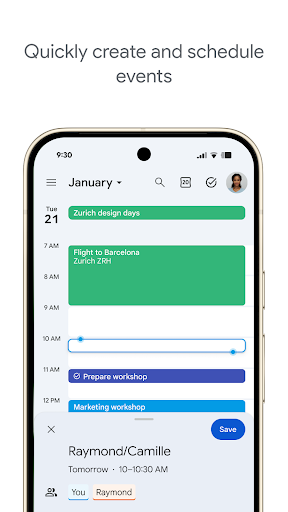
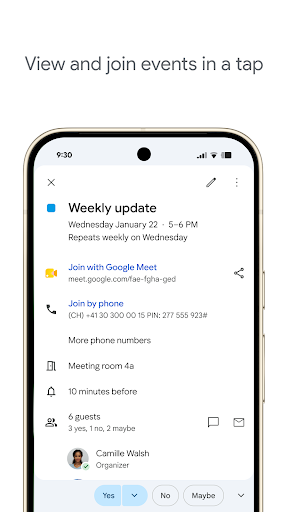
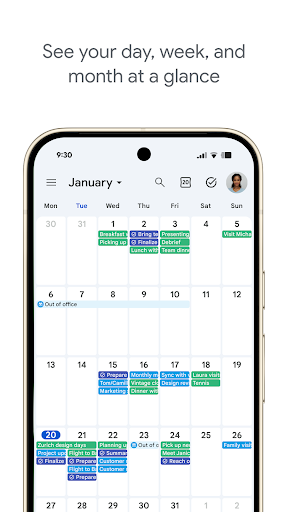

Plan your schedule with customizable calendar views
• Bug fixes and performance improvements.
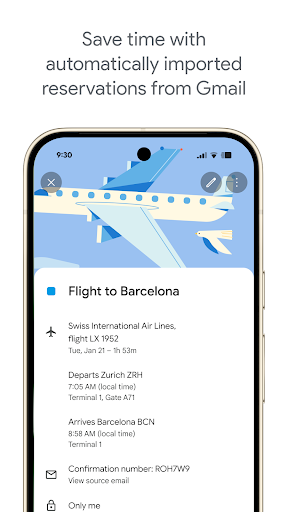
Organizing a personal schedule, tracking work commitments, and managing daily routines can quickly become chaotic without a centralized planner. Google Calendar addresses this by providing a unified workspace to create events, set up tasks, adjust view layouts, and coordinate schedules across mobile devices, tablets, Wear OS wearables, and desktop computers logged into the same account. It automatically imports travel, dining, and event reservations from Gmail, aggregates local device calendars like Exchange, and connects with Google Workspace tools to streamline hybrid meetings and appointment bookings.
Event planning often starts inside an email inbox. The app scans incoming Gmail messages for flight confirmations, hotel bookings, concert tickets, and restaurant reservations, automatically placing those details directly onto your schedule. To keep all commitments in one place, it can consolidate and display local calendars—including enterprise systems like Exchange—side-by-side with your primary Google account schedules. Users can personalize these entries through light or dark interface modes and custom color-coding to visually distinguish personal events from professional obligations.
Beyond scheduling fixed appointments, the app includes integrated task management to track daily to-do lists directly alongside scheduled calendar events. Tasks can be managed within the daily agenda or expanded into a full-screen list view inside the app. To view these items effectively, you can quickly toggle between single-day, multi-day week, and full-month layouts. For quick reference on the go, Wear OS support provides specialized tiles and watch face complications, allowing you to check upcoming tasks or meetings directly from a smartwatch.
For professional and team environments, the platform acts as a central hub for hybrid collaboration. Teammates can share entire calendars with custom permissions to view, add, or modify entries, or layer multiple calendars into a single screen to evaluate group availability. Workers can set their physical working location on specific days, attach meeting notes or pre-read documentation directly to an invite, and automatically insert Google Meet video conference links into scheduled events. For external clients, professional booking pages facilitate direct appointment scheduling while enterprise-grade security protocols protect account data.
Your comment was submitted and is awaiting moderation.
Your comment was published.