App Screenshots
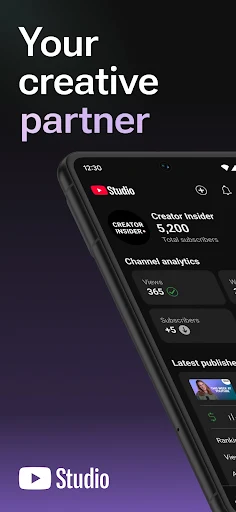
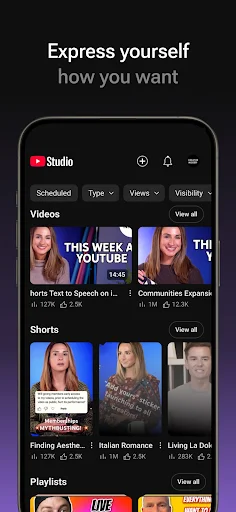
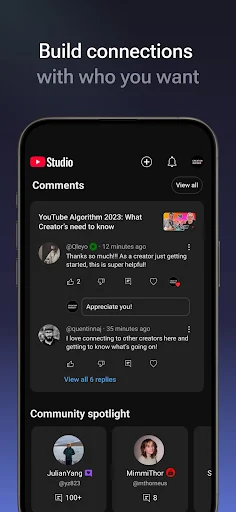
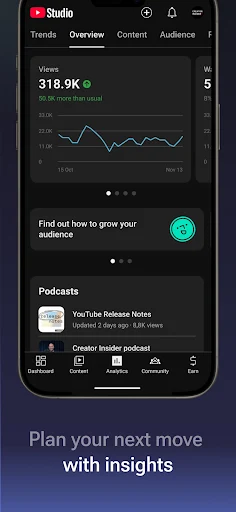

Creator dashboard and analytics tool
• A newly designed Dashboard that lets you see your most important performance data.
• Automatic checks will screen your video for any copyright violation or monetization issues before you upload.
• Apply for the YouTube Partner Program to grow your business.
Managing a video channel from a mobile device often requires rapid access to performance metrics and essential metadata. YouTube Studio solves this by providing a unified Channel Dashboard and real-time analytics tailored for content creators. Instead of relying on a desktop computer, creators can evaluate viewer metrics across traditional videos, Shorts, and live streams, reply to audience inquiries using advanced comment filtering, and adjust branding or video details directly from their phone.
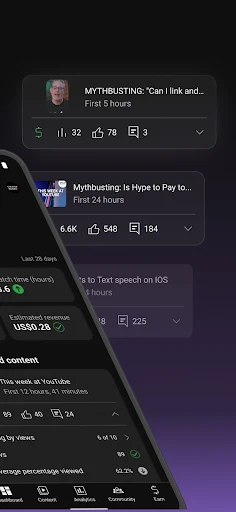
The primary hub of the app collects recent metrics and critical indicators into a single view. Immediately after publishing new content, creators can monitor view counts, engagement figures, and channel alerts to determine how a new video or Short is performing. Having immediate visibility into these stats helps creators decide when to publish their next piece, adjust release timing, or react to sudden spikes in audience activity.
The analytics section provides visual charts and broken-down trends across standard videos, Shorts, and live broadcasts. Creators who publish multiple content types can compare audience retention and reach to evaluate which formats attract new viewers versus returning audiences. While day-to-day metrics are clearly presented on mobile, some advanced analytical breakdowns remain limited compared to desktop tools, making the mobile app best suited for tracking high-level trends while on the go.
When new uploads trigger a large volume of viewer feedback, built-in sorting and filtering tools streamline community management. Creators can organize incoming remarks to highlight unanswered questions, recent interactions, or posts from frequent viewers. Sorting the comment feed makes it easier to respond while viewer momentum is high and maintain active moderation across busy discussion threads.
Key video information can be edited directly within the app without needing a full workstation setup. Creators can polish titles, revise descriptions, update basic video settings across all formats, and adjust channel appearance details to maintain consistent branding. Additionally, eligible channels can apply for monetization through the YouTube Partner Program directly within the mobile interface.
Your comment was submitted and is awaiting moderation.
Your comment was published.