App Screenshots
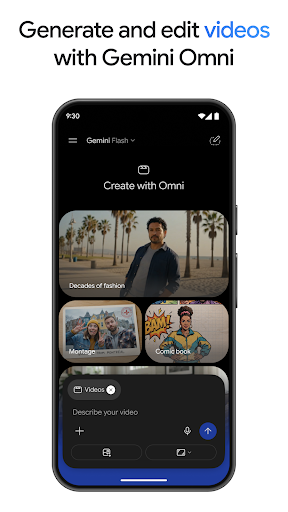
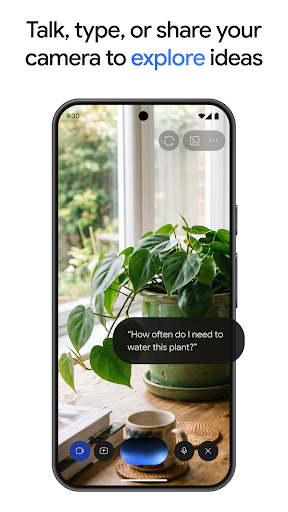
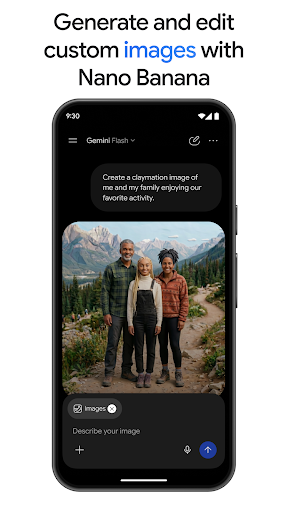
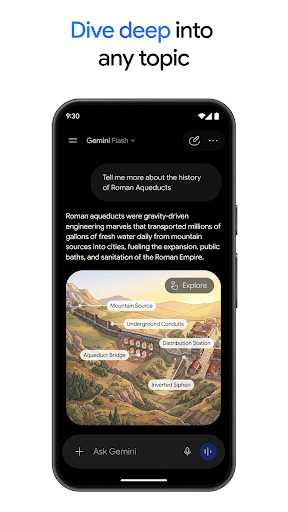
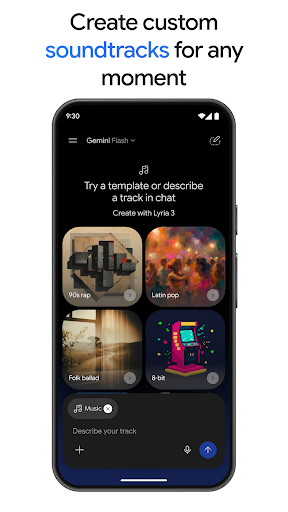

Chat, file analysis, and voice assistance workspace
• Unlock a new world of productivity and creativity with Gemini 3.5 Flash and Gemini Omni.
• Gemini Spark 24/7 personal AI agent proactively manages tasks and helps you navigate your digital life.
• Daily Brief agent gives you a personalized morning brief and organizes exactly what you need to know to start your day.
• Show Gemini what you’re seeing and try saying “reimagine this” to dream up creative new surroundings with Nano Banana in Gemini Live.
Google Gemini is an app designed to combine conversational assistance, content creation, and file analysis within a single workspace. It allows users to answer questions, draft outlines, generate and edit images, and organize complex ideas without switching between multiple software tools. A notable capability is its direct integration with connected Google services like Gmail, Calendar, and Drive using simple prompts, making it easy to pull personal context into everyday planning, research, or writing tasks.
The main interface maintains an ongoing text prompt box alongside a sidebar that keeps previous discussions accessible for future reference. Beyond standard text prompts for summarizing meeting notes or generating travel ideas, the app includes Gemini Live for natural, real-time voice discussions. Gemini Live can also process visible context from a shared screen or camera feed, allowing users to talk through ideas or visual information directly instead of typing out lengthy descriptions.
Users can upload spreadsheets, text documents, images, and videos straight into a prompt to extract key details or ask specific questions about the material. For example, the app can read a photo containing a complex data table and explain the figures clearly, or condense long written reports down to primary bullet points. Tables extracted from uploaded media or documents can also be exported directly to Google Sheets for further editing. Because accurate interpretation is critical, users are encouraged to cross-reference extracted names, figures, and decisions with their original files.
By enabling Workspace extensions in the settings, users can invoke connected tools—including Gmail, Google Drive, Google Calendar, Photos, YouTube, and Google Search—by typing the @ symbol in the prompt box. This function streamlines retrieving information across personal accounts, such as summarizing recent email threads or finding specific file content. To aid research accuracy, generated answers may display citation arrows pointing to online sources, and the menu features a option to double-check responses against conflicting or supporting web data.
Your comment was submitted and is awaiting moderation.
Your comment was published.