App Screenshots
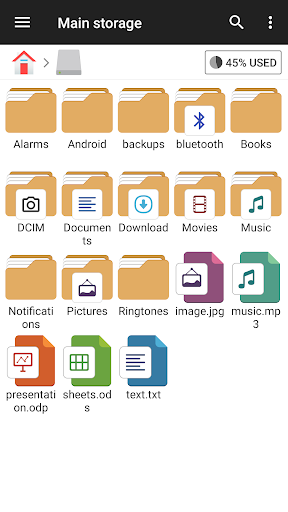
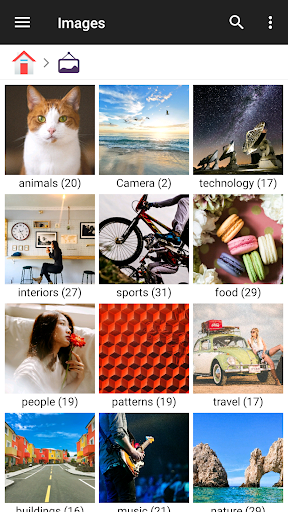
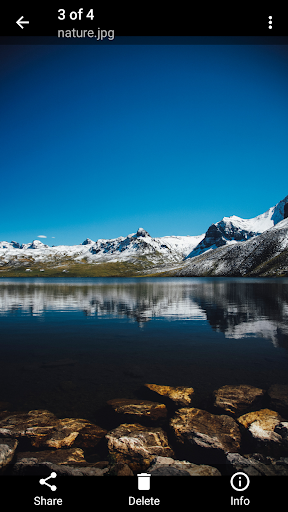
Organize local, network, and cloud storage files.
- Bug fixes and performance improvements.
3.8.4
- File selection in the image viewer
- Split ZIP extraction
- Resume playback for long videos
3.7.3
- pCloud support added
- Music player engine changed (switchable in Settings)
- Date format setting added
3.6.8
- 'Copy again' and 'Return to source folder' are available after pasting.
- Added a toggle for video player gestures.
3.6.5
- Temporarily highlight new files with a dot after file operations
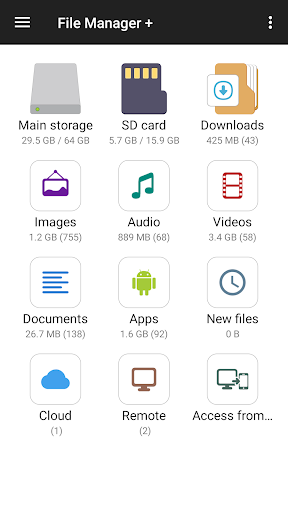
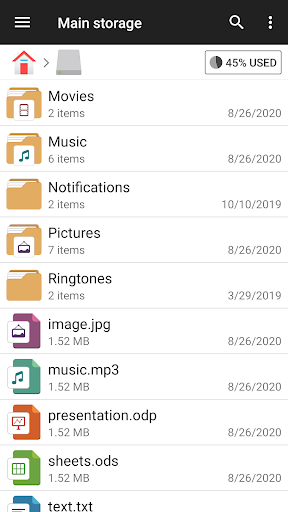
Organizing storage on a mobile device often involves juggling multiple menus or installing separate tools for cloud drives and network storage. File Manager brings local folders, memory cards, connected USB OTG drives, cloud accounts, and remote servers into a single interface. Designed to streamline daily file tasks, it allows you to browse, move, delete, rename, and share files without switching between specialized viewers. Built-in categories separate images, audio, video, documents, apps, and new files, while an integrated storage analysis tool helps locate large items to recover space.
The app organizes your storage sources on the main screen, listing internal memory, SD cards, and attached USB OTG storage alongside remote connections. You can link cloud services like Google Drive, OneDrive, Dropbox, Box, and Yandex, allowing you to browse cloud directories with the same basic file actions used for local folders. Network Storage (NAS) and FTP servers can also be added directly, making it straightforward to manage remote media libraries or shared project folders from one place.
Instead of manually navigating complex directory trees, one-tap categories filter your files into Images, Videos, Audio, Documents, Downloads, and Apps. This makes locating recent downloads or specific media files fast. Long-pressing any file or folder enables multi-selection, letting you copy, move, delete, or share multiple items in a single batch operation.
File Manager includes a built-in FTP server that simplifies transferring files between a mobile device and a computer over a shared Wi-Fi network. Once the FTP feature is enabled, the app provides an IP address (such as ftp://device-IP) that you enter into a PC file browser or client. This establishes a direct connection for moving large files or backing up media without requiring USB cables or desktop driver installations.
To help manage limited device space, the app includes a storage analysis feature that scans your drives. It identifies which folders and file types consume the most memory, highlighting large files and unnecessary data so you can clear out old downloads or redundant media.
While the app supports remote server connections, its network protocol coverage focuses on FTP. Protocols such as SFTP or SMB are not explicitly supported, so users requiring those specific network protocols will need to rely on dedicated third-party tools.
Your comment was submitted and is awaiting moderation.
Your comment was published.