App Screenshots
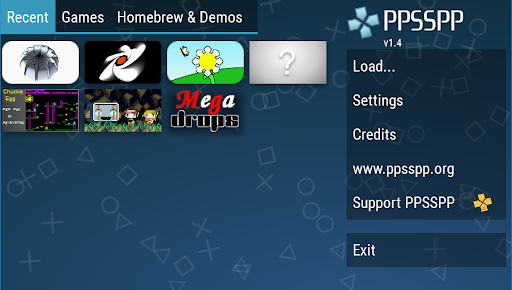
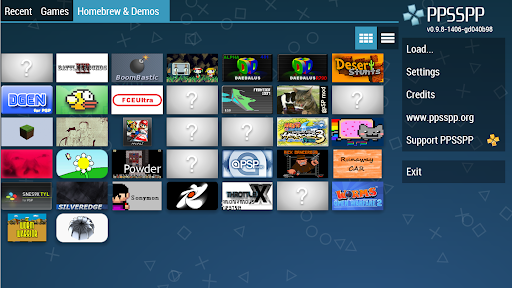
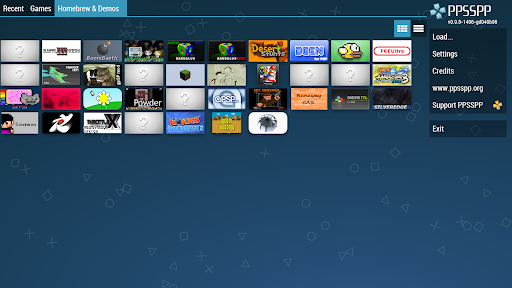
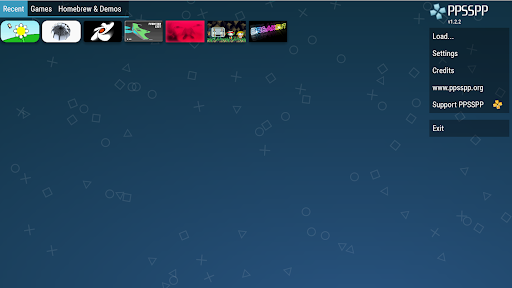
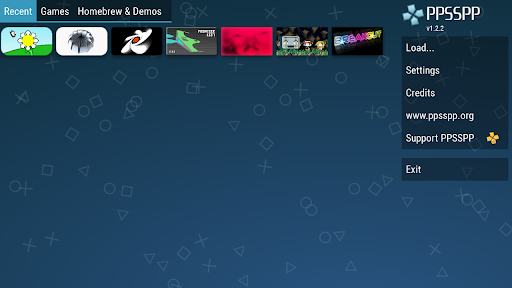

Portable console gaming emulator for disc image files.
Lots of performance and compatibility fixes! See the website for details.
Playing PlayStation Portable titles on modern hardware becomes straightforward with PPSSPP – PSP emulator, a software tool designed to run homebrew projects and legally obtained game files stored in ISO or CSO formats. Rather than including games out of the box, the software relies on users supplying their own files placed within designated directories to scan and populate a library. Once loaded, it renders classic titles with enhanced graphical capabilities, flexible input mapping, and system-level features like instant state saving, allowing vintage portable games to adapt smoothly to high-resolution displays.
Games designed for the original handheld’s screen can be rendered at much higher resolutions to eliminate jagged edges on larger displays. The software incorporates anisotropic filtering, texture scaling, and customizable post-processing shaders to preserve detail at sharp angles and refine overall visual output. Because higher fidelity demands more processing power, settings can be adjusted on a per-game basis. Slower titles can prioritize visual clarity with resolution bumps and light shaders, while fast-paced fighting or racing titles on lower-spec hardware can utilize frame skipping or lower rendering scales to maintain smooth frame rates.
The software offers an on-screen touch layout that can be modified to suit different hand sizes and play styles, with options to resize, reposition, and alter the opacity of individual buttons. For analog-heavy games, expanding the virtual stick area improves handling, while reducing button visibility frees up screen real estate. Physical controls are also fully supported, allowing straightforward pairing with Bluetooth controllers or keyboards. Remapping options per game ensure that complex control schemes map logically to external gamepads for consistent timing in precision-heavy genres like rhythm games.
Progress tracking expands beyond original game save points through the use of save states, which capture the exact state of play at any moment across multiple slots. This setup allows immediate pause and resume functionality during quick gaming sessions or before difficult obstacles. In addition to internal save states, the software supports importing original PSP save files directly, enabling players to transfer existing console save data and continue long-term progress seamlessly. Organised file placement under the designated system directory ensures the library automatically recognizes new entries without manual configuration.
Your comment was submitted and is awaiting moderation.
Your comment was published.