App Screenshots

Document and book reading tool
ReadEra now supports Markdown files! Enjoy search, text-to-speech (TTS), and support for text formatting styles in .md files. Read your notes, study materials, books, and drafts in Markdown format right in the ReadEra app.
• Improved backup functionality for large and very large book libraries.
• Added Amharic interface language. Thanks to Yonas Bizuneh for the translation!
Finding a single reader that handles diverse document types without cluttering the screen can be difficult. ReadEra – book reader pdf epub solves this by consolidating support for eBooks, office files, and text documents into a unified, ad-free environment that operates fully offline. Readers can open common formats like EPUB, PDF, and MOBI alongside word processor documents without switching tools or setting up an account. Its standalone design ensures that document rendering, library organizing, and custom page layouts happen entirely on the device without requiring internal purchases or mandatory external service integrations.
The app processes a broad selection of file types, ranging from publication formats like EPUB, Kindle MOBI, AZW3, and FB2 to standard business and office documents including PDF, DJVU, DOC, DOCX, RTF, ODT, TXT, and CHM. A notable capability is its handling of compressed files: it can read Microsoft Word documents, PDF files, and FB2 books directly from ZIP archives without forcing the user to extract the files first.
Specific formats benefit from dedicated view modes designed to clean up digital layouts. When viewing scanned PDF books, a single-column mode automatically splits double-page spread images into two distinct readable pages, while a margin cropping tool trims unnecessary blank space from around the text. For text-based eBook formats like EPUB, MOBI, DOCX, and FB2, the app renders footnotes directly at the bottom of the current page in the style of traditional printed media, avoiding tedious navigation jumps.
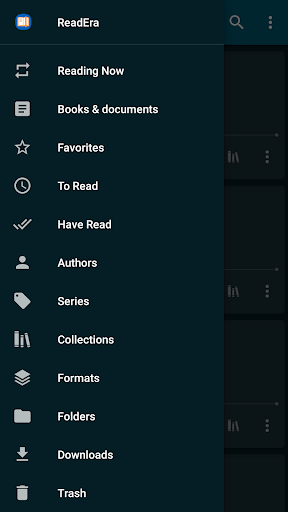
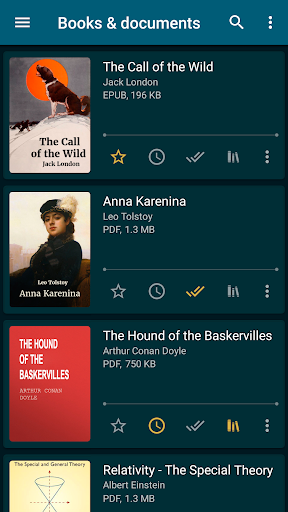
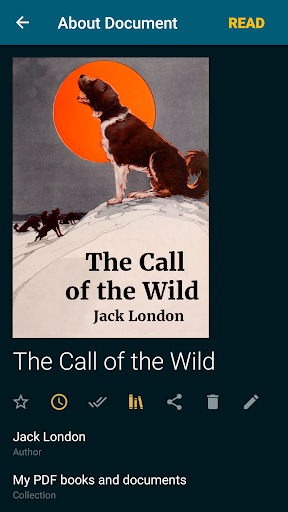
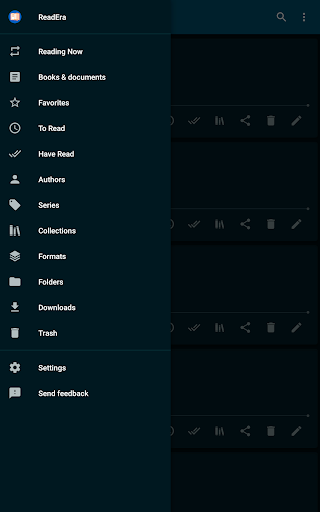
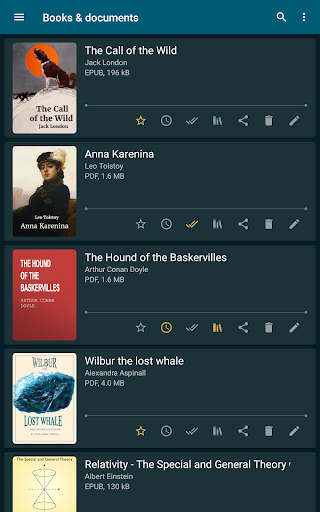
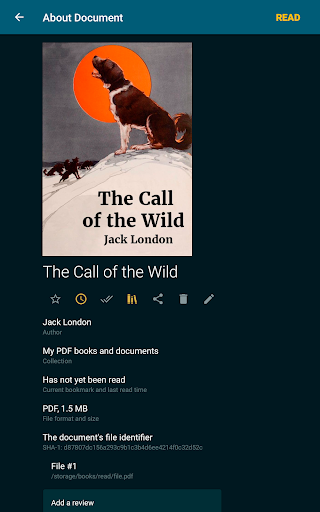
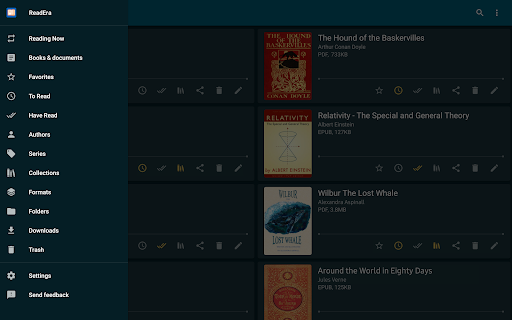
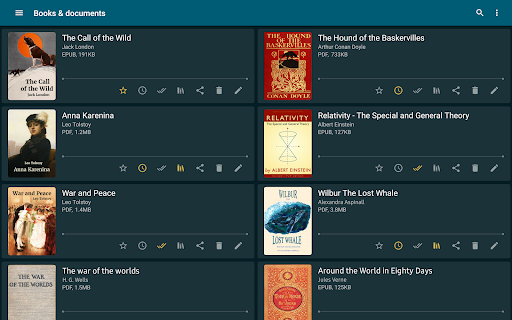
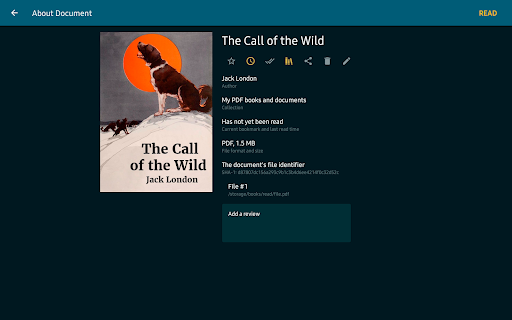
Managing a large collection of documents relies on an automatic detection system. The app automatically scans the device for newly downloaded files, including EPUB books, PDF journals, and Word files, integrating them directly into the main interface. Users can navigate their storage through folder views, group items by author or series, and organize reading lists into status categories such as To Read, Have Read, or Favorites. For deeper organization, the Collections tool allows books to be placed onto custom virtual bookshelves, with individual titles assignable to multiple collections simultaneously.
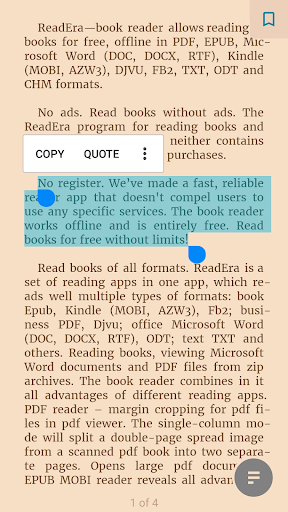
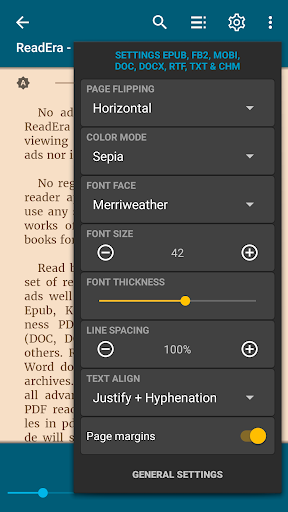
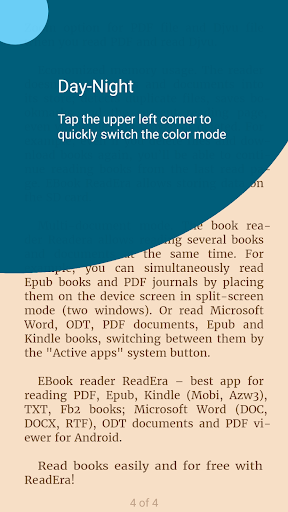
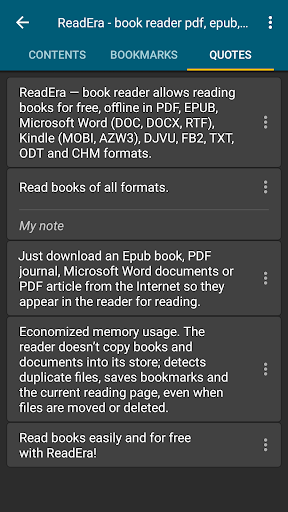
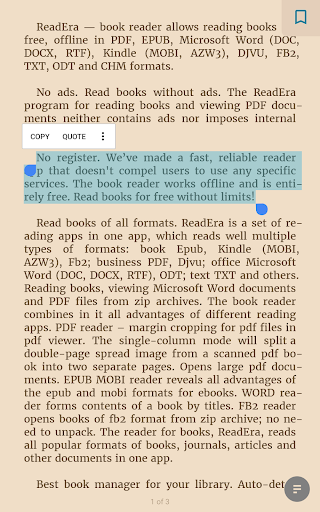
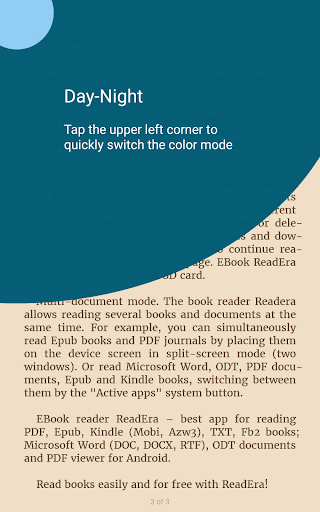
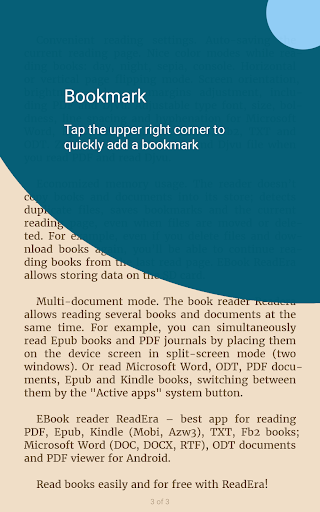
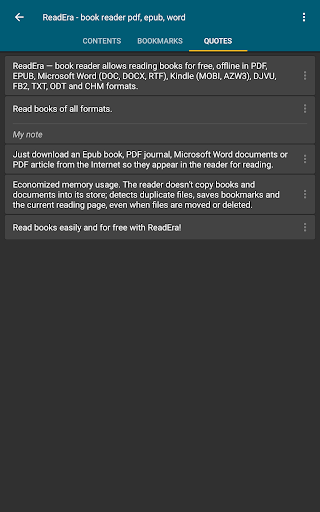
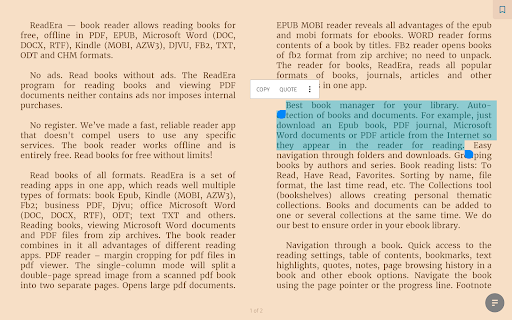
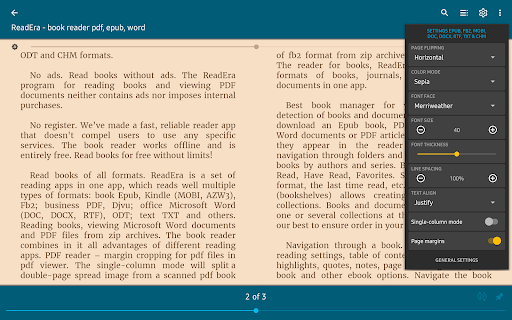
Navigation inside a file includes quick access to the table of contents, stored bookmarks, text highlights, saved quotes, and personal notes. The interface displays both the total page count for the entire file and a separate counter for the active chapter. Page orientation can be toggled between horizontal and vertical scrolling, and color schemes can be adjusted using day, night, sepia, and console themes. The app automatically saves the exact reading position upon closing a document.
Your comment was submitted and is awaiting moderation.
Your comment was published.