⚔️ Android Emulator for PC
Play the best Android Games on PC with Android Gaming Emulator

pvhdev
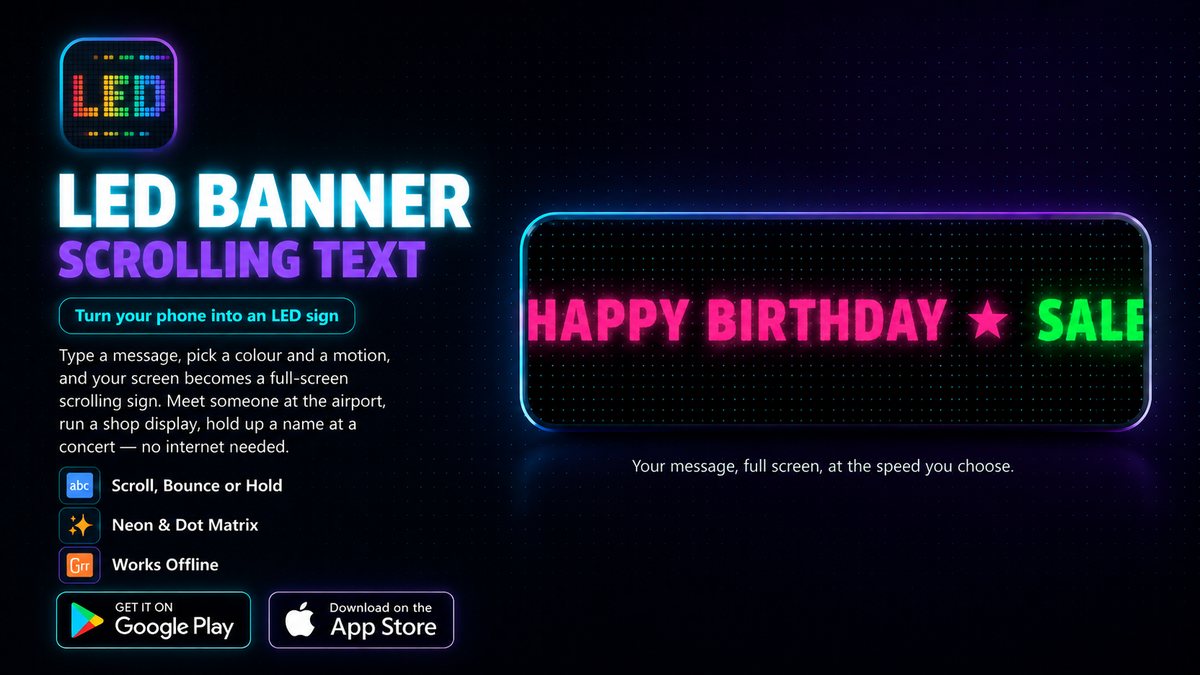
Arrivals halls, stadium stands and crowded concert floors all have the same problem: you need one short message to be seen from a distance, and you need it now. LED Banner turns the phone you are already holding into that sign. Type the words, choose how they should look and move, press Play — the whole screen becomes a bright, scrolling display that people can read from across the room.
It goes well beyond plain marquee text. The same message can glow like a bent neon tube, light up dot by dot like a real LED panel or tick over as seven-segment digits. Add a gradient, a rainbow sweep or a neon flicker, put an animated sky of fireworks or aurora behind it, and a two-word greeting starts to look like something a venue would hang over the door.


Most people open an LED sign app with something specific in mind, so LED Banner ships with 64 templates built around those moments — birthdays, weddings, sport, concerts, holidays, shop sales and airport pickups among them. Each one comes with colours, motion and effects already chosen for the occasion, so you only swap in your own words and it is ready to hold up. Anything you build yourself can be saved and reused, which helps if you run the same price sign at a market stall every weekend.
The display is not limited to words. Switch it to a large clock with a choice of twelve faces, or count down to the moment that matters — midnight, the kick-off, the birthday song. At a concert, light-stick mode turns the screen into a solid colour you can wave along with the music, with steady, breathing, strobe, disco, rainbow and police patterns.
A sign does not have to stay on your phone. Export any banner as an animated GIF, a still PNG or an MP4 video and send it to a group chat, post it as a story or play it on a bigger display. The Pro upgrade adds a few extras on top — your own photo as the background, the banner as a live wallpaper, and the flashlight and sound effects playing along with the sign — but everything needed to make and show a sign is in the free app.
There is no sign-up and nothing to upload: every banner lives on your device, and the app runs without a connection, which matters in a packed stadium where mobile data stops working. It does not ask for your camera, location or contacts. The microphone is only used if you switch on the option that makes the sign react to sound, and it measures loudness without recording anything.
A quick tour of how the app works and what each feature does is at ledsbanner.com. LED Banner is out now on Android, with an iOS version on the way.
Type it, light it up, hold it high. Download LED Banner and your next message will be seen from across the room.
Advertisement

