App Screenshots
Typing practice and word puzzle game
Minor bugs fixed.
Gameplay is now faster and more stable.
Make sure to download/update to the latest version for the best experience!
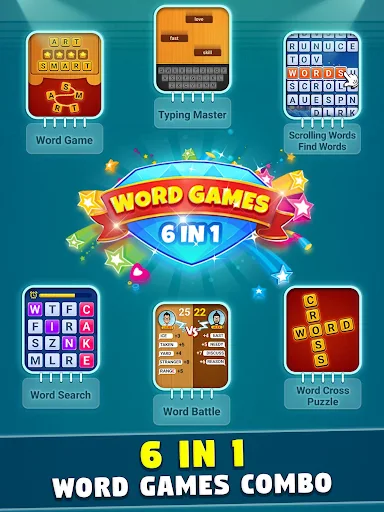
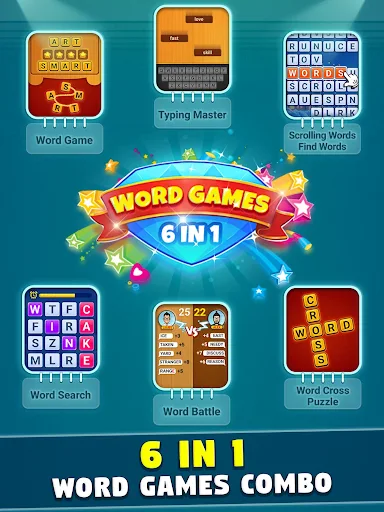
Typing Master Word Typing Game combines speed-based keyboard practice with a variety of traditional word puzzles, utilizing a dictionary database of over 200,000 English words. The core gameplay challenges players to improve their words-per-minute rate and spelling accuracy across distinct modes that test both quick finger movements and vocabulary recall. By shifting between time-sensitive arcade typing and relaxed puzzle solving, the game serves as a practical tool for building typing skills without relying on standard instructional lessons.
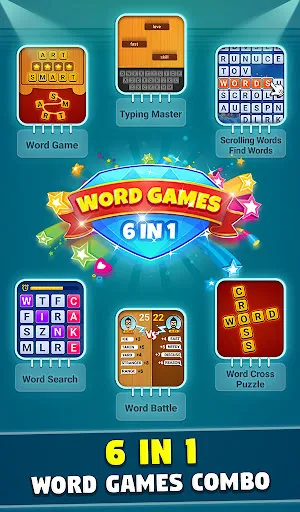
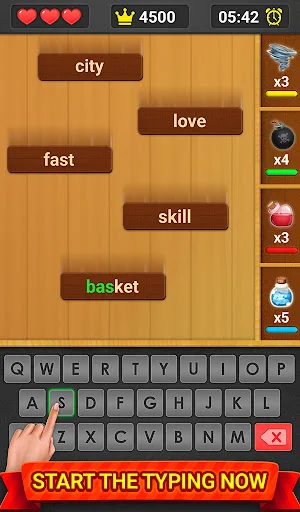
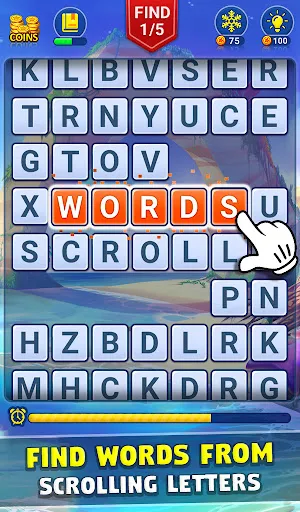
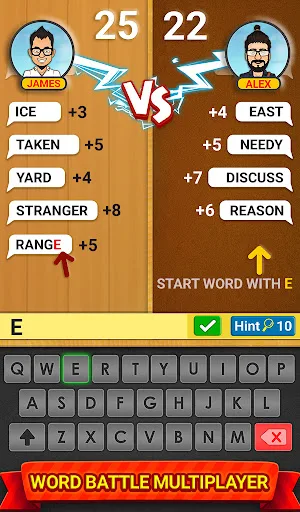
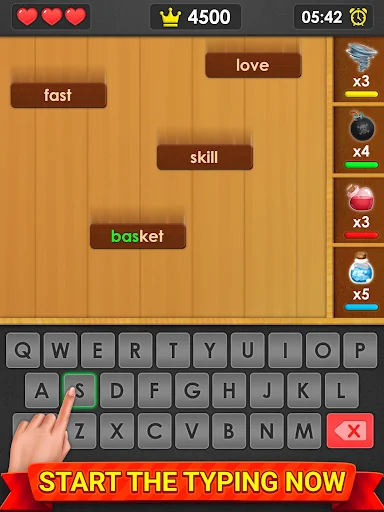
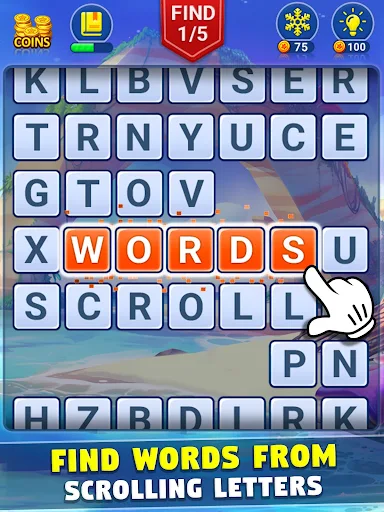
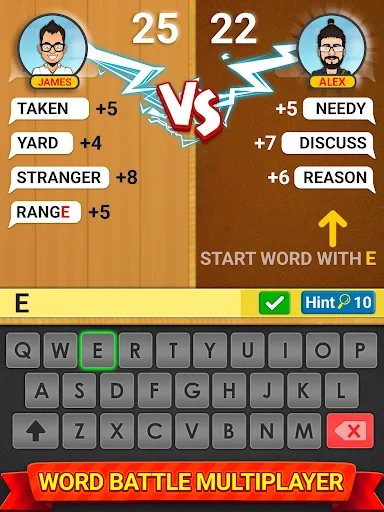
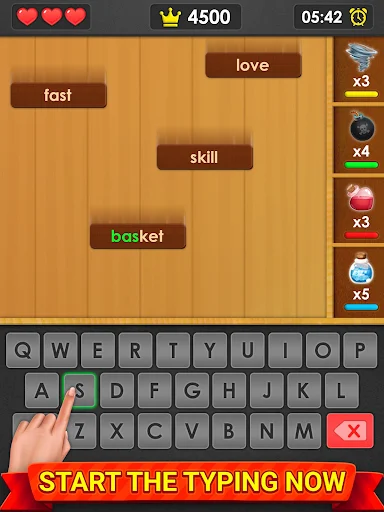
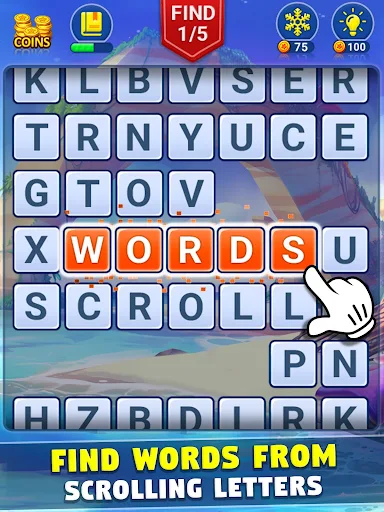
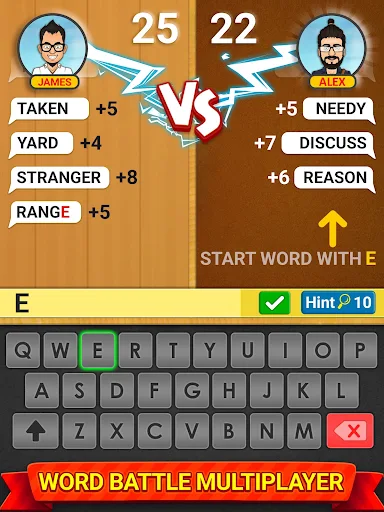
The game features active typing modes designed to push input speed and reaction times. In the main Typing Master mode, words fall from the top of the screen toward the bottom, requiring players to type each word correctly before it reaches the ground to secure points. For a competitive alternative, Word Battle pits players against an AI opponent in a word-chain format. In this mode, players must generate a new word starting with the final letter of the previous word, aiming to hit a target score before the computer opponent does. Another fast-paced option, Word Scrolling, presents rolling lines of letters where players must rapidly spot and type the correct word before the timer expires.
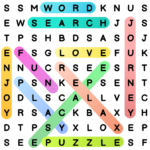
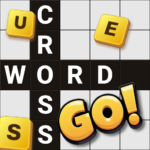
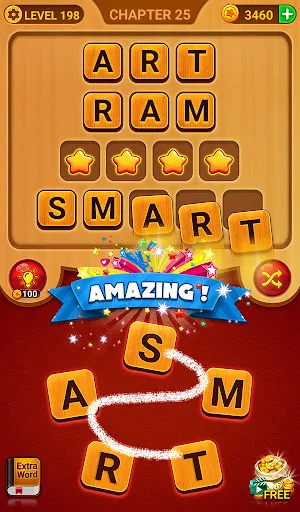
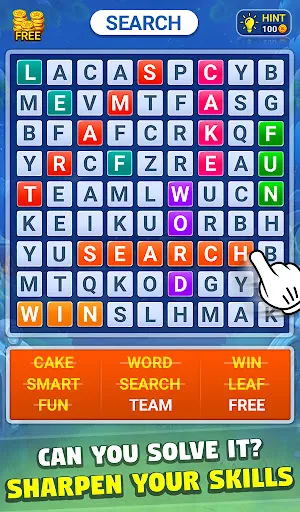
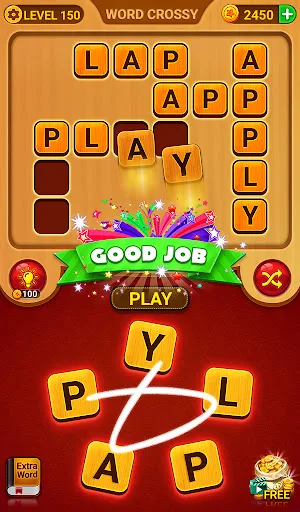
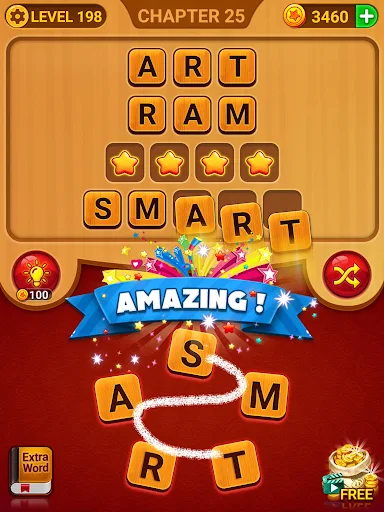
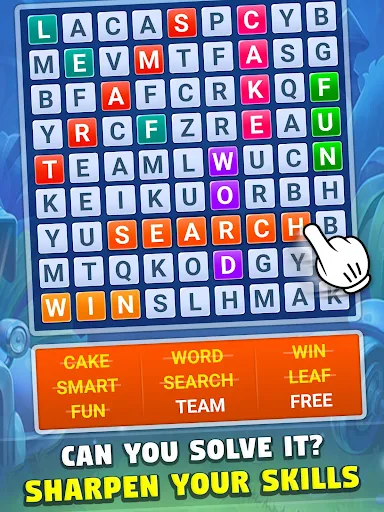
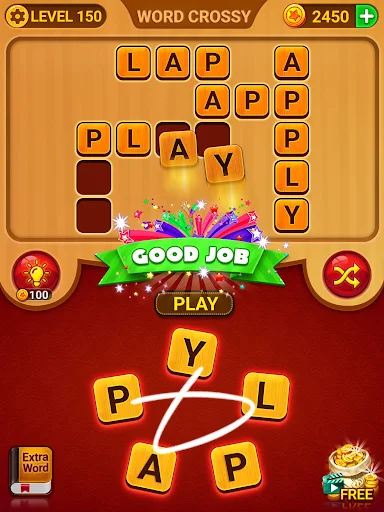
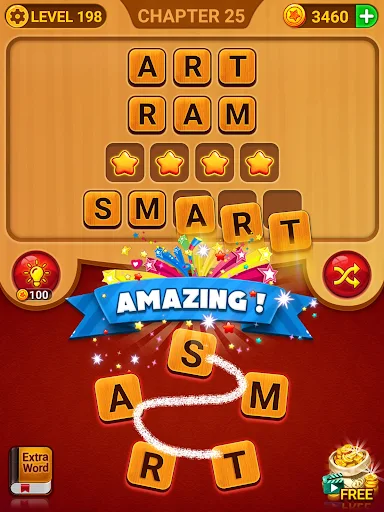
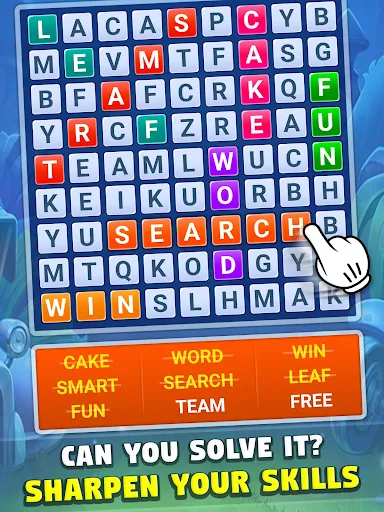
Beyond real-time typing tests, the game includes several puzzle formats focused on letter recognition and word construction. Word Connect and Word Pearls offer multi-level progression where players join letters to reveal hidden words across hundreds of distinct stages. Word Crossword applies given letters to fill out traditional crossword grids, while Word Search organizes hidden words into specific categories such as science, technology, sports, food, and animals. For targeted vocabulary practice, Word Pair asks players to match related terms, including synonyms and antonyms, reinforcing word definitions alongside general keyboard familiarity.
Your comment was submitted and is awaiting moderation.
Your comment was published.