App Screenshots
Smartwatch and mobile phone connection utility
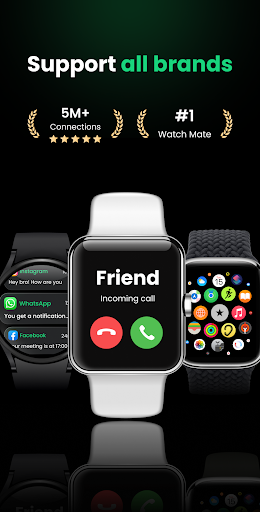
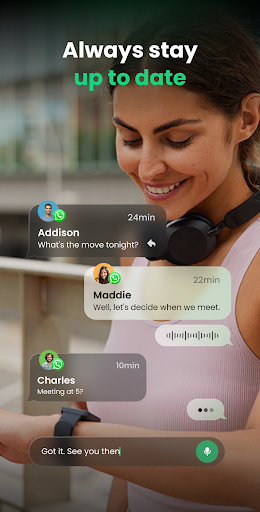
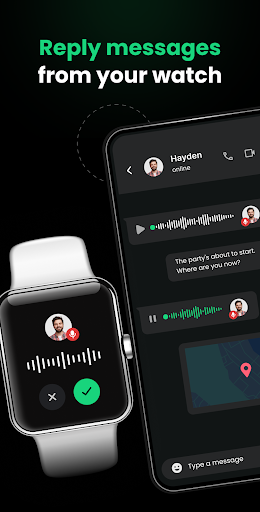
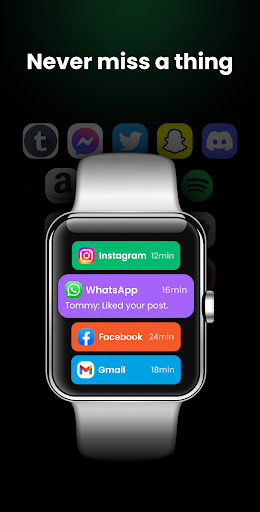
Connecting a smartwatch to a phone often presents compatibility hurdles, but Watch Sync App – BT Notifier bridges this gap by establishing a universal notification link between Wear OS smartwatches and mobile devices. It routes phone alerts directly to your wrist in real time, even if your watch and phone are from different manufacturers. Beyond simple paired connections, the app allows a single smartwatch to link with multiple phones simultaneously, helping you monitor incoming alerts across all your connected devices without constantly checking different screens.
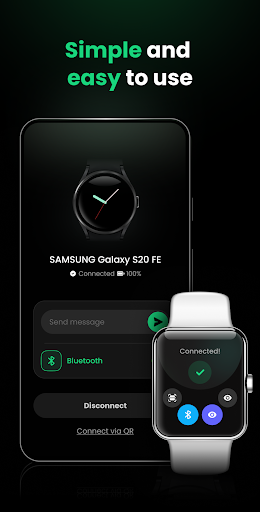
Establishing a connection between your phone and smartwatch can be done through two distinct built-in methods. You can pair the devices using standard Bluetooth discovery by turning on Bluetooth on both units and selecting the watch from the phone’s device list. Alternatively, if Bluetooth pairing fails, you can generate a QR code directly on the smartwatch screen and scan it using the phone’s camera to complete the setup.
For users who carry separate personal and work phones, the app supports multi-device message sync, allowing one smartwatch to gather Bluetooth notifications from several mobile phones at once. To prevent notification clutter, you can select exactly which mobile applications are allowed to forward alerts to your wrist. This feature lets you mute unnecessary app chatter while keeping critical work or messaging notifications active.
When you need uninterrupted focus or rest, the app includes a dedicated Do Not Disturb mode. You can set specific schedules during which all incoming alerts on your smartwatch are silenced automatically. During these designated timeframes, notifications are muted on the watch until the quiet period ends, ensuring you can work or sleep without wrist vibrations.
Your comment was submitted and is awaiting moderation.
Your comment was published.