App Screenshots
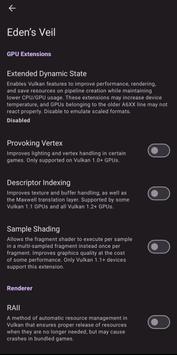

Console simulation and performance tuning utility
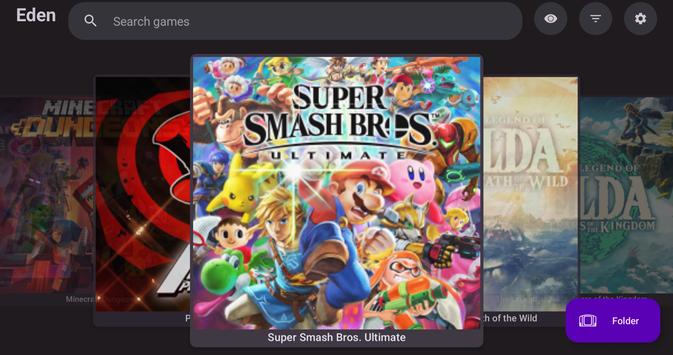
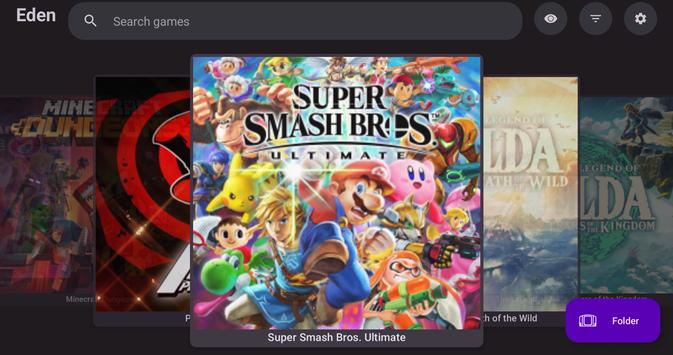
Eden Emulator is a Nintendo Switch emulator derived from Yuzu that focuses on optimizing game performance on mobile hardware. Players can run compatible titles using a Vulkan renderer configured for smooth frame pacing, adjust emulation settings on a per-game basis, and manage extra game files directly through External Content directories.
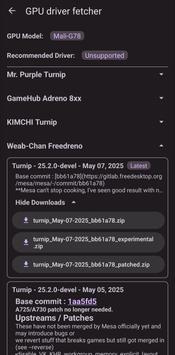
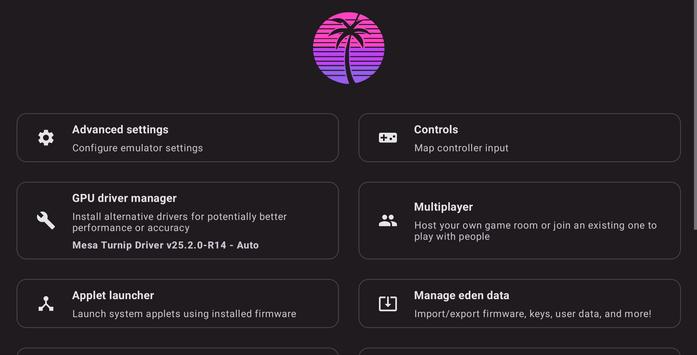
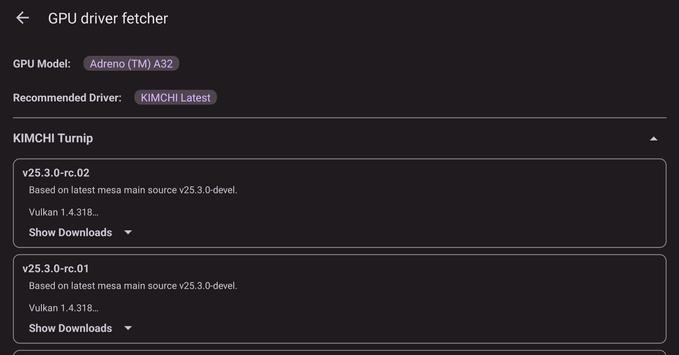
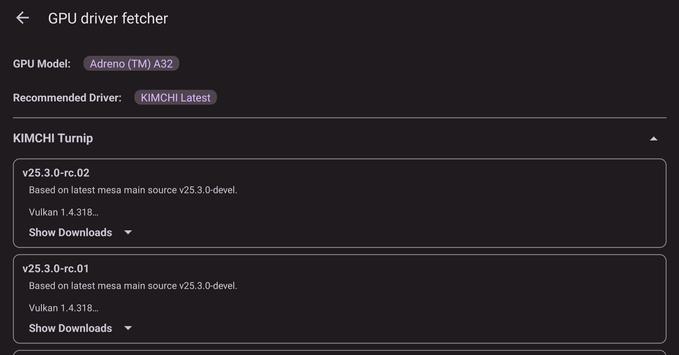
The emulator utilizes a Vulkan rendering backend optimized for mobile chipsets, with dedicated frame-pacing controls designed to maintain consistent animations during graphically intensive gameplay. Snapdragon hardware benefits from driver-aware adjustments to sustain smoother frame rates without requiring significant sacrifices in visual fidelity. If a game experiences performance dips, Quick Settings offer instant Turbo and Slow toggles for real-time testing, alongside options to modify Vulkan worker thread counts to balance CPU load. For resource-heavy titles, reducing the rendering resolution offers a straightforward way to stabilize frame times during active play.
Settings can be saved into individual per-title profiles, allowing custom resolutions, aspect ratios, and performance configurations to load automatically for each game. An on-screen performance overlay displays real-time FPS counter data to help identify hardware bottlenecks and confirm the impact of setting adjustments. Players who prefer a clean display can toggle the shader-building indicator off once configurations are optimized. Built-in playtime tracking and profile management simplify comparing performance across different titles and maintaining stable setups.
Updates and downloadable content can be loaded from External Content folders without installing data directly to virtual NAND memory. This structure preserves internal storage space, keeps base game files isolated from add-on data, and allows easy file transfers across internal storage and SD cards. Organizing large game libraries becomes simpler, as individual updates or extra content folders can be swapped out or removed to troubleshoot compatibility issues without executing a full re-installation.
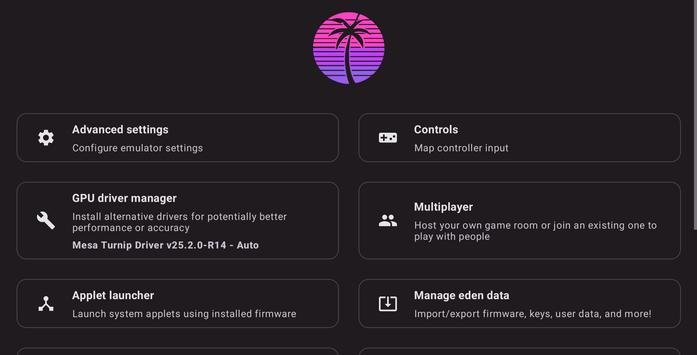
Control configurations include automatic button mapping alongside support for dedicated Joy-Con and Switch Pro Controller layouts, complete with enhanced motion controls for 8BitDo gamepads. To accommodate varying hardware capabilities, multiple distribution builds are available, including a Legacy build aimed at older chipsets and a specialized build for specific game compatibility scenarios.
Your comment was submitted and is awaiting moderation.
Your comment was published.