App Screenshots
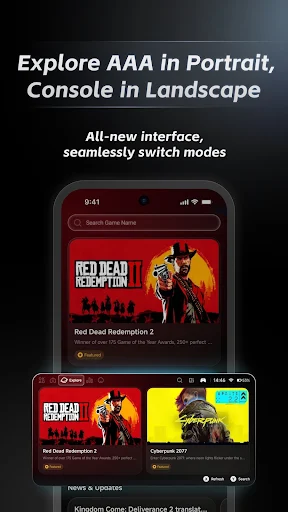
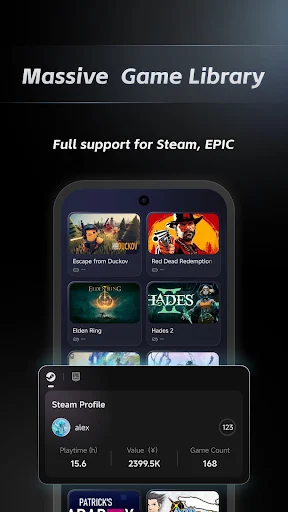
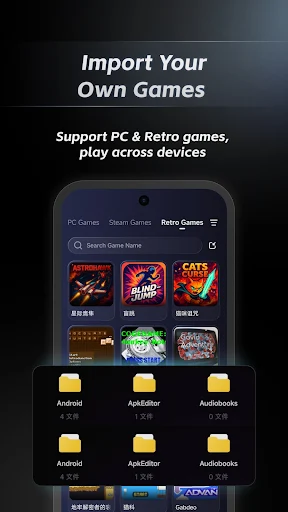
PC emulation and game streaming hub
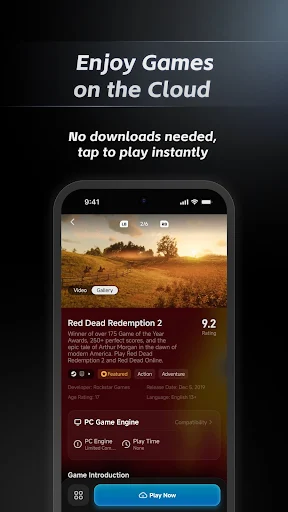
GameHub consolidates local PC emulation, remote desktop streaming, and cloud play into a single home screen for managing and playing computer titles on mobile hardware. It targets players who already own PC software libraries by letting them connect Steam and Epic Games accounts to view compatible titles alongside local options. Before downloading or launching software, users can review documented hardware compatibility, organize their purchase history, and configure inputs ranging from standard touch layouts to external controllers or a mouse and keyboard.
The built-in PC emulator allows selected Windows titles and retro software to run natively on the mobile device without an active network connection. Linking Steam or Epic Games accounts populates owned titles directly under the user profile, eliminating the need to search for games individually. For supported Steam releases, an integrated download queue handles file retrieval, while supported cloud saves preserve existing desktop progress. Because local performance depends heavily on device hardware, built-in compatibility checks indicate expected performance before initiating large installations, helping users identify demanding 3D applications that might run slowly or experience visual defects.
To conserve local storage, the app provides alternative playback methods that offload hardware processing. The dedicated PC Link section streams games directly from a home computer over a local network, making desktop games accessible in another room using a handheld controller. For setups without a nearby host PC, cloud gaming streams supported software directly over an internet connection. Both streaming modes require a stable network connection, as fluctuating bandwidth or weak wireless signals can result in delayed input response or degraded video quality.
Your comment was submitted and is awaiting moderation.
Your comment was published.