App Screenshots
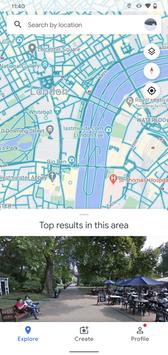
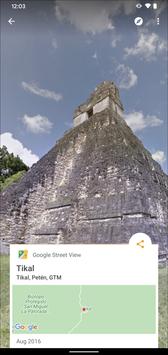
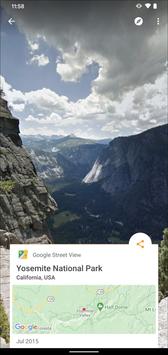
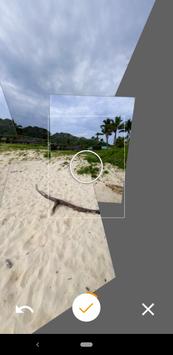

Explore 360-degree panoramic imagery globally
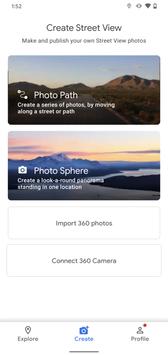
• Create and publish a Photo Path as you travel along a street or trail
• Fresh UI makes it easy to create, organize, and publish imagery to Street View
• Track your contribution progress with the Street View badge
• Several bug fixes and other improvements
Virtually traveling the globe and contributing local imagery is straightforward with Google Street View, a tool designed for exploring world landmarks, natural wonders, and the interiors of public spaces like museums, arenas, and local businesses. Users can navigate immersive 360-degree panoramas from around the world or capture their own surroundings to share publicly. Beyond simply viewing existing imagery, the app allows users to record and publish new visual paths and panoramas using their mobile devices or compatible external hardware.
The app provides access to a global library of connected panoramas, enabling digital travel to nearly every country. Beyond public streets and outdoor landmarks, users can step inside specific venues to tour small businesses, restaurants, museums, and athletic arenas.
Users can capture their own 360-degree panoramas, known as Photo Spheres, directly within the app to showcase specific locations. For broader coverage, the platform supports connecting full 360-degree cameras to record and upload seamless sequences of connected panoramas.
For capturing continuous routes, the app features Photo Paths, a tool that allows users to record a series of connected photos along a street or trail. Publishing these paths helps map unrecorded areas for other users to view.
Creating Photo Paths requires a device compatible with ARCore. Additionally, the app requires an operating system running Android 4.4 (KitKat) or newer to function.
Your comment was submitted and is awaiting moderation.
Your comment was published.