App Screenshots
GPS route planner and driving assistant
* Added support for latest devices and android versions
* Layout improvements
* Search criteria is better
* new features added
* bug fixes
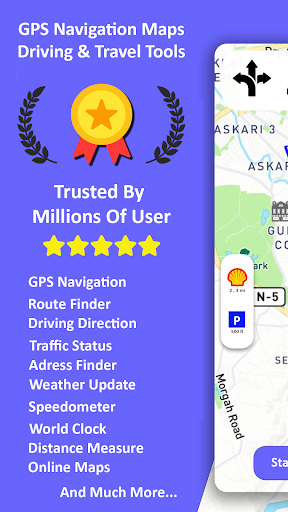
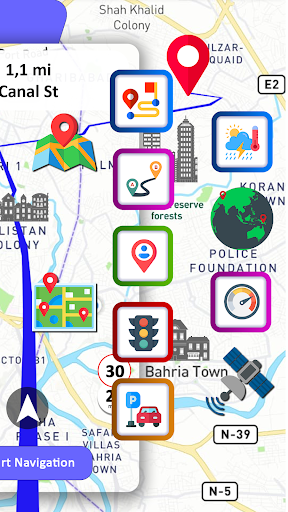
GPS navigation, maps direction serves as a driving assistant app designed to help users plan trips, monitor road conditions, and navigate turn-by-turn routes. Drivers can plot travel paths between selected points with voice assistance, view real-time traffic updates to avoid congested roads, and track their current driving speed. Beyond basic route planning, the app aggregates location tools such as a digital or analog speedometer, a directional compass, nearby place finders, and geographic details for famous landmarks across the globe.
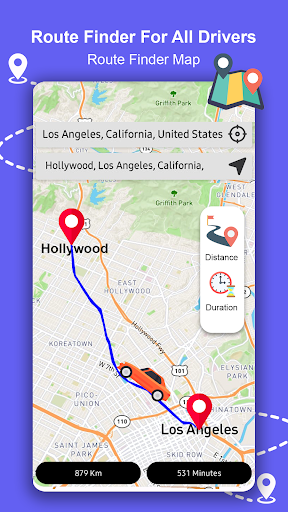
Planning a journey involves selecting a starting point and a destination to generate complete driving directions on interactive GPS maps. As you drive, hands-free voice assistance alerts you to upcoming turns and corners. To help prevent delays, the app monitors surrounding traffic conditions in real time, allowing users to check for congestion around their current location or along their planned route before setting off.
The built-in GPS speedometer operates entirely without an internet connection, allowing drivers to track their vehicle’s velocity in either km/h or mph. It displays current and maximum speeds on an analog or digital dial, alongside the current heading. For additional orientation while moving or stationary, a dedicated GPS compass provides real-time directional headings and exact coordinates.
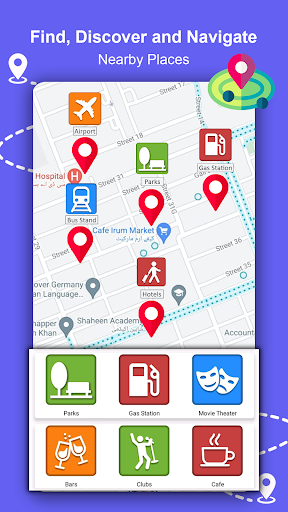
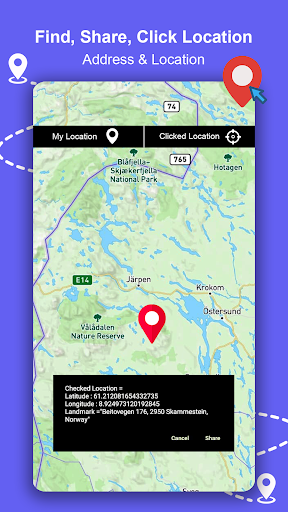
Finding precise coordinates and street addresses takes a single click, enabling users to share their immediate location or any spot selected on the map with contacts. An integrated directory helps locate nearby amenities around your current position, including banks, hospitals, gas stations, hotels, ATMs, restaurants, and airports. Drivers can also explore famous places and world wonders within the map interface to review location information when planning upcoming holidays.
Users can tailor the visual presentation of their travel maps by switching between high-contrast options like dark mode, light mode, terrain visuals, and satellite imagery. In addition to online views, the app provides offline map capabilities so users can view global geographic layouts without relying on an active cellular data connection.
Your comment was submitted and is awaiting moderation.
Your comment was published.