App Screenshots

Play classic console games on mobile.
NetherSX2 is a PlayStation 2 emulator designed to run classic console titles on modern devices using an ad-free interface. It leverages Vulkan and OpenGL graphics APIs to render games, offering internal resolution upscaling to sharpen 3D visuals beyond original hardware limits. To launch titles, you must provide a valid PS2 BIOS dumped from your own console, along with your game files. High-end hardware achieves the best results for demanding software, but granular graphics and performance options help tune performance across a variety of hardware configurations.
Graphics rendering relies on either Vulkan or OpenGL backends. Vulkan typically provides better performance and frame pacing on newer hardware, whereas OpenGL serves as a stable fallback for older devices. You can increase the internal rendering resolution to eliminate jagged edges and improve clarity, provided your hardware has enough thermal and processing headroom. To avoid frame drops, performance adjustments are best made incrementally. If a specific title requires unique settings to run smoothly, per-game profiles allow you to save dedicated graphics options, renderers, and speed tweaks that launch automatically for that title without altering your global configuration.
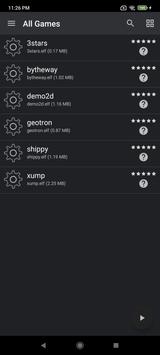
Organizing a large collection of games is handled through automatic directory scanning, which populates your library into a clean grid or list view. The interface automatically fetches cover art to make browsing faster when navigating deep catalogs of RPGs or sports titles, and you can switch menu background styles to your preference. For unified gaming setups, the software integrates directly with front-end launchers like LaunchBox and DaiSho, allowing you to launch games straight from a centralized library interface.
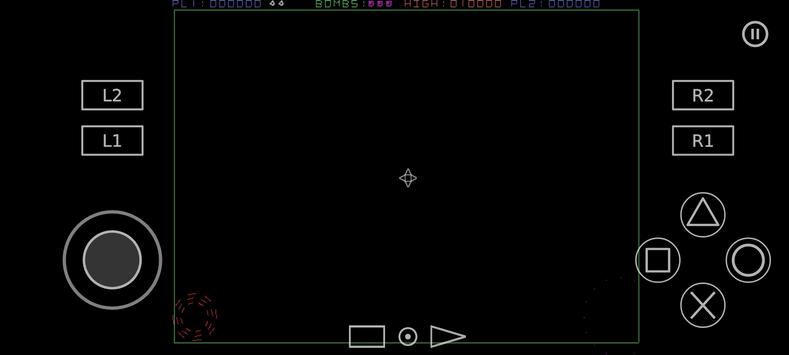
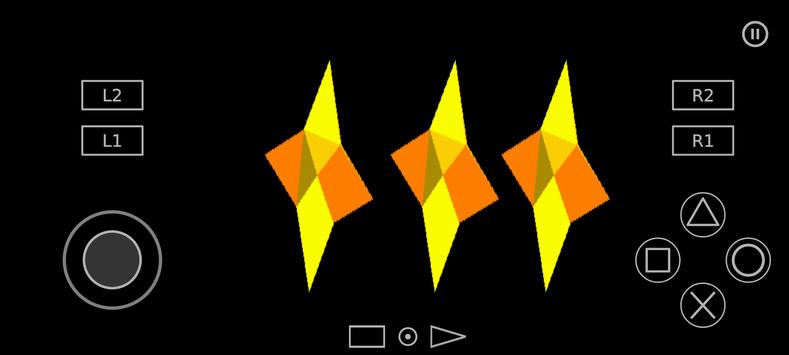
Input options accommodate both touchscreen play and external physical hardware. The touch controls feature a fully customizable screen layout, while connected Bluetooth controllers usually map buttons automatically, including a predefined DualShock 2 layout to preserve original control schemes. Progress can be managed through traditional methods by creating and formatting virtual PS2 memory cards, or by using save and load states to freeze and resume gameplay instantly at any point during a session.
Your comment was submitted and is awaiting moderation.
Your comment was published.