App Screenshots

Console screen streaming and remote control
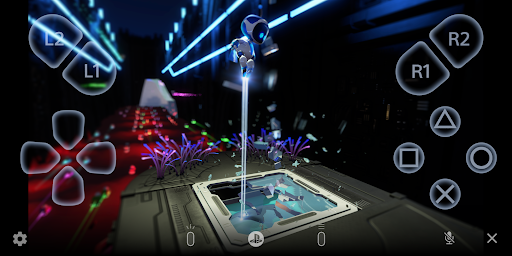
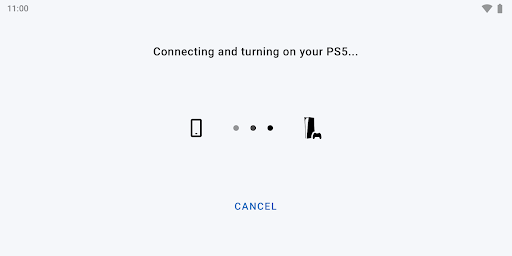
Streaming your PlayStation console directly to a handheld device allows you to keep playing your favorite titles even when you are away from the TV. With PS Remote Play, you can mirror your PlayStation 5 or PlayStation 4 screen to a mobile device, controlling your console remotely over a network connection. Beyond basic screen streaming, the app lets you navigate system menus, enter text using your mobile keyboard, and join party voice chats through your device’s built-in microphone.
Controlling your console remotely can be done using the on-screen virtual layout or by connecting a physical controller. The app supports several hardware setups, including the DUALSHOCK 4 wireless controller, the DualSense wireless controller, the DualSense Edge wireless controller, and the Backbone One PlayStation Edition for USB Type-C devices. Specific controller support depends on your mobile device’s operating system version; for instance, DualSense requires Android 12 or later, while the DualSense Edge requires Android 14 or later.
Establishing a remote session requires a PlayStation 5 or PlayStation 4 updated to the latest system software, an active PlayStation account, and a fast internet connection. While the app functions over mobile data as well as Wi-Fi, performance depends heavily on carrier network conditions. Mobile data usage is significantly higher than typical video streaming, which can impact data caps. Additionally, remote play may result in input lag depending on hardware performance, controller vibration may feel different than playing directly on the console, and certain games or unverified devices may not be fully compatible.
Your comment was submitted and is awaiting moderation.
Your comment was published.