App Screenshots
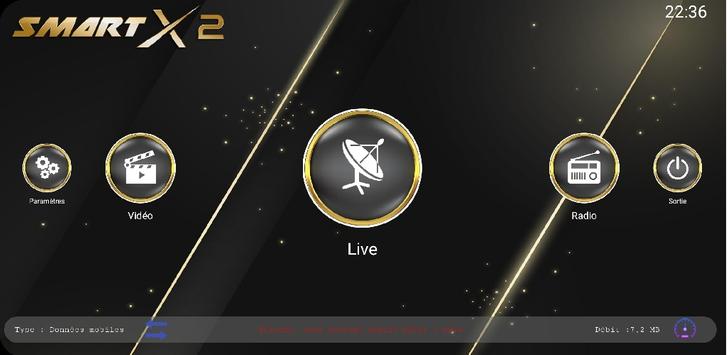

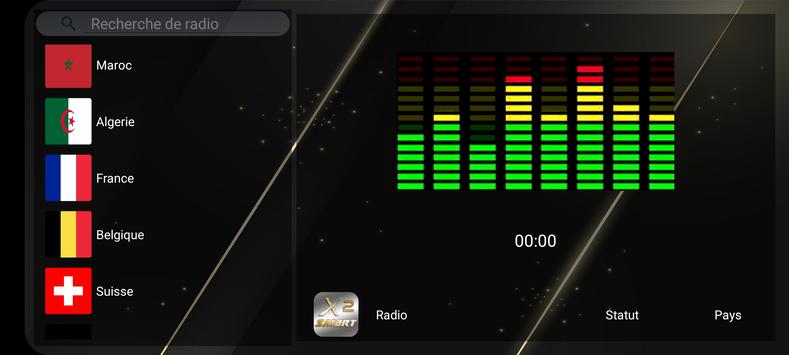


High-resolution media and playlist player
Playback tools often require users to manually locate files or reconfigure settings every time they resume a video. SMART X2 Player solves this inconvenience by maintaining an automatic watch history that logs your recent sessions, allowing you to return to standard videos, tutorials, or long streams with a single tap. Designed to handle media across different quality tiers, the app supports video resolutions ranging from HD up to 4K on supported hardware. It also processes M3U8 files, making it capable of handling both local files and playlist-based web streams while managing multiple audio channels and readable subtitles.
The app processes a wide spectrum of media resolutions, accommodating standard HD, FHD, 2K, and 4K playback depending on what the host hardware supports. Beyond handling standard local video files, it parses M3U8 files to play playlist-driven content such as online video streams. This allows users to rely on a single interface whether they are opening local storage items or loading network-based media feeds.
Media containing secondary language tracks, dubs, or commentary can be adjusted during playback through the built-in track selection options. The player allows instant switching between available audio streams without interrupting the video feed. Additionally, integrated subtitle rendering displays text clearly on-screen, assisting viewers who need transcriptions in loud environments or during language study.
The built-in watch history keeps a running record of recently opened media. Instead of navigating through file directories or browsing external folders to resume a movie or episode, the main interface provides direct access to recently played content. This setup lets users pause a video on one occasion and immediately pick up at the same point later.
Your comment was submitted and is awaiting moderation.
Your comment was published.