App Screenshots







Classic card stacking puzzle game
- Performance and stability improvements
Thanks for playing Spider Solitaire! We read all your reviews carefully. Please leave us feedback about why you love this game and what features you would like to see next!
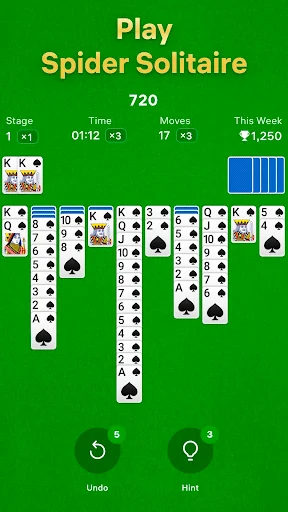
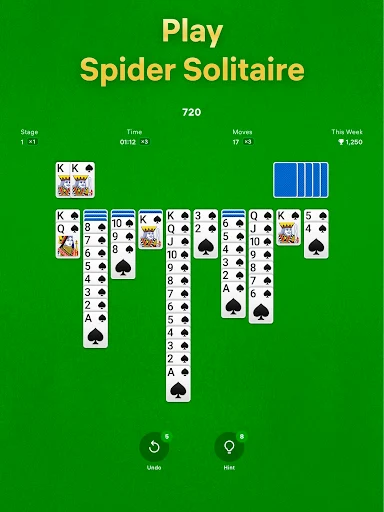
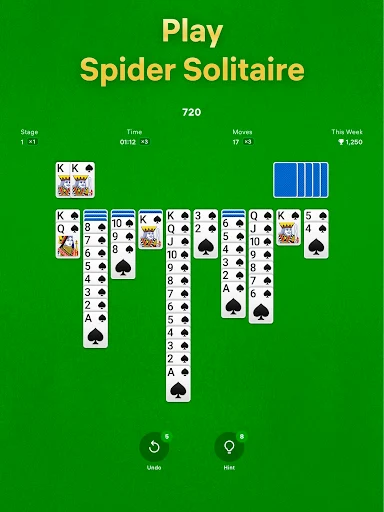
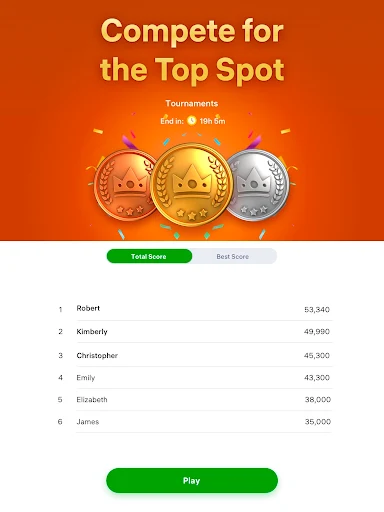
Spider Solitaire brings the classic card-stacking challenge to mobile devices, allowing players to organize cards into descending sequences from King to Ace to clear the board. Players can customize the core rules to match their skill level by choosing to play with one, two, or four suit colors. Beyond standard random deals, the game introduces a stage-based progression system where consecutive wins yield higher scores, alongside optional daily challenges and themed events that offer extra goals to complete.
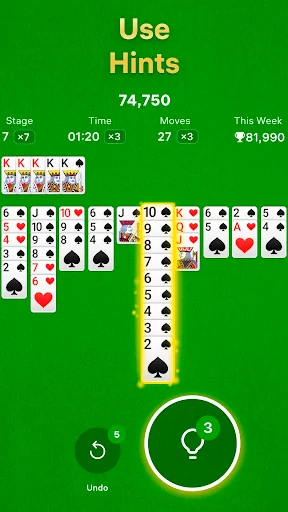
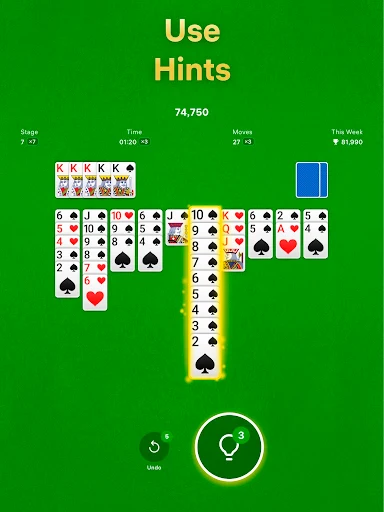
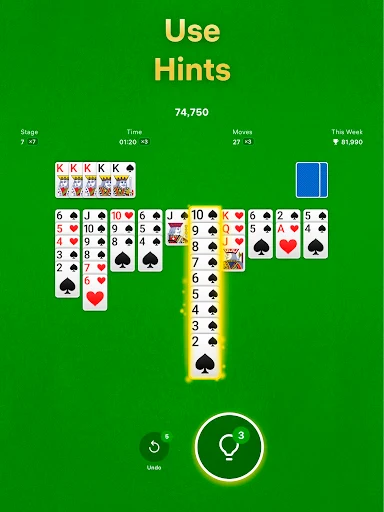
The game allows players to select the number of suits used in a deck before starting a match. Using a single suit provides a straightforward experience focused on basic sequencing, while two or four suits introduce complex spatial management, requiring strategic clearing of mixed-suit stacks to unlock buried cards. If a mistake occurs or a player reaches a dead end, built-in undos allow previous moves to be reversed, while smart hints suggest valid available actions.
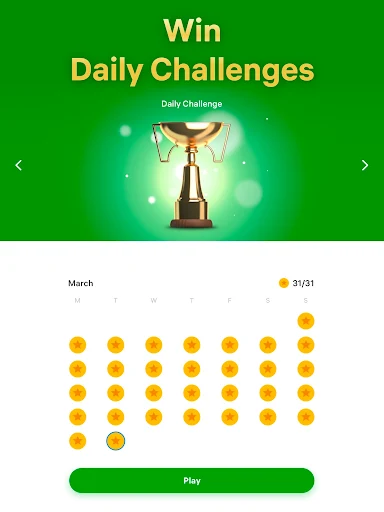
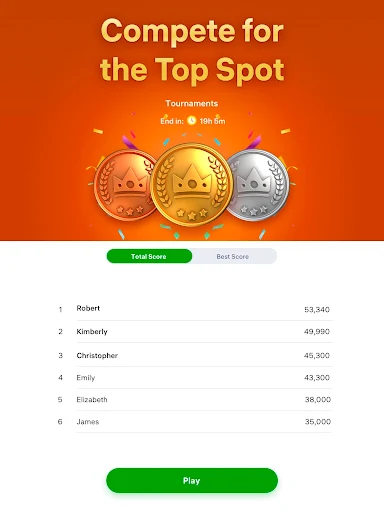
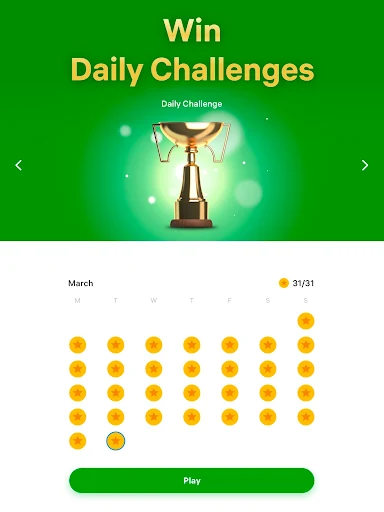
Clearing boards builds momentum through a stage system, where maintaining a streak of consecutive wins advances the player to higher stages that award more points for correct moves. Outside of standard play, daily challenges offer specific board configurations that award monthly trophies upon completion. Seasonal events also provide dedicated boards that progressively unlock collectible illustrated postcards as levels are cleared.
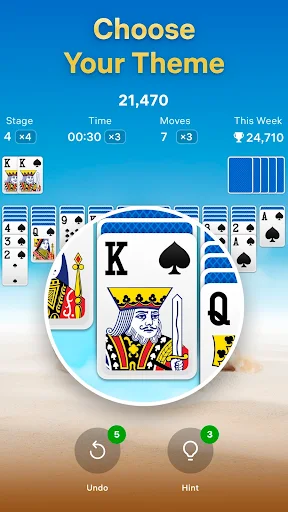
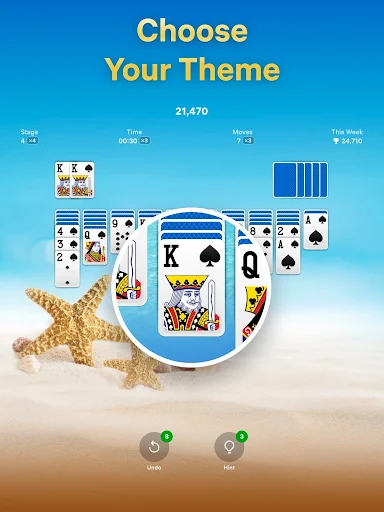
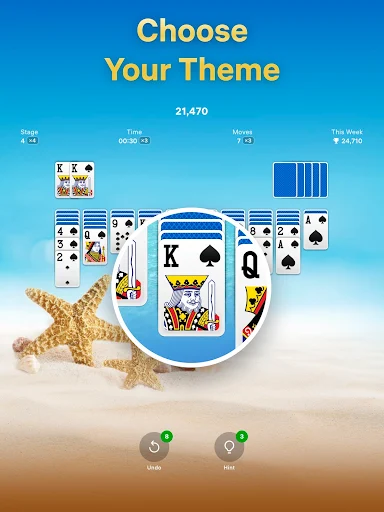
Players can alter the visual presentation of the game board by selecting different card designs, card backs, and background themes to suit their preferences. The interface supports both standard tap and drag controls for moving cards across columns. For improved accessibility, a dedicated left-handed layout option mirrors the interface elements, making card management comfortable regardless of how the device is held.
Your comment was submitted and is awaiting moderation.
Your comment was published.