App Screenshots


Fast and secure web browser
1. Fix bugs that log-in sometimes doesn't work.
2. Several other bug fixes.
Navigating the web without digital clutter can significantly streamline mobile browsing. UC Turbo- Fast, Safe, Ad Block provides a streamlined web browser designed to speed up online tasks while minimizing screen distractions and heavy data usage. Built with a minimalist homepage that omits push notifications and news feeds, it gives users direct control over their start screen, tab management, and media content. Beyond basic browsing, it incorporates built-in tools for managing files, blocking intrusive advertising, and accelerating downloads.
The app removes traditional portal distractions by eliminating automated news streams and system push messages. Users can curate their homepage by adding preferred sites directly from their bookmarks or removing default pre-set links entirely to maintain a completely blank start screen. To personalize the visual experience, custom high-definition photos can be set as the background wallpaper and shared directly to social platforms with a single tap.
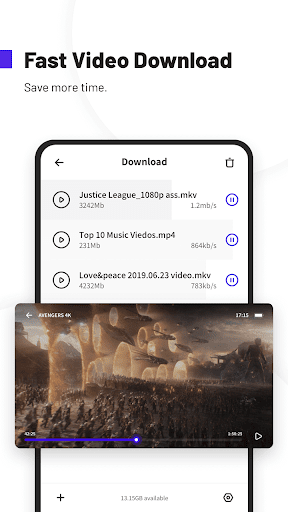
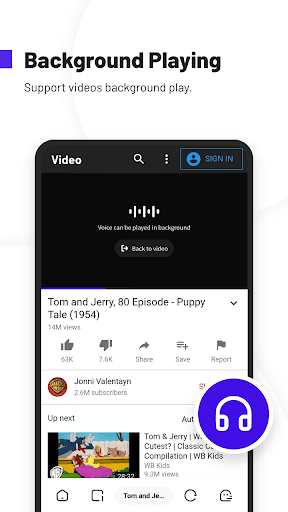
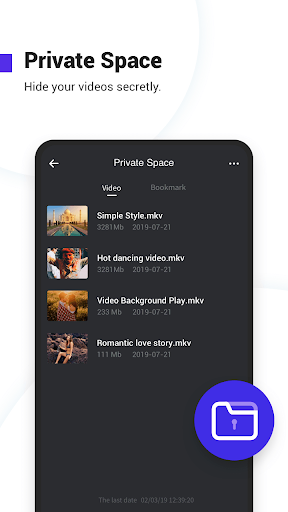
Video management is a core component of the browser’s toolset. It includes dedicated servers that use multi-threaded connections to stabilize and increase file download speeds. For media consumption, the app supports background audio and video playback with a single tap, allowing media to keep playing even when switching to other tasks or browsing in incognito mode. Users can also hide specific downloaded files or online videos inside a password-encrypted Private Space to keep personal media secure.
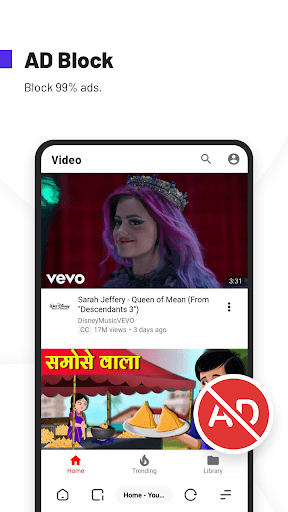
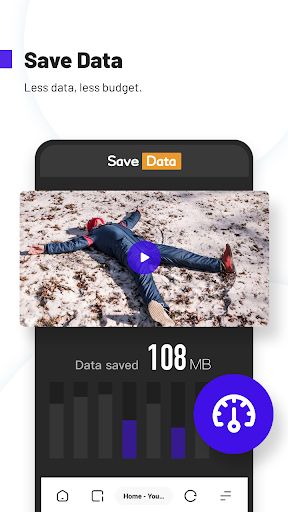
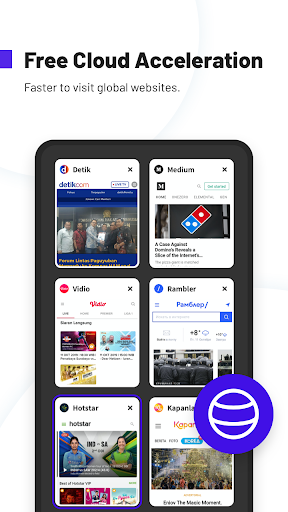
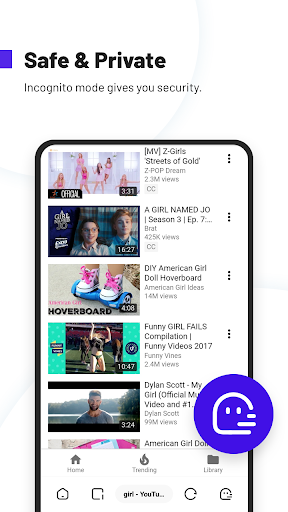
Web navigation is backed by an integrated Ad Block function that automatically filters out standard web advertisements. If an ad bypasses the filter, users can manually mark it to block similar visual elements on that site in the future. For privacy, an incognito mode prevents browsing history from being recorded on the device. The app also includes a practical tools kit containing a network speed test, an image search utility, and a social media status downloader, alongside cloud acceleration features designed to save up to 90% of mobile data while loading web content.
Your comment was submitted and is awaiting moderation.
Your comment was published.