App Screenshots

Mobile web browser for internet navigation
v31.0.0.81
* Supports “Split view” for efficient multi-view browsing (※ Tablet-only)
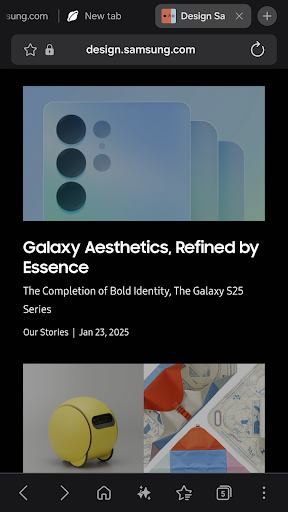
* Support instant switching to open tabs via the URL bar search field
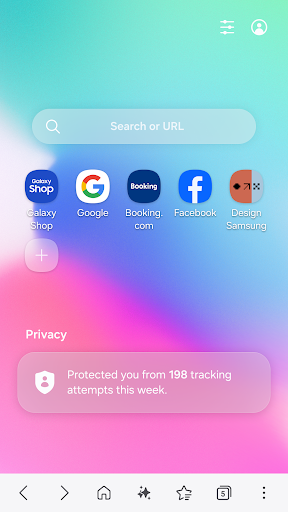
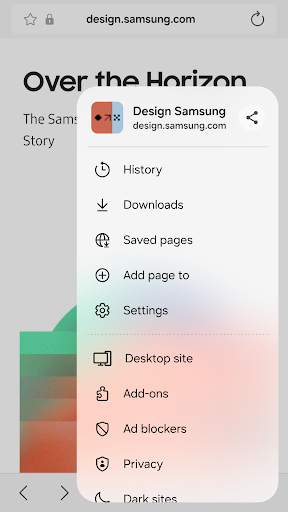
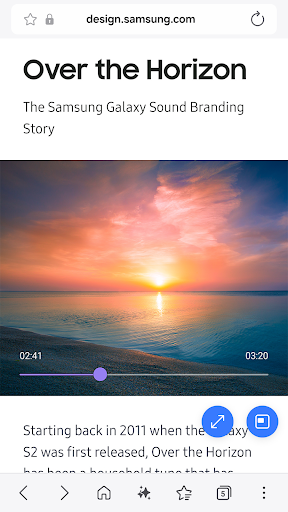
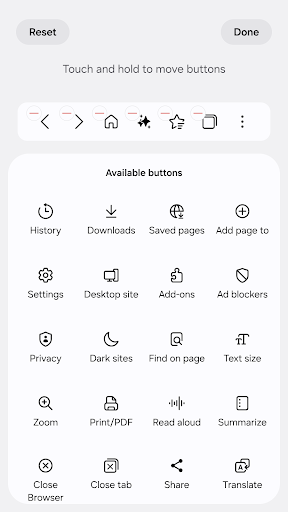
Samsung Browser is a web browsing app that lets you navigate the internet while offering built-in playback tools, interface customization, and privacy features. You can watch online videos with a dedicated Video Assistant, apply Dark Mode, personalize the app menu, and install third-party extensions such as native translators. The app also emphasizes user privacy by blocking cross-site tracking cookies, warning you before you access known malicious websites, and supporting third-party content blockers to filter out unwanted scripts and ads.
On tablet displays, the app supports a dedicated split-view mode. Selecting this option divides the browser screen into left and right panes, allowing you to open and view two web pages simultaneously for multi-view browsing. Tab navigation is integrated into the search interface; when you type a query or web address into the URL bar, the app detects if the requested page is already open in another tab. Instead of spending time and network data loading a duplicate page, selecting the result switches your view directly to the existing tab.
The app incorporates several native tools to protect your personal data while navigating the web. Smart Anti-Tracking identifies domain names capable of tracking your activity across different sites and restricts their access to cookie storage. Protected Browsing monitors the addresses you visit and issues a warning before a page loads if it detects a known malicious site attempting to steal your data. Additionally, the browser integrates with third-party content blocking applications, allowing external filter lists to streamline page rendering and block suspicious content. Private browsing is managed through Secret mode, which keeps your session isolated from standard history and data logs.
For users with wearable devices running Wear OS, such as the Galaxy Watch 4 series and newer models, the browser extends its functionality beyond smartphones. It offers dedicated tiles and watch face complications, allowing you to launch web tools or check browser information directly from your wrist.
To deliver specific web features, the app requests access to hardware capabilities based on website requests and your system version. Camera and microphone permissions enable image capture, QR code scanning, and web-based audio recording, while location access allows sites to serve localized content. Media permissions vary depending on your OS version; older builds use standard storage access to upload files, while newer software separates these requests into specific permissions for photos, videos, and music files. Optional permissions also cover nearby Bluetooth device discovery for supported web pages, phone state checks for country-specific feature optimizations, and background notification access to track file download progress.
Your comment was submitted and is awaiting moderation.
Your comment was published.