App Screenshots

Telephone call management and recording tool
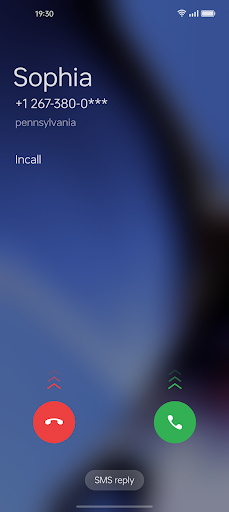
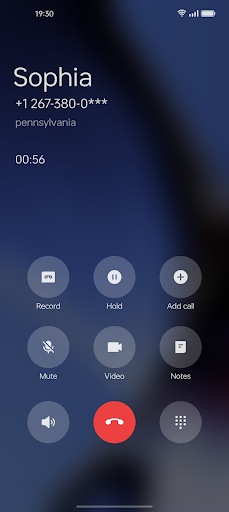
Replacing a stock phone interface often comes down to call handling efficiency and recording options. ODialer acts as an alternative system dialer designed for supported devices running ColorOS or OxygenOS, allowing users to place calls, organize recent communications, and manage contacts within a unified interface. Beyond basic dialing via a T9 keypad and speed dial shortcuts, it features granular call recording settings to capture conversations automatically or manually depending on individual setup requirements.
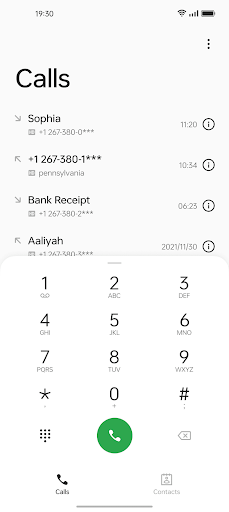
The primary call log groups recent entries into clear categories, displaying contact names, phone numbers, and call timestamps. Highlighted indicators distinguish between answered and missed communications, giving a clear view of daily call volume at a glance. Selecting any specific entry opens standard contact actions, allowing users to call back or manage details without navigating through separate menus. Because the layout reflects standard ColorOS and OxygenOS visual guidelines, transitioning from a pre-installed dialer requires minimal adjustment.
Built-in call recording functionality operates through both manual toggles and automated rules configured in the app’s settings. Users can set the dialer to record all incoming and outgoing calls, limit automatic recording strictly to unknown numbers, or create a custom list of specific contacts using an in-app selector. If automated recording options are limited or disabled due to regional device policies, manual call recording serves as an available fallback during active calls. Operating these features reliably requires setting the application as the default dialer upon initial launch.
The integrated T9 keypad filters contacts by matching input against both stored names and numerical sequences, allowing users to locate target numbers with a few keypresses. Frequently called numbers can be saved as favorites for immediate dialing, while long-press actions on the keypad provide quick shortcuts for routine calls.
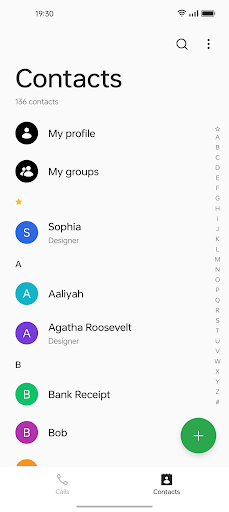
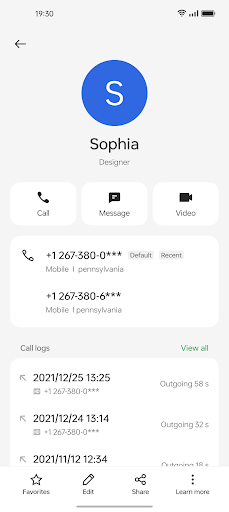
The app consolidates contact management into a single hub where users can view details, edit entries, and initiate calls directly. On compatible devices running OS 16, the system also supports AI transcription for supported calls, generating text records of conversations alongside standard audio recording functions.
Your comment was submitted and is awaiting moderation.
Your comment was published.