App Screenshots
Security camera system surveillance
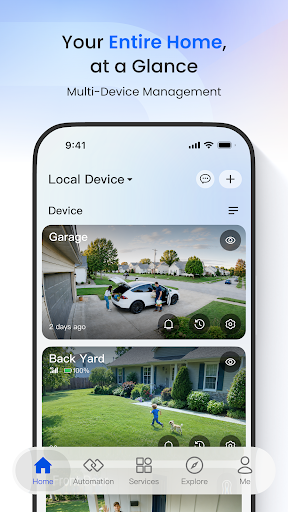
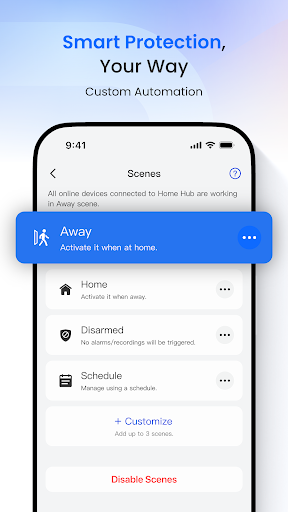
Monitoring home or business security environments is straightforward with Reolink, an app designed to configure and control compatible Reolink IP cameras and NVR security systems. It allows you to check live video streams both locally on the same network and remotely over Wi-Fi or cellular data connections. You can view up to 16 camera channels simultaneously on a single screen, adjust camera angles using PTZ controls, and set custom recording schedules for continuous or motion-based video capture.
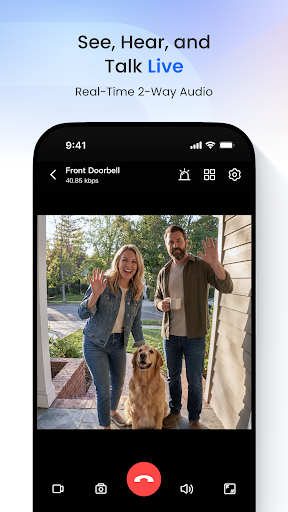
The app functions as a central command hub for your surveillance feed, displaying up to 16 camera channels on screen at once. Whether you are monitoring different rooms in a house or multiple angles around a commercial property, you can switch between feeds and watch live video over 3G, 4G, or Wi-Fi networks. For cameras equipped with pan-tilt-zoom capabilities, directional controls inside the interface let you pan left and right, tilt up and down, or zoom in on specific areas remotely.
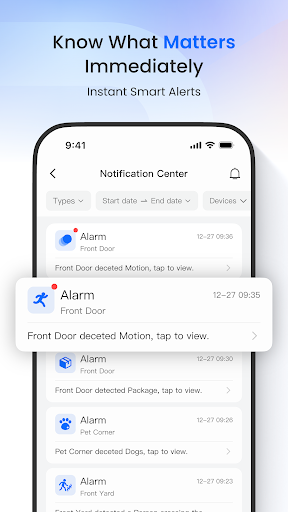
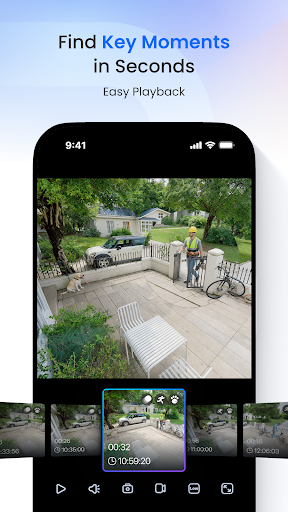
Recorded footage stored on an NVR hard drive or a camera’s local SD card can be searched and played back directly through the mobile interface. While watching a live or recorded stream, you can manually take snapshot images or capture video clips to save them straight to your phone. To keep track of activity without constantly watching the feeds, the system sends push notifications or email alerts whenever its motion detection features are triggered.
The app operates exclusively with Reolink IP Cams and NVRs. Connecting devices on the same local network requires a three-step configuration process to establish a feed, making it simple to link new hardware to your mobile device before accessing it remotely.
Your comment was submitted and is awaiting moderation.
Your comment was published.