App Screenshots


Voice and video calls with messaging
- Meet your new Family Dashboard! View and manage your family members in one convenient place.
- Enjoy a smoother, more reliable experience.
Thank you for using JusTalk! If you have any questions, please feel free to email us: [email protected]
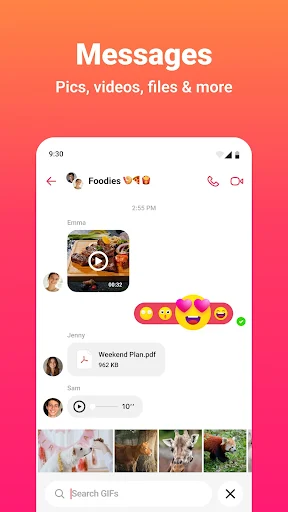
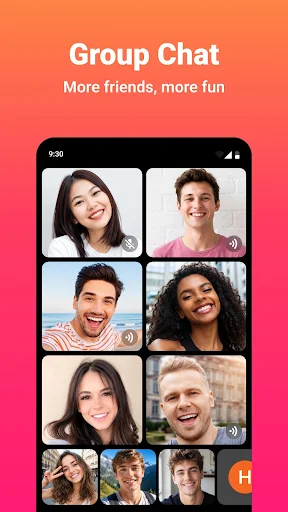
Staying in touch through voice and video calls often requires more than simple audio and video feeds. JusTalk – Video Chat & Calls is a communication app designed for high-definition voice and video calling as well as real-time interactive messaging. Beyond basic calls, it integrates collaborative features directly into active conversations, allowing users to draw together on-screen, launch real-time games, record calls with a single tap, and adapt the display setup for different devices and camera angles.
During video calls, the app offers camera configurations that expand what participants can see. Dual Capture enables a user to transmit video from both the front and rear cameras simultaneously, presenting personal reactions alongside the surrounding environment during shared activities. For supported foldable devices, the DuoFace feature utilizes the external display so people standing near the device can participate in the call without crowding around a single screen.
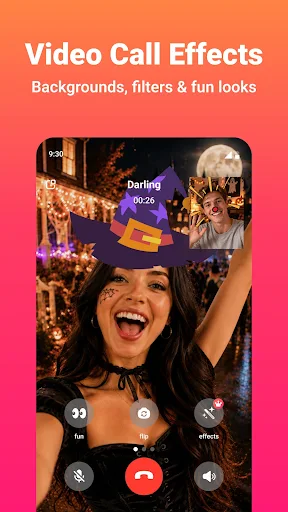
Video streams can be modified in real time using built-in visual tools. Users can apply face effects such as virtual glasses, hats, and animal ears, or alter their background by blurring it or applying visual filters. Customized visual setups can be saved within the app to automatically apply during future video calls.
The app includes built-in utility tools accessible while a call is active. Users can record voice and video calls with a single tap to capture important conversations. During a live call, participants can draw together using a shared doodling canvas. Completed doodles can be saved directly to the device’s photo library as animated videos or shared to external applications. Built-in interactive games are also accessible within both one-on-one and group calls.
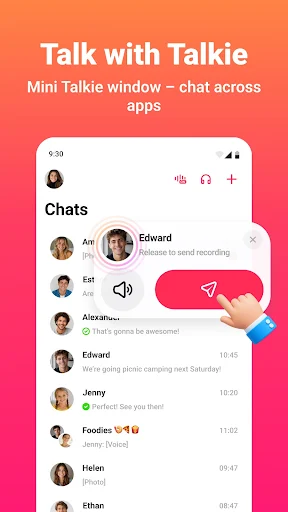
For quicker interactions, the app includes a Walkie Talkie mode that transmits real-time voice messages on demand without establishing a standard audio call. This mode relies on tap-to-talk functionality, auto-playback for incoming voice notes, and floating windows for fast contact access. For organized group messaging, users can create custom stickers, browse the Sticker Store, and launch group polls to collect votes and decisions within a chat thread.
Your comment was submitted and is awaiting moderation.
Your comment was published.