App Screenshots

Advanced communication tool with multi-account management
+Upgraded to Telegram version 13.2.2
+Bug fixes and performance improvements.
+Check full change log in @GraphMessenger channel.
Managing multiple communication streams across different accounts often creates friction in standard messaging platforms. Graph Messenger builds on Telegram’s API to expand these capabilities, allowing users to log into unlimited accounts simultaneously and switch between them without logging out. Beyond multi-account management, the app integrates dedicated utility tools directly into the interface, including a built-in download manager, automated out-of-office replies, and an integrated timeline view that aggregates messages from different chats into a single unified feed.
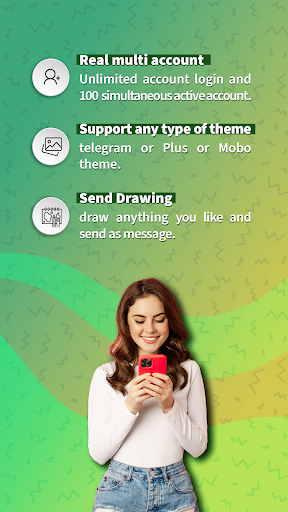
Users can sign in to an unlimited number of personal profiles at the same time and cycle between them as needed. The interface also supports direct login for bot accounts using API tokens generated by BotFather. To manage high volumes of incoming messages across these profiles, users can set up an Auto Answer Machine that sends pre-written responses to contacts when they are unavailable.
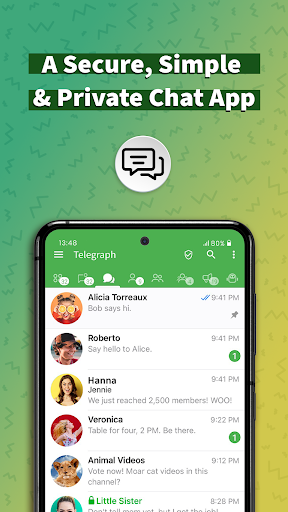
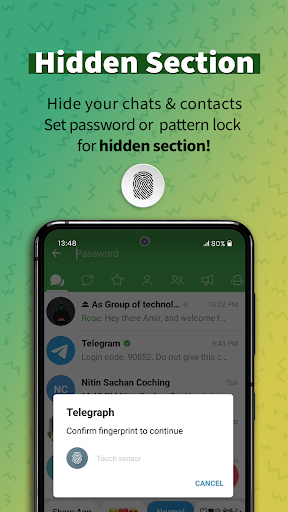
The app changes how conversations are sorted by introducing a consolidated timeline view alongside traditional chat lists. Standard navigation can be customized using custom tabs and folders to separate conversations by topic or priority. For users seeking heightened privacy, a Hidden Section allows specific chats and contacts to be protected behind a password or pattern lock. The main interface, including colors, fonts, and overall themes, can also be fully customized to match individual visual preferences.
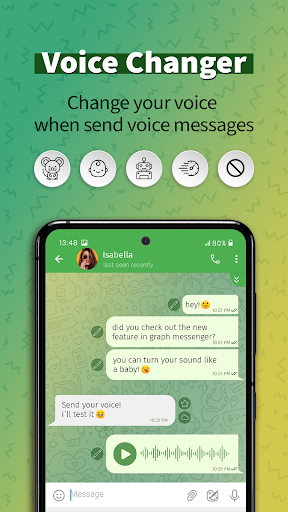
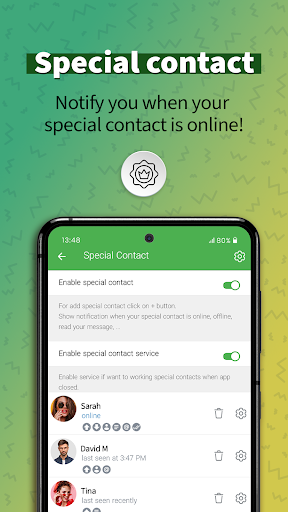
When sharing content, the Special Forward tool gives users direct control over message content prior to sending, enabling them to edit text, remove or replace links, and rearrange message sequences. Voice messages can be altered prior to dispatch using a built-in voice changer, while an inline drawing tool allows users to sketch custom images to send as messages or stickers. The app also features an integrated download manager to track and organize incoming files, an ID Finder tool to locate profiles by their Telegram ID, and a contact change log that tracks when contacts update their names, avatars, or phone numbers on a dedicated screen.
Your comment was submitted and is awaiting moderation.
Your comment was published.