App Screenshots
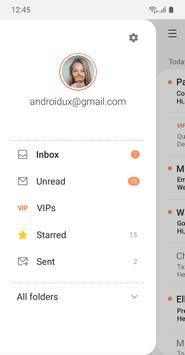
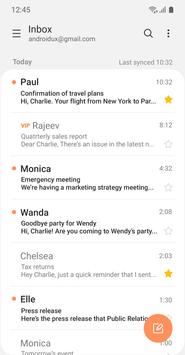
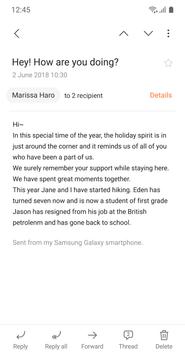
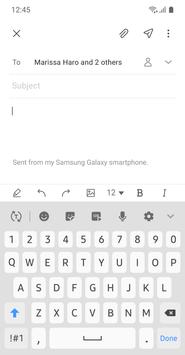

Manage multiple personal and business email accounts.
Managing both personal inboxes and corporate email accounts can be done from a single dashboard using Samsung Email. The app supports standard mail protocols alongside enterprise systems, allowing you to handle day-to-day messaging, read threaded conversations, and organize incoming mail with custom spam filtering rules. It sets itself apart by integrating Exchange ActiveSync for business users, enabling full background synchronization of corporate calendars, contacts, and task lists alongside email correspondence.
Setting up multiple accounts relies on broad protocol support. Personal mail accounts connect via POP3 and IMAP, aggregating different providers into customizable combined mailboxes or keeping them separated. For business environments, built-in Exchange ActiveSync integration links directly to Exchange servers. This integration extends past standard email retrieval to sync server-based calendars, contact details, and assigned tasks directly with your mobile device.
To protect sensitive business communication, the app includes S/MIME encryption, allowing you to send and receive digitally signed and encrypted messages. Corporate IT departments can also manage security policies directly through the app’s native ActiveSync support, enforcing compliance requirements across enterprise accounts without requiring extra administrative tools.
Reading and organizing messages is structured around a conversation and thread view that groups related emails together. Beyond viewing, you can customize sync schedules, set up specific notifications for incoming messages, and flag unwanted senders using built-in spam management features. When drafting emails, permission options allow you to attach files, media, audio, current location data, or captured photos directly to your outbound messages.
Your comment was submitted and is awaiting moderation.
Your comment was published.