App Screenshots

Office document reader and editor
🌟 Fixed minor bugs
🌟 Improved user experience
Managing multiple file formats on a mobile device often requires switching between separate applications, but Docx Reader – Office Viewer consolidates document reading, editing, and format conversion into a single offline tool. Designed to handle Word documents, PDFs, Excel spreadsheets, PowerPoint presentations, and plain text files, the app allows users to modify text, markup documents, and manage files without relying on an active internet connection. Its built-in one-tap conversion between PDF and Word formats makes it a practical option for handling office tasks on the go.
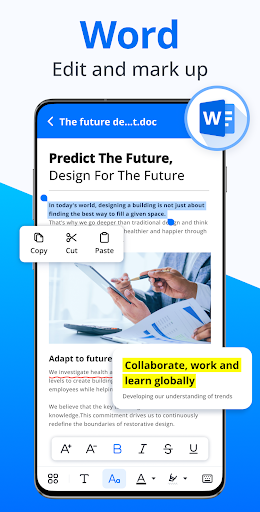
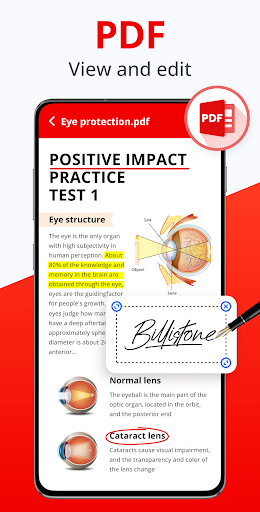
The app provides dedicated editing environments for both Word documents and PDF files. For Word files, including DOC, DOCX, DOT, and related formats, users can rewrite original text, adjust fonts, change text colors, and apply styling such as highlights, underlines, or strikethroughs. Page navigation includes horizontal and vertical scrolling options alongside a quick thumbnail view. When working with PDFs, the app allows direct text selection and copying, custom text insertion, freehand drawing, and annotation tools like highlighting and striking through text.
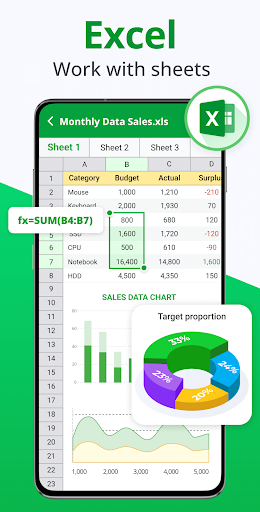
Beyond simple reading, the app includes a bidirectional converter that turns Word documents into PDFs and transforms PDF files back into editable Word documents. For data and presentation files, the app supports viewing multi-sheet Excel files (including XLSX, XLS, and macro-enabled formats) with cell selection for quick data location. It also opens high-resolution PowerPoint presentations across various formats like PPTX and POT, alongside standard TXT files for lightweight document reading.
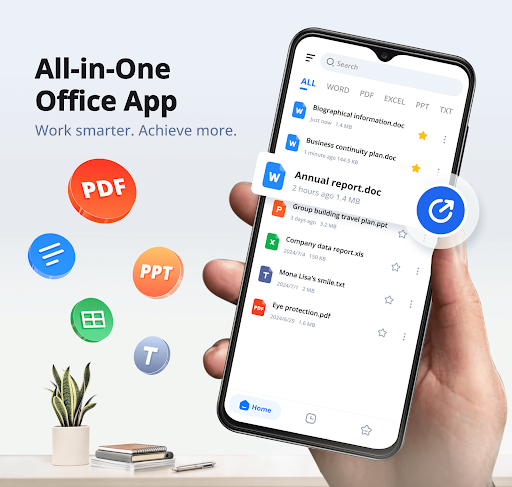
To keep documents organized, the app aggregates stored files into a central location where users can search by keyword, sort items by name, size, or creation time, and create shortcuts for frequently accessed items. Basic file actions such as renaming, favoriting, sharing, and printing are integrated directly into the file manager. For low-light environments, an optional dark mode adjusts the reading interface to reduce eye strain.
Your comment was submitted and is awaiting moderation.
Your comment was published.