App Screenshots

Mobile office suite for documents and spreadsheets.
Thank you for using MobiOffice!
During this month, our primary focus has been on enhancing the speed and reliability of our application. Our aim has been to make it more refined, user-friendly, and seamless in its performance.
Enjoying MobiOffice? Remember to leave us a review.
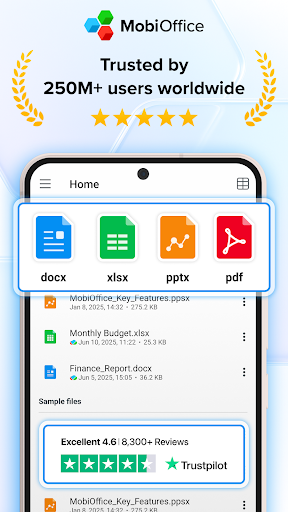
Editing, creating, and reviewing office documents on a mobile device often requires juggling multiple file formats and cloud accounts. MobiOffice: Word, Sheets, PDF resolves this by consolidating document editing, spreadsheet analysis, slide presentations, and complete PDF management into a single mobile application. It supports major file formats from Microsoft Office, OpenOffice, and Apple’s iWork, allowing you to format text, apply spreadsheet formulas, and run presentations directly from your phone. Built-in cloud integration links directly to 5GB of free storage on MobiDrive or your existing cloud accounts, keeping projects accessible wherever you go.
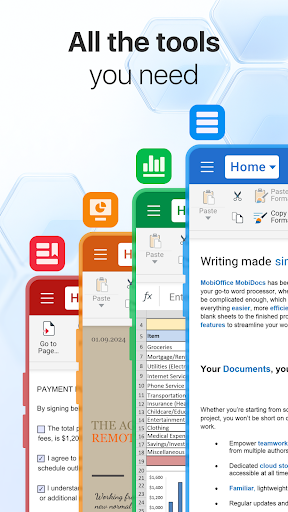
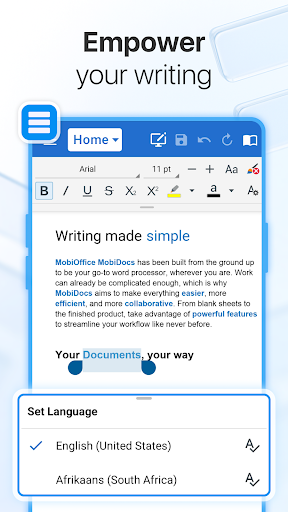
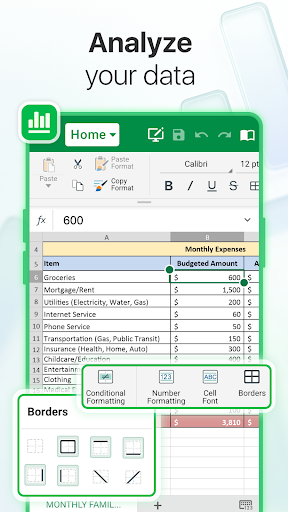
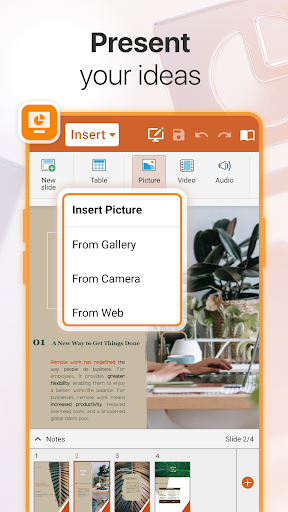
The app handles standard word processing, spreadsheet calculations, and presentation creation without requiring separate tools for each file type. When working on text documents, you can track changes, add comments, and adjust formatting using tools like the format painter. Spreadsheets support complex formulas and conditional formatting to analyze data on the go, while the presentation editor includes a dedicated presentation mode for delivering slides. Files created across Microsoft Office 365, Google Docs, LibreOffice, and WPS Office open natively, ensuring layout consistency when working across different office suites.
Beyond standard office documents, the app functions as a complete PDF management tool. You can read, fill out interactive forms, apply digital signatures, and set advanced security permissions on protected PDF files. If a document requires extensive edits, the built-in converter transforms PDF files into editable Word, Excel, or ePub formats, and allows you to export your original documents, sheets, and slides directly to PDF.
To keep files organized across devices, the app connects natively to Google Drive, OneDrive for Business, Box, and Dropbox, alongside its integrated 5GB MobiDrive storage. This lets you pull project files from your primary cloud provider, make necessary changes, and save the updated versions back to the cloud. Cross-platform capabilities also sync work between your mobile devices and a Windows PC, making it practical to switch screens without losing track of your documents.
Your comment was submitted and is awaiting moderation.
Your comment was published.