App Screenshots

Portable document scanner and PDF maker
· Working with PDFs is now easier with text editing, page rotation, filters, smart erase, and more.
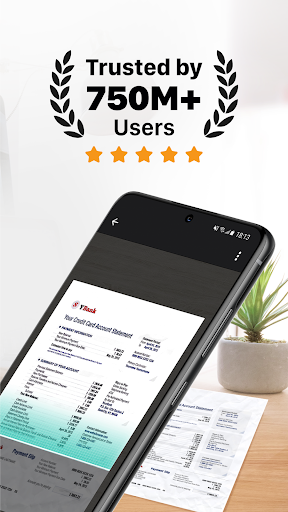
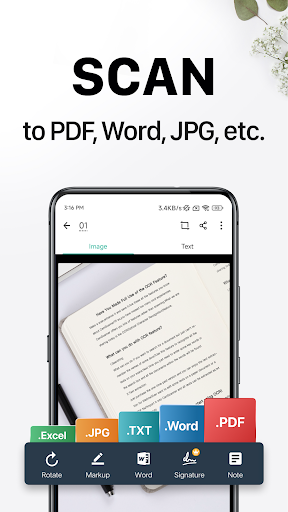
Digitizing physical paperwork into searchable digital formats can be tedious, but CamScanner- scanner, PDF maker simplifies the process by converting a mobile device camera into a portable document scanner. Beyond capturing images of paper documents, the app uses smart cropping and auto-enhancing to ensure graphics and text remain clear. Built-in optical character recognition (OCR) automatically recognizes text within scans, allowing you to extract content for editing, searching, or sharing. Scanned files can then be exported as PDF, JPG, Word, or TXT files, providing a complete mobile document management solution.
The primary workflow centers on using your device’s camera to capture various physical items, including receipts, business cards, invoices, notes, certificates, and whiteboard discussions. Once an image is captured, the app applies smart cropping to trim unnecessary background areas. It then enhances the image contrast and resolution to ensure the finalized text and graphics appear sharp and readable, turning raw photos into clean digital documents.
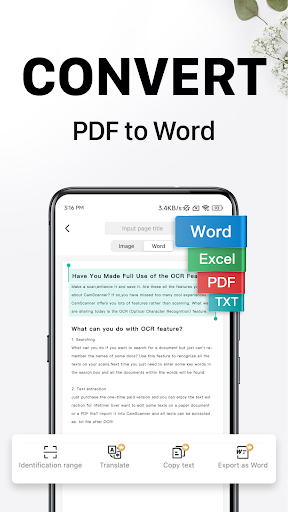
With integrated OCR technology, the app processes captured images and PDF files to identify printed text. This functionality allows you to extract textual content directly from a scan so it can be edited or copied into other applications. Additionally, OCR enhances the quick search feature: you can search your document archive using specific words contained inside the images themselves, or organize files manually by assigning custom tags.
A full set of editing tools enables you to mark up documents with annotations or apply customized watermarks to protect your work. For confidential files, password protection can be applied directly to the document or to its download link to restrict viewing access. When documents are ready for distribution, you can share PDF or JPEG files via social media, email attachments, or direct download links.
The app supports direct wireless printing to nearby printers without requiring separate drivers or third-party software installations. It also includes a remote fax capability that allows you to send selected documents directly to recipient numbers in over 30 countries and regions. By registering for an account, you can sign in across multiple devices to access and synchronize your saved document library anywhere.
Your comment was submitted and is awaiting moderation.
Your comment was published.