App Screenshots
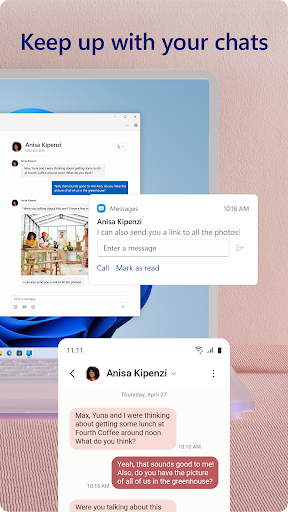

Connect your mobile phone to a computer.
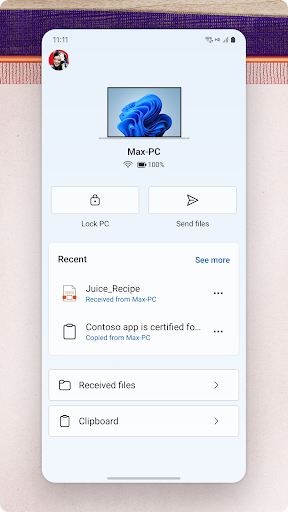
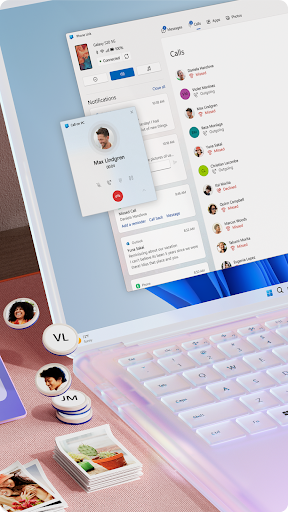
Link to Windows connects a mobile device directly to a Windows PC, allowing you to control phone features from your computer screen. Once paired with the Phone Link application on Windows 10 or later, it enables reading and replying to text messages, handling phone calls, managing incoming notifications, and viewing photos stored on the device. By relying on your computer’s physical keyboard, mouse, or touchscreen, you can process incoming communications and organize media files without needing to pick up your phone.
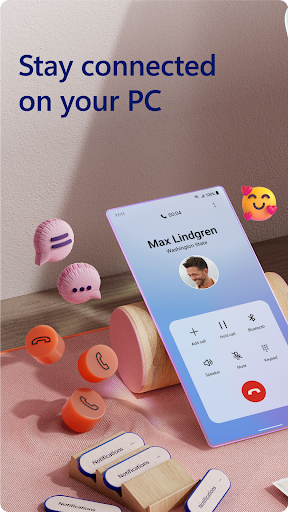
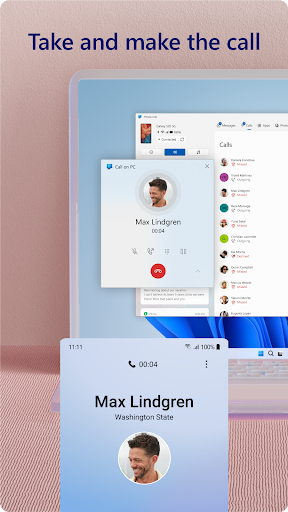
Through the connection to a PC, the app provides immediate access to your mobile communications and media library. You can answer or place voice calls using the computer, provided the PC supports Bluetooth connections, and respond to incoming SMS messages using a full keyboard. The photo integration lets you access, copy, or edit recent images directly on the computer screen, eliminating the need to send photos to yourself via email when transferring files between devices.
On supported Microsoft Duo, Samsung, and HONOR devices, the app includes deeper system integration and exclusive tools. These features include shared clipboard functionality for cross-device copy and paste, file transfer via drag-and-drop, and the ability to project the phone screen onto the PC. Users on these supported devices can also launch and run mobile apps directly on Windows, with multi-app capabilities available on Windows 10 systems running the May 2020 Update or later with at least 8GB of RAM. On integrated devices, the software is built into the system settings and accessible directly through the Quick Access tray.
For users relying on screen readers, the app offers a dedicated accessibility service. When activated, this service allows full navigation of mobile apps from the PC using standard keyboard inputs while delivering spoken auditory feedback through the computer’s speakers. Microsoft notes that this screen-reading service functions without collecting personal or sensitive user data.
Your comment was submitted and is awaiting moderation.
Your comment was published.