App Screenshots


Office suite for documents, spreadsheets, and PDF files
• Bug fixes and stability improvements
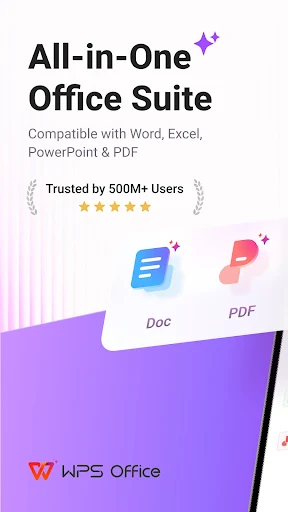
WPS Office-PDF, Word, Sheet combines document creation, spreadsheet management, presentation editing, and a PDF toolkit into a single workspace. It allows users to create, modify, and review Word documents, Excel spreadsheets, PowerPoint presentations, and PDF files while keeping formatting consistent across different mobile devices and computers. Beyond standard text editing, the app integrates camera-based OCR scanning for paper documents, built-in cloud sync for co-editing, and AI functionality for content generation, summaries, and slide deck structuring.
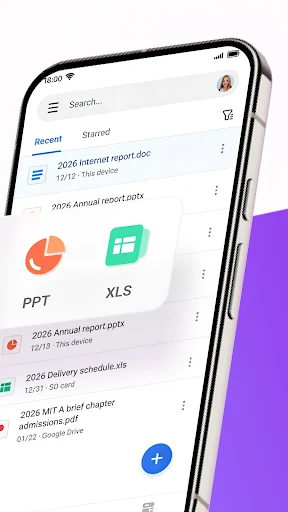
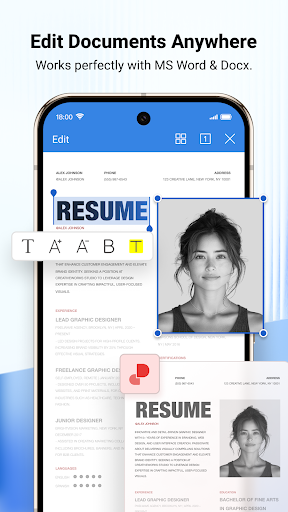
The core editing tools handle Writer, Spreadsheet, and Presentation formats, ensuring that structural elements such as headings, tables, and slide layouts maintain their alignment when shared between mobile devices and desktop computers. Starting a new file occurs directly from the home screen, supported by a gallery of templates alongside blank documents. Basic editing controls for bolding text and highlighting are immediately accessible, while expanded parameters for typography, alignment, and indents reside inside a collapsible menu. Documents can also be converted directly to PDF files to lock the layout before distribution.
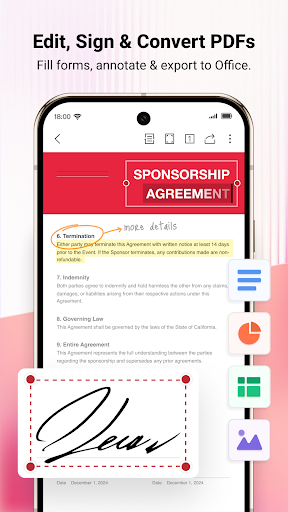
The built-in PDF toolkit handles common document workflows without requiring separate utilities. Users can read files, add visual annotations, insert comments, and edit existing text or entire pages. The app supports converting PDF files into editable Word documents and turning them back into PDFs after making changes. For official documents, contracts, and coursework, the suite includes tools for inserting electronic signatures, applying watermarks, and merging or splitting multiple PDF files into specific page selections. Certain advanced PDF capabilities require signing into an account or subscribing to a paid plan.
Physical documents are digitized using the mobile device camera to capture pages and convert them into clean PDFs or editable text files. The scanner automatically aligns page edges and enhances image contrast to improve readability. Integrated optical character recognition (OCR) detects text from paper notes, receipts, and printed forms, extracting it into an editable document for quick updates. Scanning accuracy depends on steady handling and clear lighting conditions during capture.
Files stored within the app sync across phones, tablets, PCs, and Macs, enabling multi-device access and real-time co-editing among collaborators. Built-in AI functionality assists with writing tasks by drafting text based on prompts, generating concise summaries of longer files, and automatically structuring presentation slides.
Your comment was submitted and is awaiting moderation.
Your comment was published.