App Screenshots
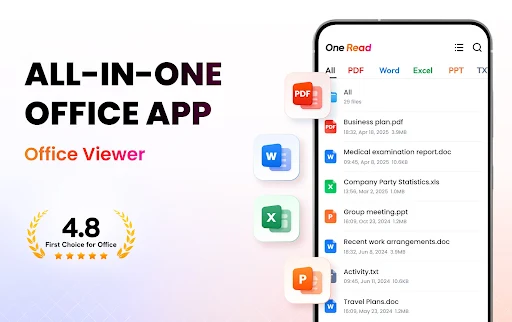
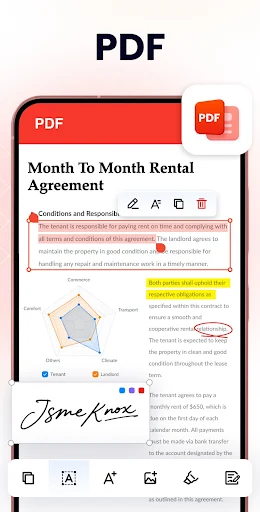
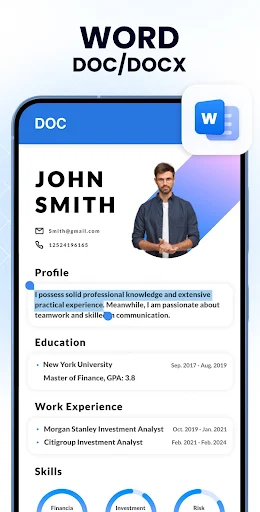
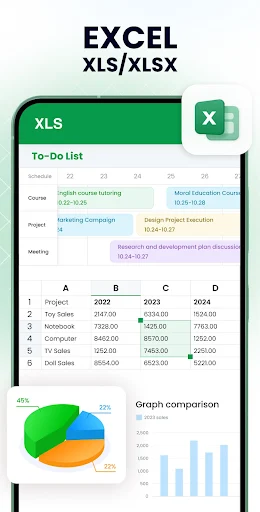
All-in-one office file reader and editor
🚀 New Feature: More Powerful Tools for Better Efficiency!
🧩 Merge PDF: Quickly select and combine pages from multiple entry points for efficient merging
✂️ Split PDF: Split PDFs via page preview to extract what you need
🔓 File Decryption: Enter a password to decrypt Excel, PPT, Word, and other file formats
✅ Performance Improvements
📄 Template Upgrade: Added a "Create resume" entry and improved templates
✨ Fixed known issues and improved overall user experience
With Document Reader & PDF Editor, you can view, edit, convert, and organize office documents directly from your device without relying on an active internet connection. The app functions as a centralized file viewer and manager for PDFs, Word documents, Excel spreadsheets, PowerPoint presentations, text files, and images. Beyond basic file viewing, it provides direct PDF text editing, document annotations, optical scan conversions, built-in templates, and document signing tools in a single interface.
The app reads a wide range of office formats, including PDF, DOC, DOCX, XLS, XLSX, PPT, TXT, RTF, PNG, and JPG. Files are automatically grouped into structured lists, eliminating the need to locate documents manually across different storage folders. You can search for specific files by name, browse text within documents, or apply sorting rules based on file size, edit date, name, or directory path. Bookmarks can also be saved to quickly return to frequently accessed files.
Instead of requiring external editing software, the app includes built-in tools to modify PDF content directly. You can edit existing text by altering the content, font size, color, and alignment, as well as adding formatting like bold, italics, underline, or strikethrough. The editor allows you to insert new text blocks, embed external images, apply handwritten signatures without printing, and mark up pages using highlights, freehand doodles, and underlines.
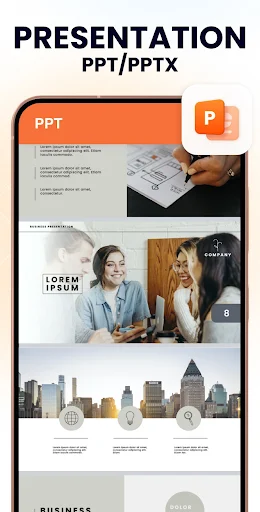
The built-in converter handles file format transformations directly within the app. You can generate PDFs from physical document scans or existing image files (JPG, PNG), convert Word documents into PDFs for consistent distribution, export PDFs into editable Word files, and turn PowerPoint presentations into PDFs while preserving slide layouts.
For creating new files, the app provides pre-designed templates for professional resumes, formal letters, faxes, everyday documents, and event posters. Users can edit template text, switch fonts, and insert custom images. When reading long documents, viewing settings can be adjusted by switching between portrait and landscape modes, jumping directly to specific page numbers, zooming in on fine details, or toggling a color inversion mode to reduce screen brightness during night reading.
Your comment was submitted and is awaiting moderation.
Your comment was published.