App Screenshots
Universal office document reader and editor
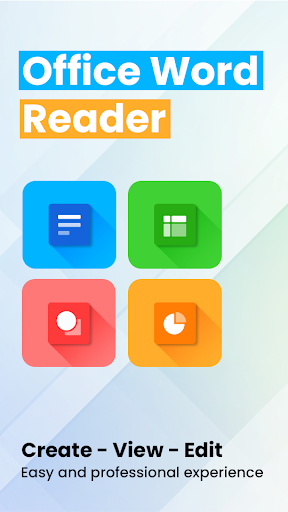
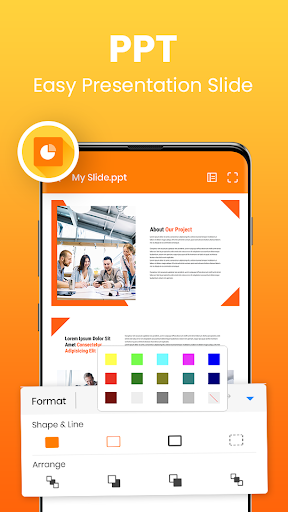
Word Document: DOCX, PDF, XLSX acts as a unified Android workspace designed to open, view, edit, and organize multiple file types without switching between different office tools. It allows users to manage standard Word documents, Excel spreadsheets, PowerPoint presentations, and PDFs from a single interface. Beyond basic file viewing, the app incorporates PDF annotation tools, an optical character recognition scanner to digitize paper documents into searchable files, and support for additional formats like TXT, HWP, ODT, and ZIP archives.
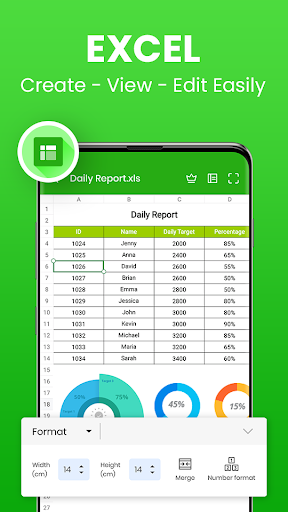
Instead of requiring separate apps for text documents, spreadsheets, and slide decks, the app gathers these formats into one home view. Users can create new files, search for existing items, or pull up recent documents directly from local storage folders. This consolidated layout is designed for handling mixed file attachments, such as receiving a report in DOCX format, a budget sheet in XLSX, and a billing statement in PDF at the same time. Support for alternative extensions like HWP, ODT, TXT, and compressed ZIP archives allows the app to open less common files without demanding additional conversion utilities.
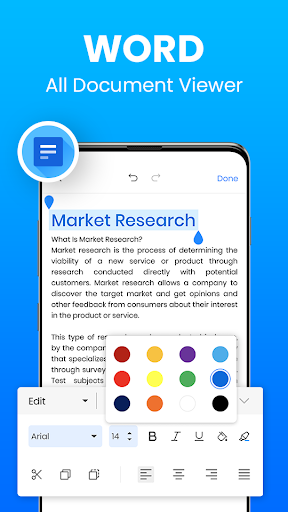
The editing suite handles DOC, DOCX, and DOCS files, allowing users to enter an active edit mode to adjust text, draft new content, check spelling, and leave inline comments. Built-in track changes help manage multi-person revision processes by showing edits made to a draft before it is returned to colleagues. These text-editing capabilities operate offline, making it possible to update resumes, review contracts, or polish reports during commutes. However, users should verify that their edits are saved properly before closing a file, as brief read-only reopening issues or unapplied changes have been noted during use.
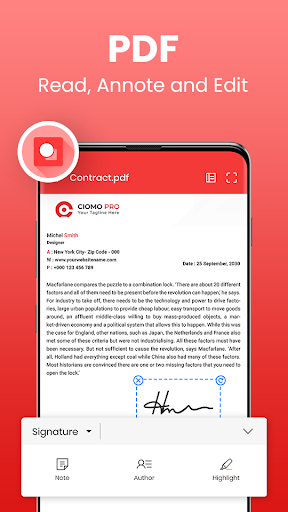
For PDF files, the app goes beyond a simple viewer by offering reading modes, line highlighting, text notes, and document bookmarks to simplify reviewing long manuscripts or invoices. Additionally, an integrated camera scanner uses optical character recognition technology to capture paper documents, transform physical pages into digital text, and save them as searchable files. This workflow lets users digitize physical notes, printed handouts, or signed hard copies and keep them alongside their standard digital files.
Your comment was submitted and is awaiting moderation.
Your comment was published.