App Screenshots

Document and PDF scanner tool
In this version, you'll find:
– Minor bug fixes and design improvements
Enjoying the app? Leave us a review—it helps us improve.
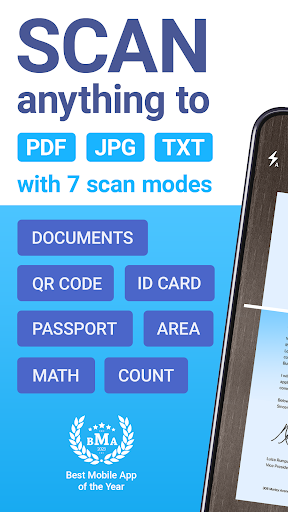
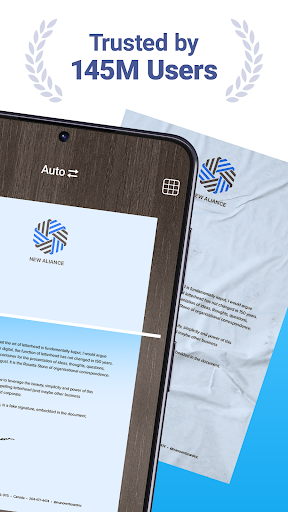
Digitizing physical paperwork into accessible electronic files is a common necessity, and iScanner – PDF Scanner App fulfills this task by transforming a mobile device camera into a document processing tool. The app allows users to capture physical items like receipts, tax forms, contracts, and assignments, automatically applying artificial intelligence to adjust edges and clear up image distortion. Scans can then be converted into multiple file formats, including PDF, JPG, DOC, XLS, PPT, or TXT. Beyond standard document capturing, it incorporates specialized functionality such as an OCR engine for text recognition, tools for editing and signing PDFs, and specialized scanning modes for math equations and QR codes.
The document capturing workflow relies on automated features to clean up scans without manual fine-tuning. Built-in AI tools automatically detect document borders, straighten misaligned captures, and compensate for perspective distortion. Users can also enhance image legibility directly within the app by removing shadow areas, clearing up blur, or erasing unintended objects from the file. Additionally, AI functionality extends to text handling, providing options to summarize, edit, and refine the text recognized within scanned materials.
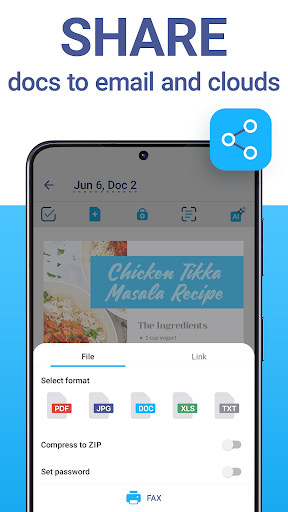
A key component of the app is its Optical Character Recognition (OCR) engine, which analyzes text within captured images across more than 20 languages. Once processed, documents are not restricted to image-only formats. Users can export their files as standard PDFs or high-resolution JPGs, or convert them into editable text and office document formats, specifically DOC, XLS, PPT, and TXT.
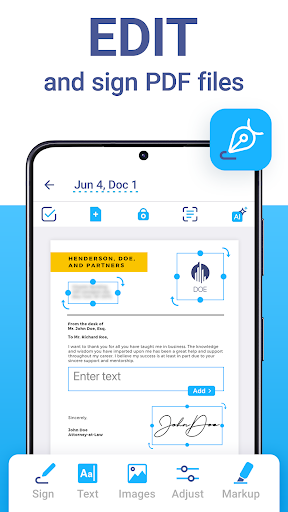
Beyond simple capturing, the app includes built-in PDF manipulation capabilities. Users can insert digital signatures into documents, either by signing manually on screen or placing an image of a pre-existing signature onto the file. Form-filling is supported through custom templates and text fields. For document organization and privacy, the platform lets users merge several separate documents into a single PDF or split a large file into individual pages. Sensitive information can be protected by blurring out specific text sections, applying watermarks, or placing confidential items inside PIN-protected folders within the built-in file manager.
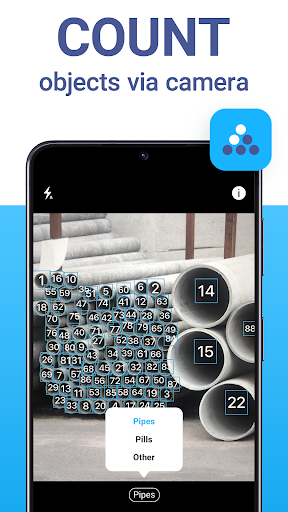
In addition to standard multi-page paper documents, the interface offers specialized capture modes tailored to specific items:
Files managed inside the app can be synchronized across multiple mobile devices. Scanned documents are organized through a file manager that supports drag-and-drop folder structuring, and users can access their saved library remotely using any standard web browser across different platforms.
Your comment was submitted and is awaiting moderation.
Your comment was published.