App Screenshots



Document reader and editor
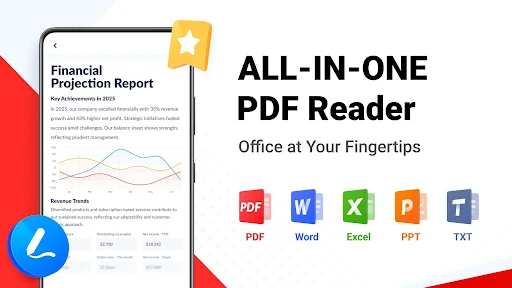
PDF Reader – PDF Editor acts as a centralized document viewer and editor that brings together PDFs, Word documents, Excel sheets, PowerPoint presentations, and text files into a single location. Beyond basic file viewing, it provides targeted tools to edit PDFs offline, convert stored images into standard PDF files, and open password-protected documents. The software automatically scans local and external storage to organize these varied document types, making it easier to review contracts, inspect spreadsheets, or manage digital paperwork without switching between separate software tools.
The app reads a broad selection of file extensions, including DOC, DOCX, XLSX, PPT, and TXT alongside standard PDFs. Readers can open spreadsheets to examine specific cells, review slides ahead of a presentation, or scan through multi-page text documents and resumes. Navigation options allow users to toggle between continuous scrolling and page-by-page viewing modes, manually enter a specific page number to jump instantly to target content, or zoom in on fine details. When dealing with secured files, the viewer prompts for and accepts passwords to unlock restricted PDFs.
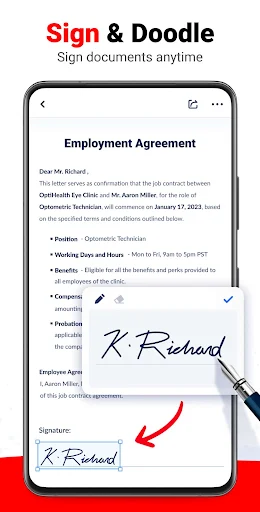
Editing functions allow for quick modifications to existing PDF files directly on the device. Users can rotate pages to fix layout orientations, print documents directly from the app, and rename or delete unwanted files. A built-in image converter turns existing pictures into PDF documents, outputting formatted files without requiring an active internet connection.
The system aggregates documents stored across internal and external memory into a single screen, eliminating the need to search through separate system folders. Page navigation for long documents is handled through thumbnail previews, which let readers jump to specific sections by selecting a page visually. Frequently referenced files can be starred for one-click access, while an internal file details viewer provides immediate context regarding file size, original storage path, date last modified, and date last viewed.
Your comment was submitted and is awaiting moderation.
Your comment was published.