App Screenshots
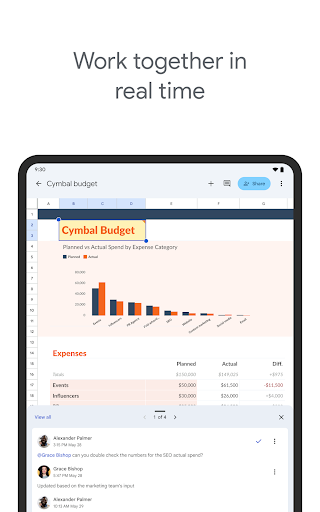

Mobile spreadsheet editor and collaboration tool
* Bug fixes and performance improvements
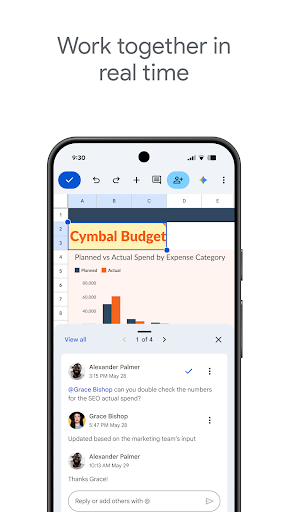
For working on spreadsheets outside the office, Google Sheets provides a dedicated mobile workspace to build, edit, and organize data directly from a phone or tablet. It allows users to manage financial logs, travel budgets, invoices, and task lists using a grid layout with standard lettered columns and numbered rows. Beyond basic data entry, its primary utility lies in shared editing, allowing multiple team members to update the same document, leave comments on specific cells, and handle feedback without managing multiple file versions.
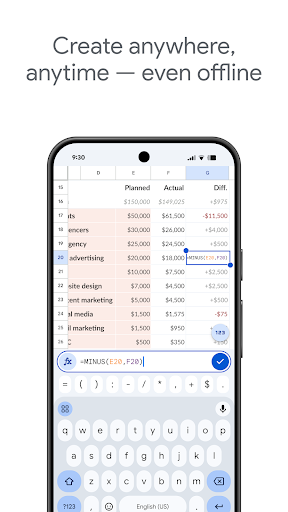
Navigating a large grid on a small display is handled through an interactive view where selecting any cell highlights it with a blue border and displays its exact reference. The bottom toolbar positions core tools right next to the touch keyboard, allowing quick toggling between text and numeric input. Users can enter standard formulas, sort data, apply bold styling, adjust text alignment, and select fill colors to highlight key metrics. For broader adjustments, additional menus provide access to advanced cell formatting and chart visualizers, making it practical to review visual data or fix an error in an invoice line while away from a computer.
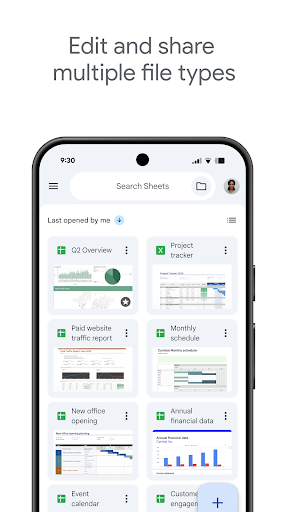
Working with teams relies on real-time feedback loops built into the document structure. Instead of exchanging separate messages, users can attach comments directly to individual cells, reply to ongoing threads, and receive activity notifications. The top menu includes dedicated controls for managing sharing permissions, exporting files, applying data filters, and executing find-and-replace searches. Native support for Microsoft Excel files allows users to open, edit, and save incoming spreadsheets without converting them beforehand. Automatic background saving ensures recent edits are preserved when jumping between tasks or switching across devices throughout the day.
To keep projects moving when internet access is spotty, the app includes offline editing tools. Users can open existing sheets, alter formulas, or input new rows during travel or field work without an active data connection. Local changes stay saved on the device memory and automatically sync to the cloud once a stable connection returns.
Your comment was submitted and is awaiting moderation.
Your comment was published.