App Screenshots
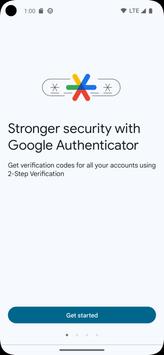
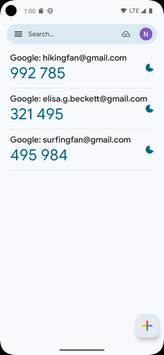

Two-factor authentication code generator
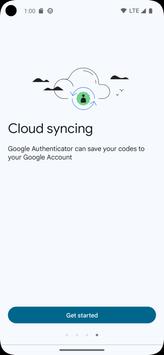
* Cloud syncing: Your Authenticator codes can now be synced to your Google Account and across your devices, so you can always access them even if you lose your phone.
* Privacy Screen: Access to Authenticator can now be protected by your screen lock, PIN or biometric.
* Improved UX and visuals: We've made the app easier to use and more visually appealing.
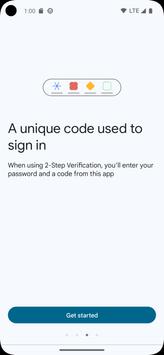
For accounts that require two-factor authentication, Google Authenticator provides time-based and counter-based one-time passcodes to complete sign-ins securely. It operates independently of cell service or an internet connection by generating codes locally directly on the device. To simplify managing security credentials across multiple mobile devices or upgrading to a new phone, it supports optional encrypted synchronization with a Google Account alongside manual account export tools.
The app functions as a localized code generator, delivering valid one-time security passcodes even when the device is set to airplane mode or located in an area with no cellular reception. It supports standard time-based codes that refresh automatically on short timers, as well as counter-based codes. To ensure that generated codes align accurately with external services, the underlying device relies on automated system date and time settings.
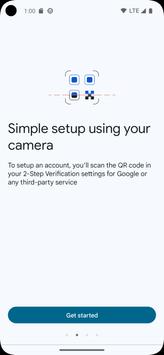
Users can add accounts by capturing a QR code using the device camera or manually typing in a provided setup key. Once loaded, all entries are stored within a central dashboard. From this interface, entries can be searched, renamed, or reordered to keep daily credentials organized.
To prevent lockouts during hardware upgrades or when using multiple devices, the app features optional cloud synchronization tied to a Google Account. When enabled, authentication data is synced across connected devices with encryption applied both in transit and at rest. Alternatively, users can migrate selected accounts manually without cloud storage by generating an export QR code on the old device and scanning it into the app installed on the new one.
Your comment was submitted and is awaiting moderation.
Your comment was published.

















 Moving to a new phone without losing anything